As part of the Design Team, the pattern cutter records a wide range of information within the style sheet.
Begin by selecting your name from the drop-down list and pick the date you commenced pattern construction, this information will immediately update the critical path and inform your team of the style progress throughout the design room.
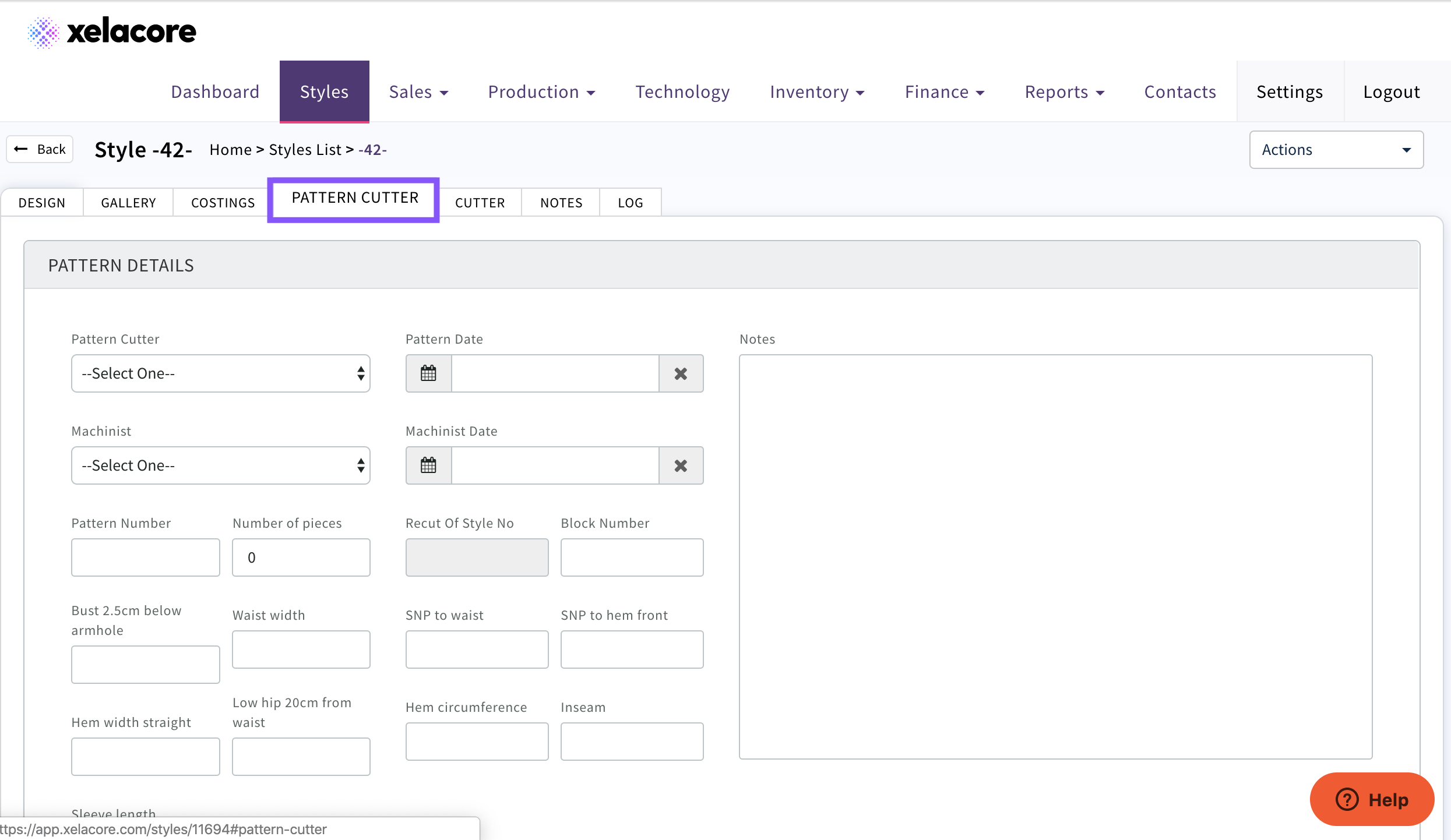
Enter key pattern measurements and any notes you may wish to include, which you can refer back to in the event of changes.
Add detailed construction notes to share with the machinist and subsequent production team members. These construction details are visible to other members of the production team and will be handed over to the factory during the pre-production sampling phase.

Select the Machinist from the drop-down list along with the date they commence make-up of the garment.
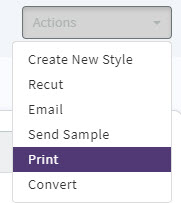
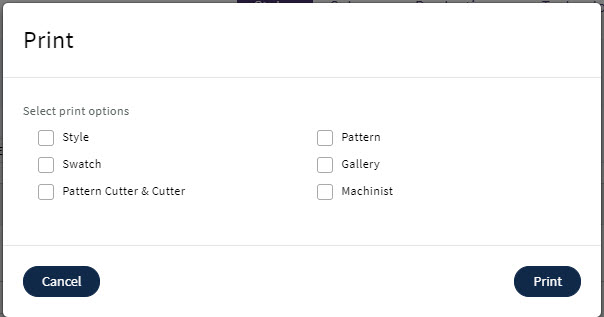
The style information can be printed on a range of convenient forms by selecting the Actions button and choosing the print option.
Select a single document or a range of documents and click the print button to process.
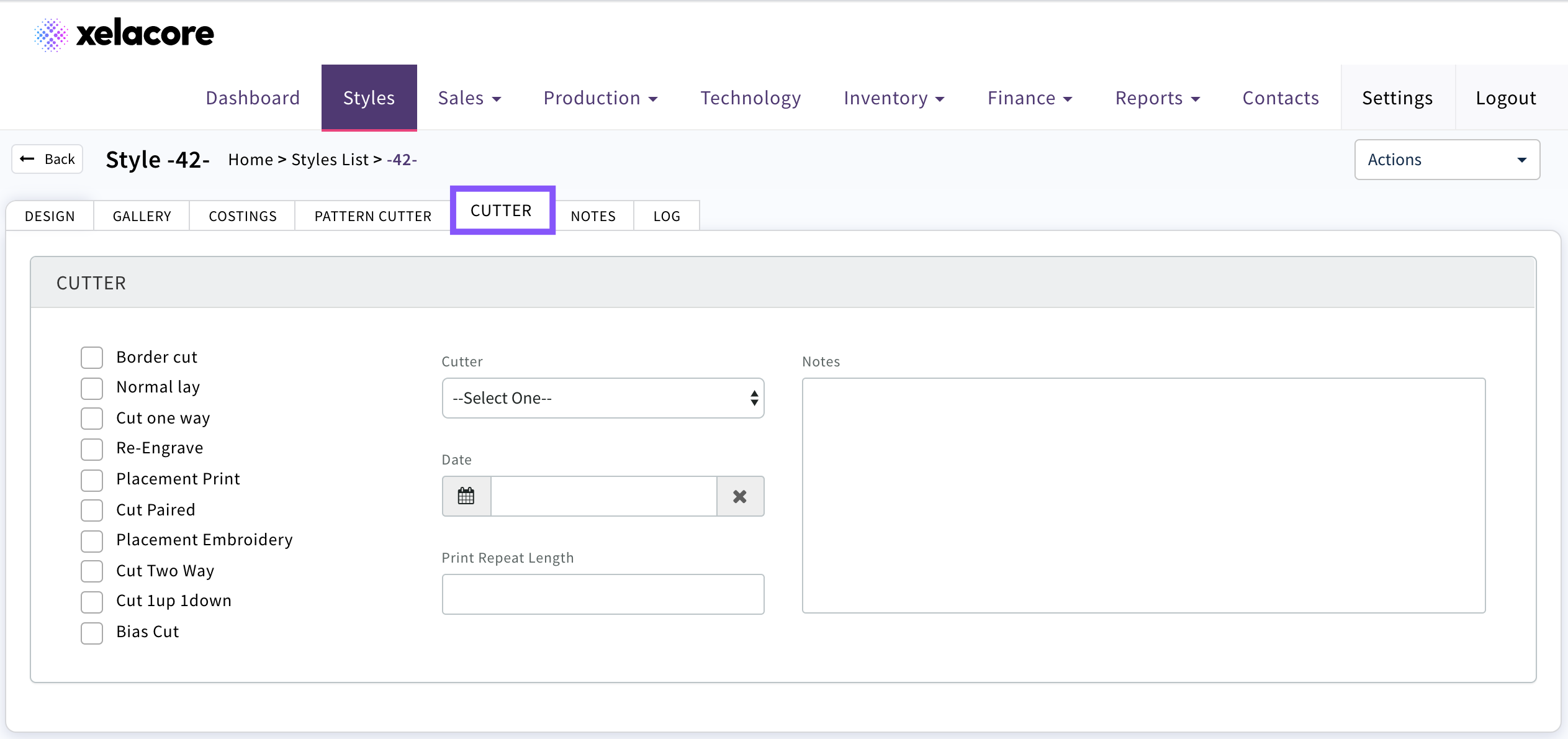
Cutter - Add details of how the fabric should be cut by selecting from the options, cutter details and notes
0 Comments