You must be signed in to submit support requests in Help Center.
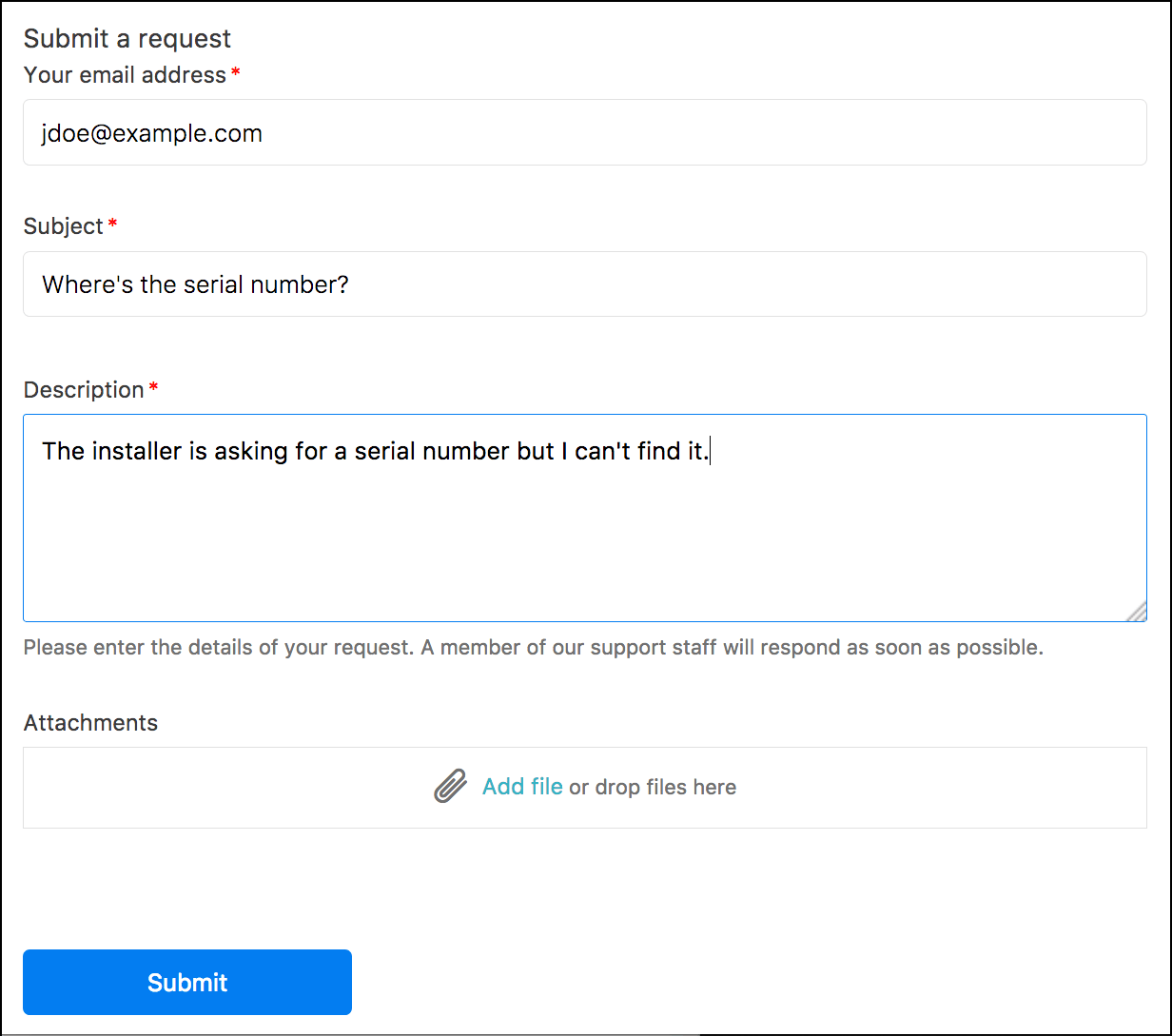
- Click Submit a request at the top of the page.
- If the CC option is enabled for the Help Center and you are signed in, you can add an email address to copy a user on the ticket. To copy multiple users, use a comma to separate each email address.
- Enter a subject and description of the problem.
-
Tell us what part of the program are you experiencing the issue
-
Add any attachments. such as screen captures to aid in describing your problem.
- Click Submit.
0 Comments