It is quite common for major high street retailers to request a discount in exchange for payment of invoices within the agreed payment days.
Adding discount rates to the client details will ensure that every time you create a new sales costing, the appropriate discount rate will be automatically applied to your calculations, and guarantee that you are viewing the correct garment margin for your sale.
If a discount rate is created or changed after costings have been created with the client only new costings created will apply the new discount rate.
Begin by selecting the Contacts 'Clients'
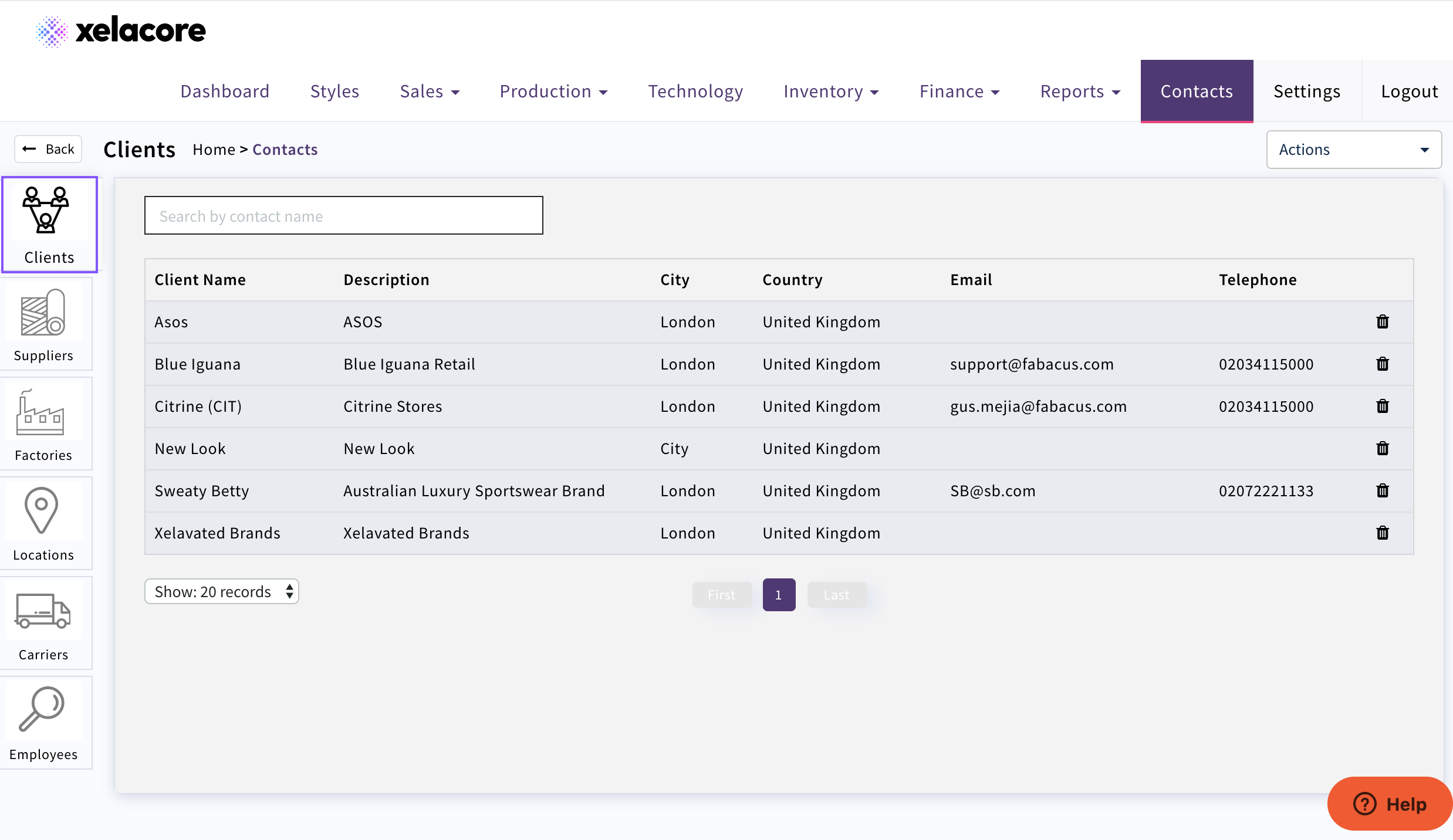
Select the client you wish to add or modify a discount rate
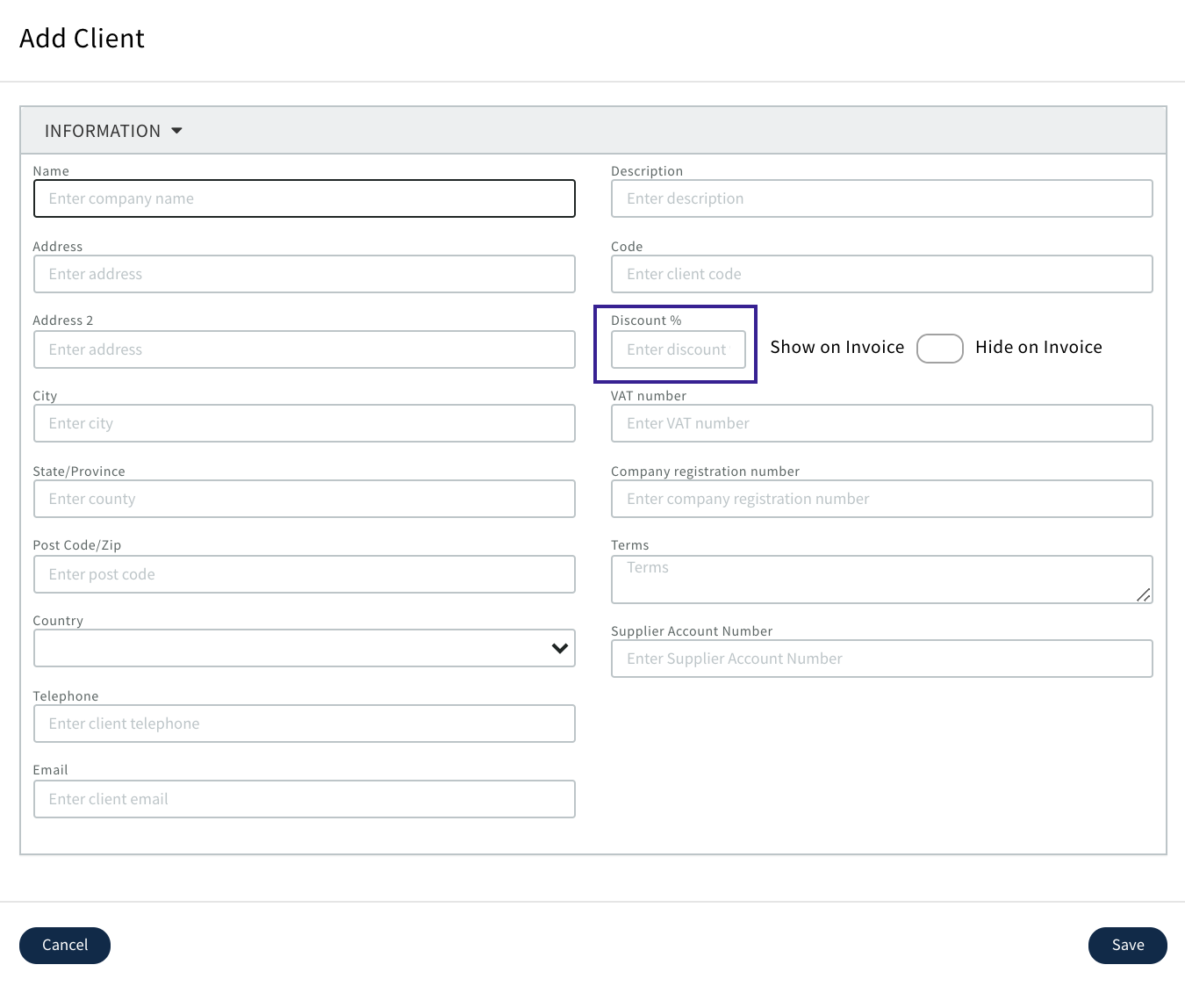
Enter the Client discount
Apply

The discount will automatically be applied to any future costing margin calculations
If you do not want the settlement discount to display on the invoice then select the below 'Hide on Invoice'

0 Comments