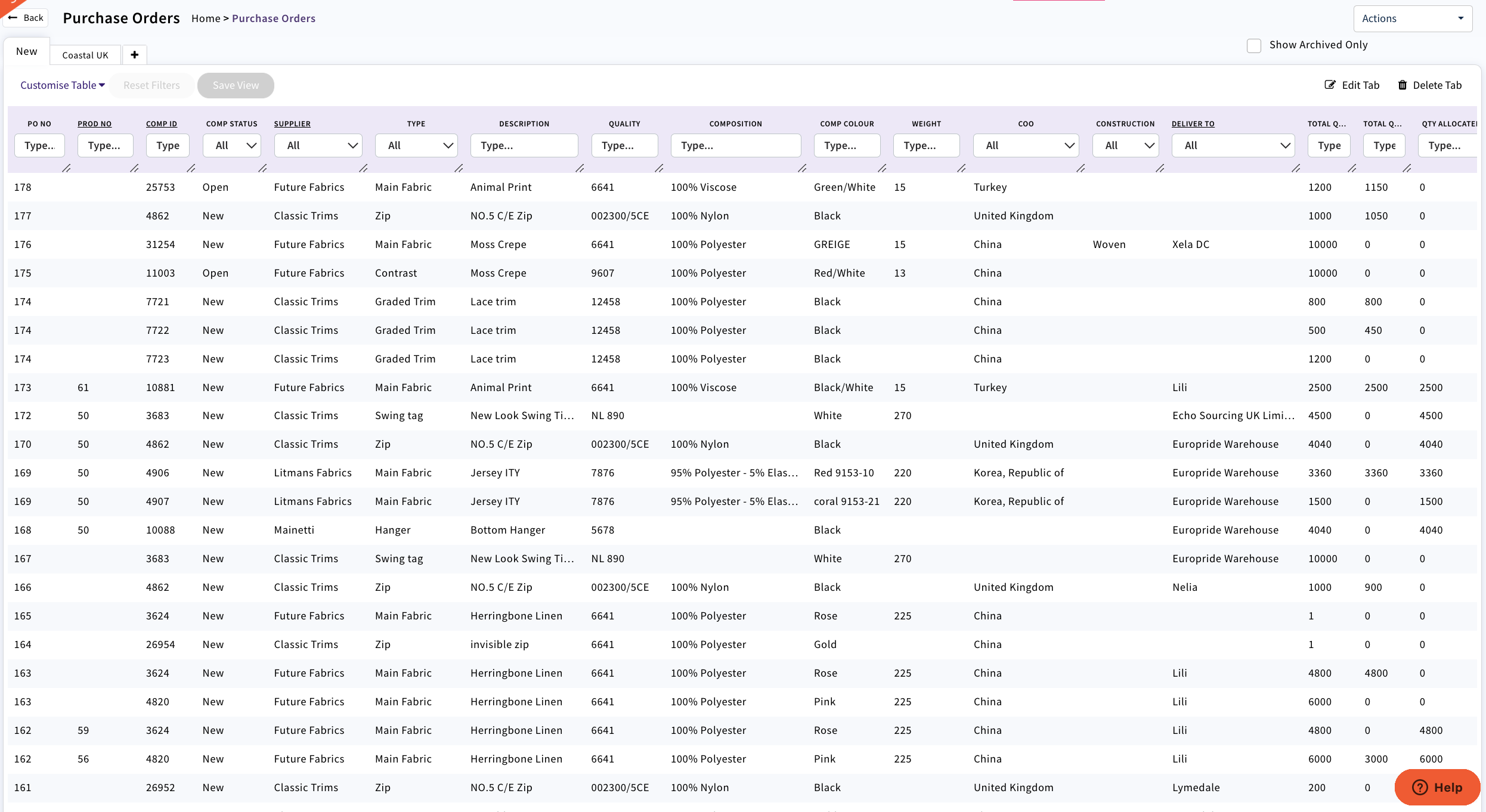
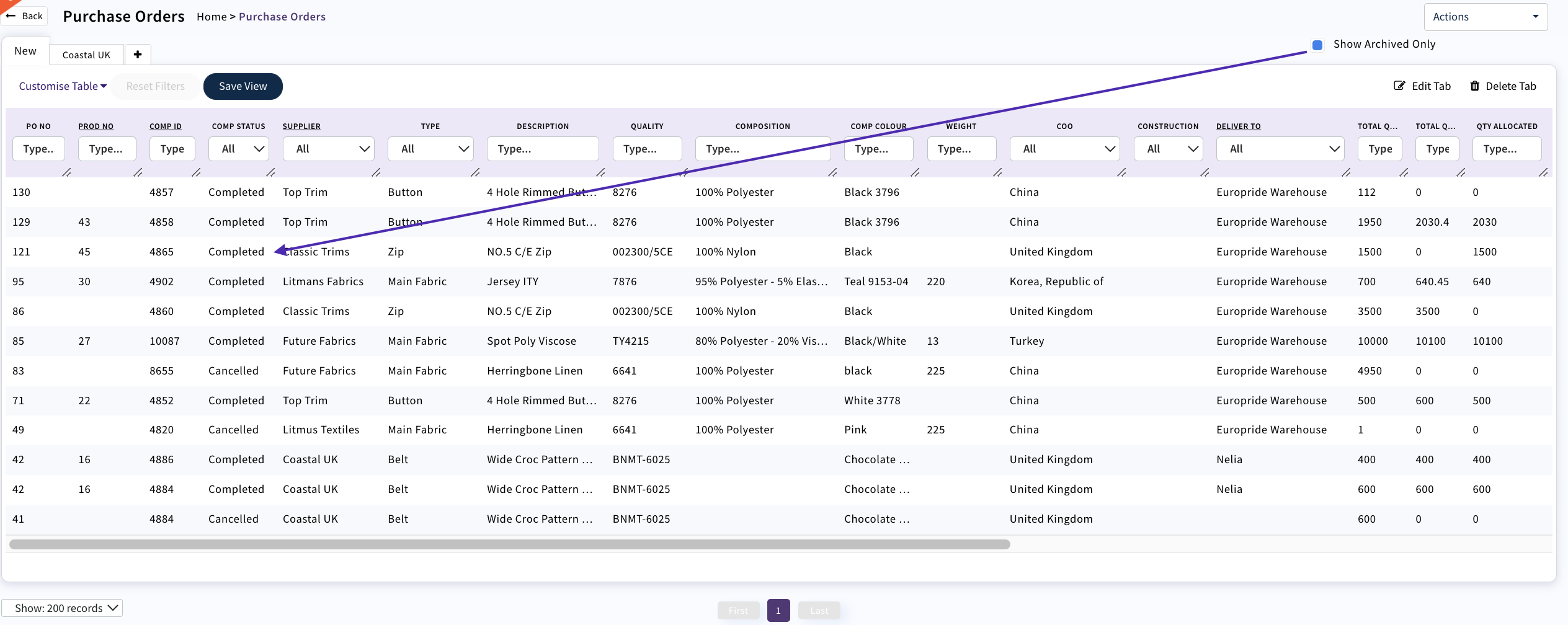
The Purchase Order dashboard displays all component orders in any status apart from Completed or Cancelled.
To view completed or cancelled PO's select 'Show Archived Only'
Use the search fields to retrieve or sort your information.
- Search for a specific purchase order or component id
- All orders for one production order
- All orders from one supplier
- All orders made within a specified date range
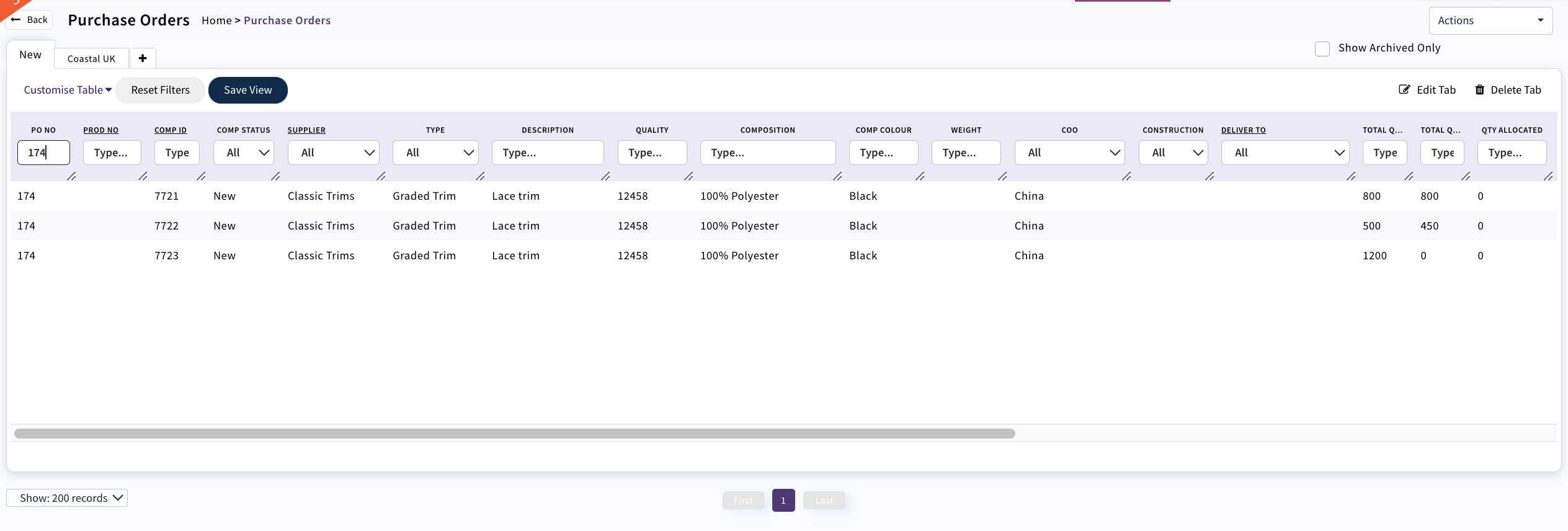
Multiple components can be on the same purchase order
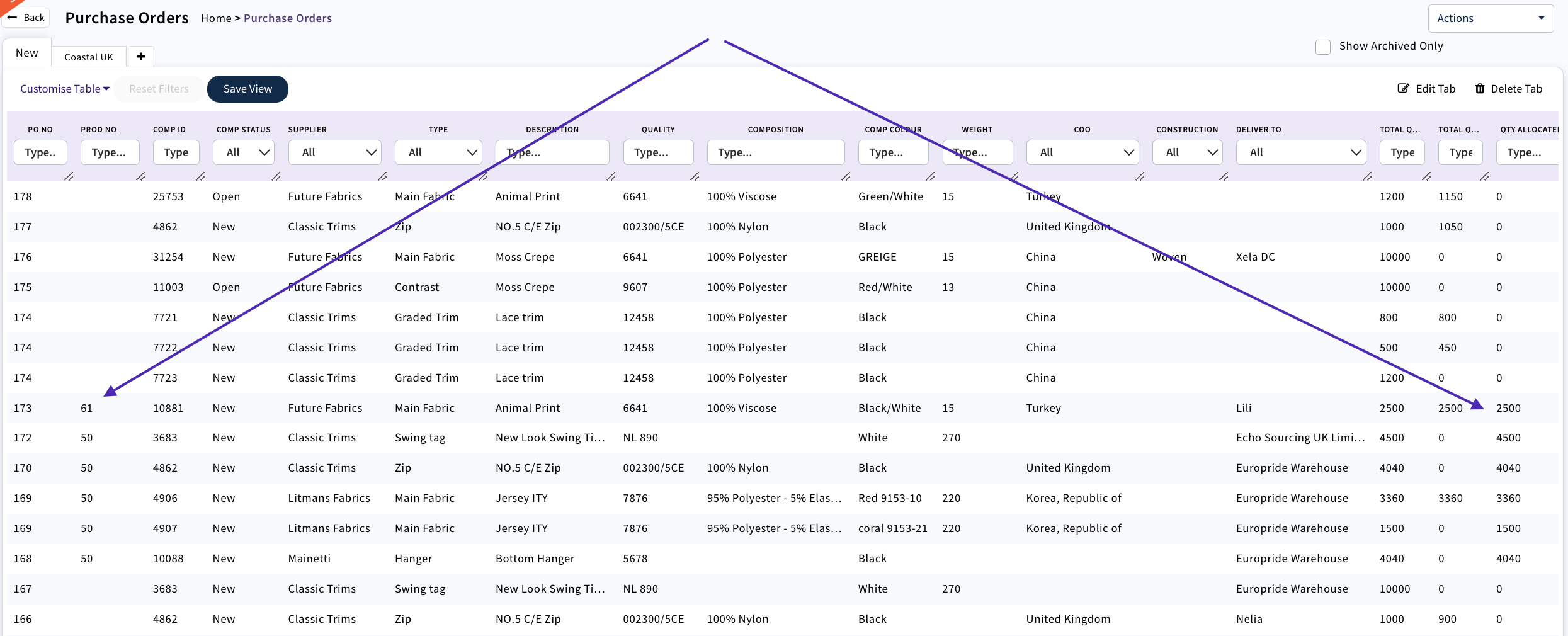
If the component has been allocated against a production order the number will display and the quantity allocated
Clicking on the row will open the Purchase order
To see all Purchase Orders in a 'Completed' status use the 'Show Archived Only' button
0 Comments