When using the List Views you can change the width of the columns to reveal more data or hide space
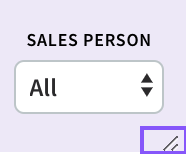
The Column has to have the below symbol to be able to be changed
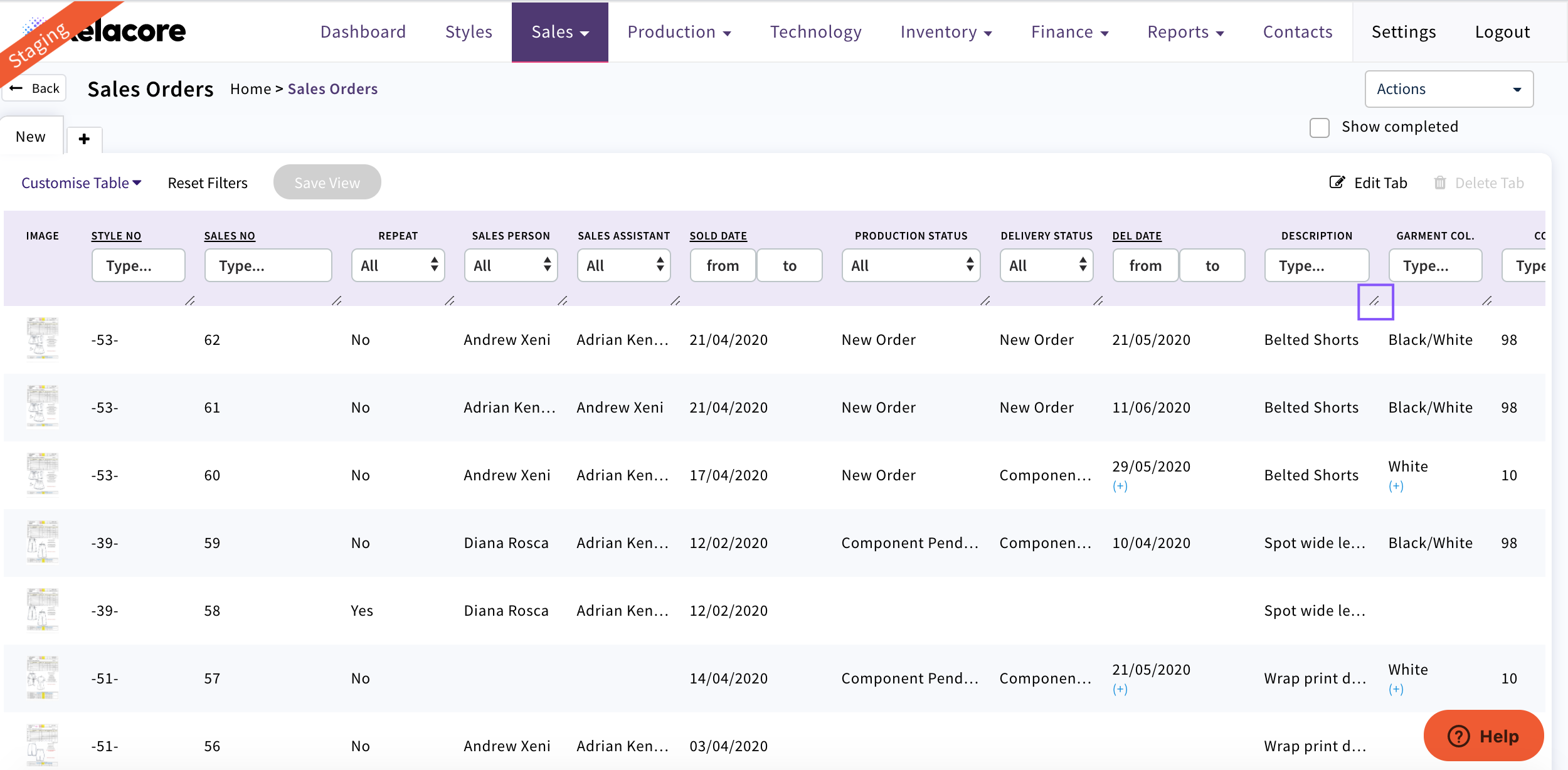
Use this symbol to drag the column to your desired width
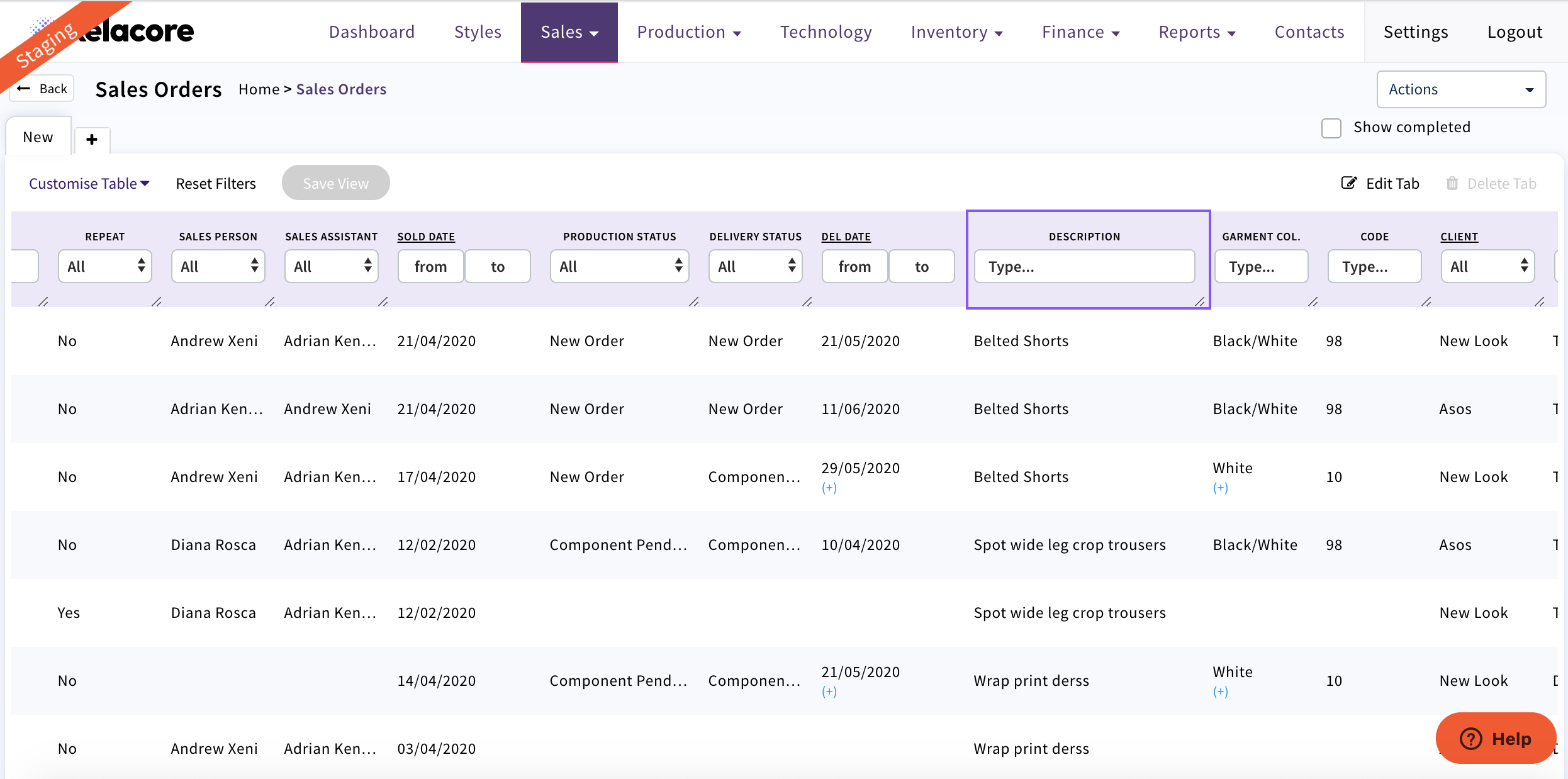
Now all data is visible
When using the List Views you can change the width of the columns to reveal more data or hide space
The Column has to have the below symbol to be able to be changed
Use this symbol to drag the column to your desired width
Now all data is visible
0 Comments