Once a Style has been created in Xelacore it can be printed or mailed to team members or customers
Choose your Style from the List View
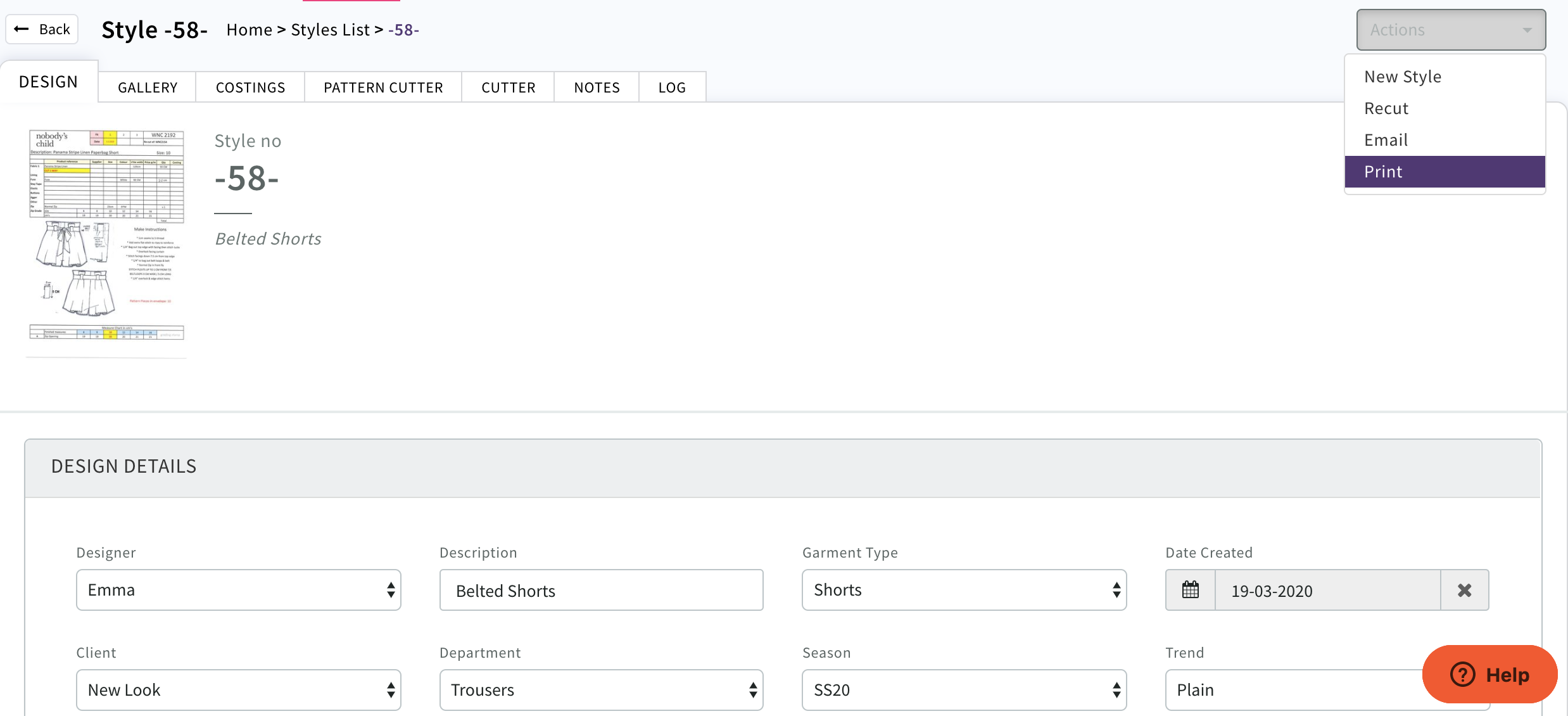
Open Select Actions Print
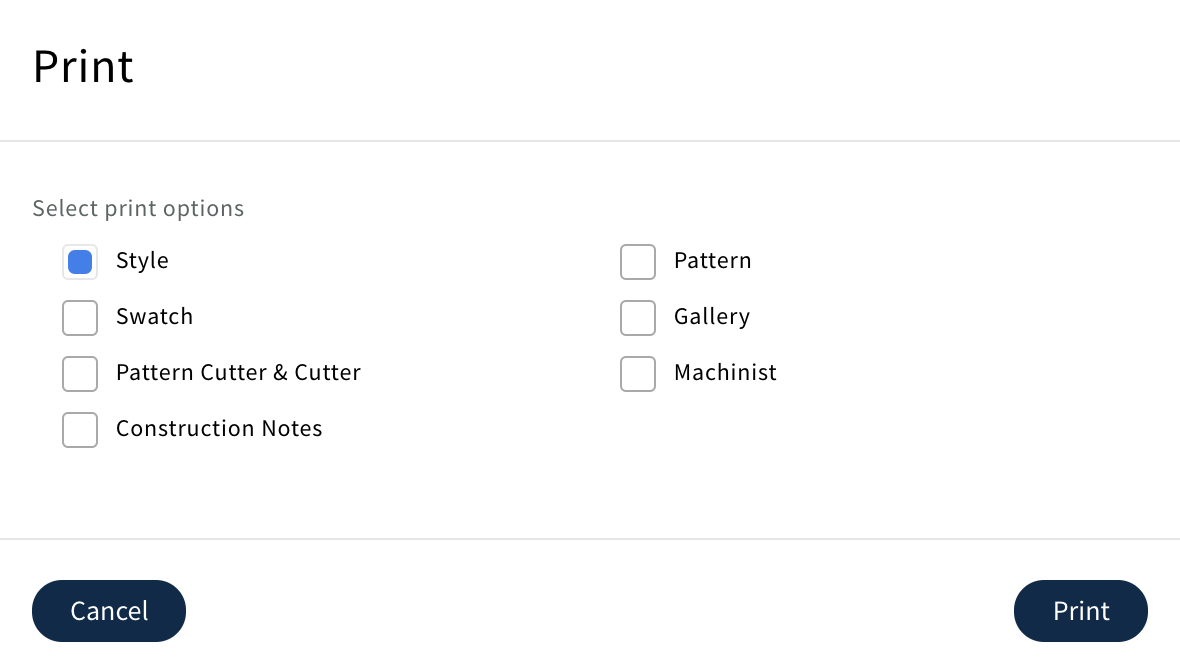
Select which version (pdf) you would like to print
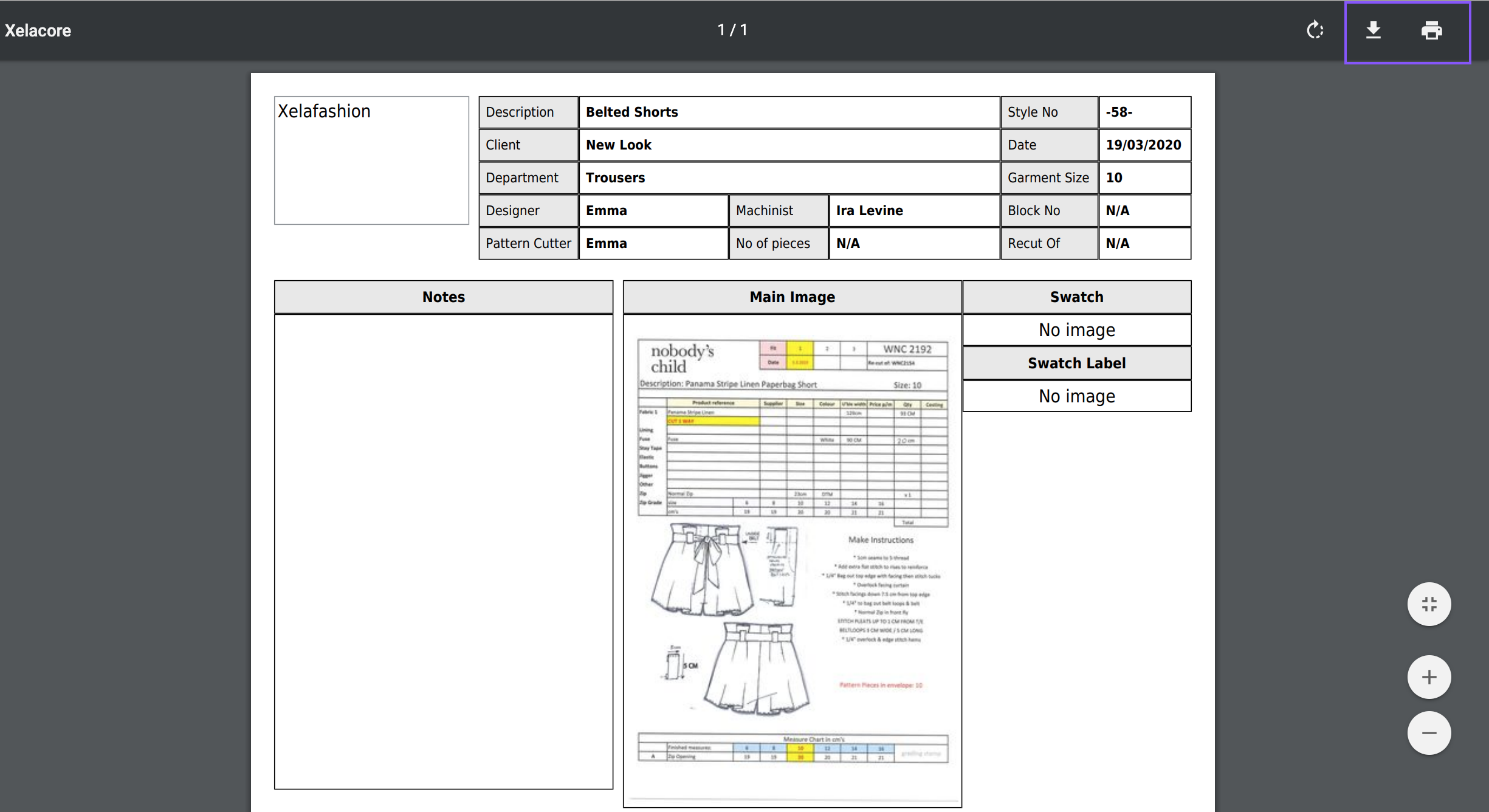
pdf will be generated and can be downloaded or printed
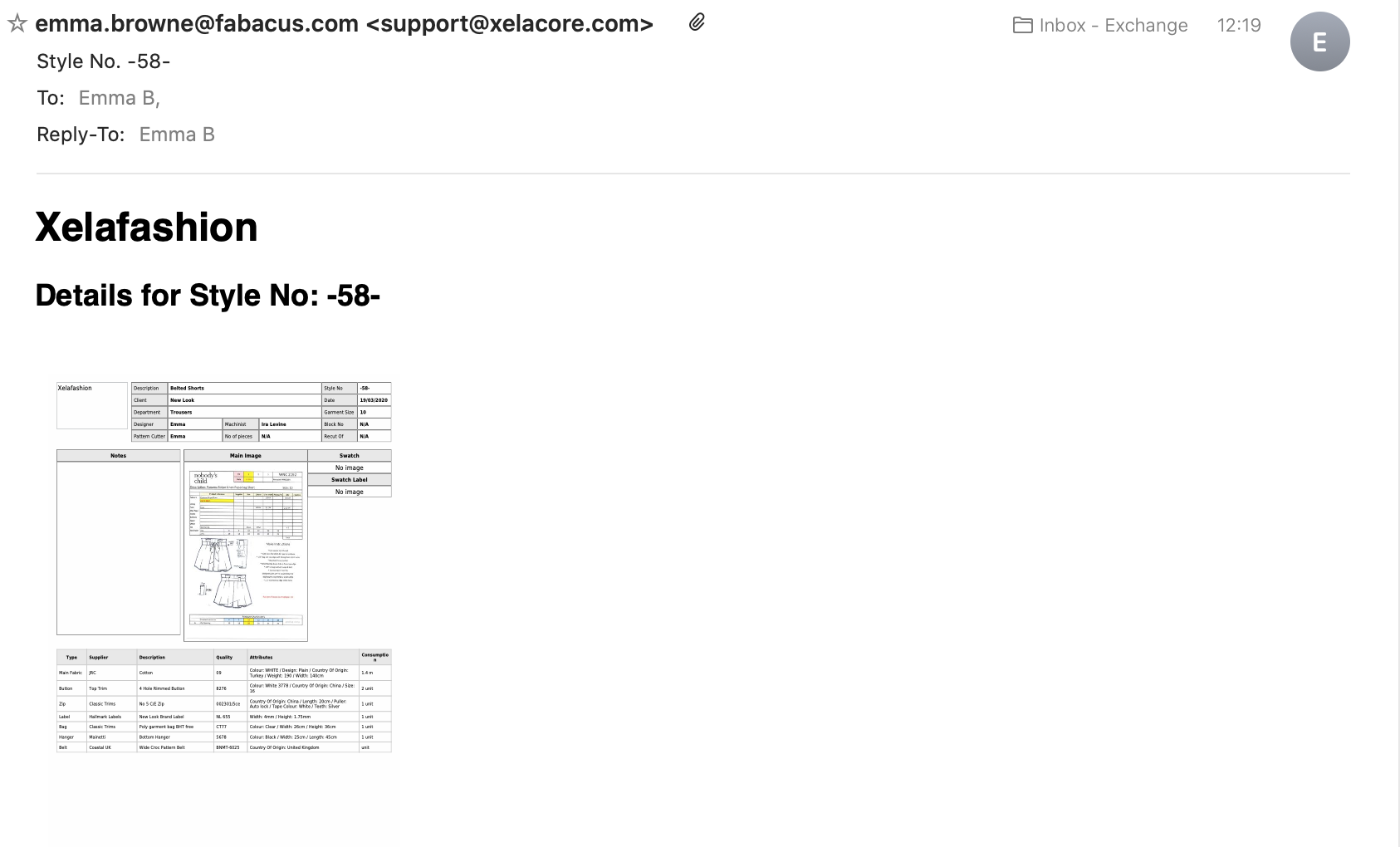
To mail the style details choose Actions 'Mail' Select recipients and choose type of pdf to be sent
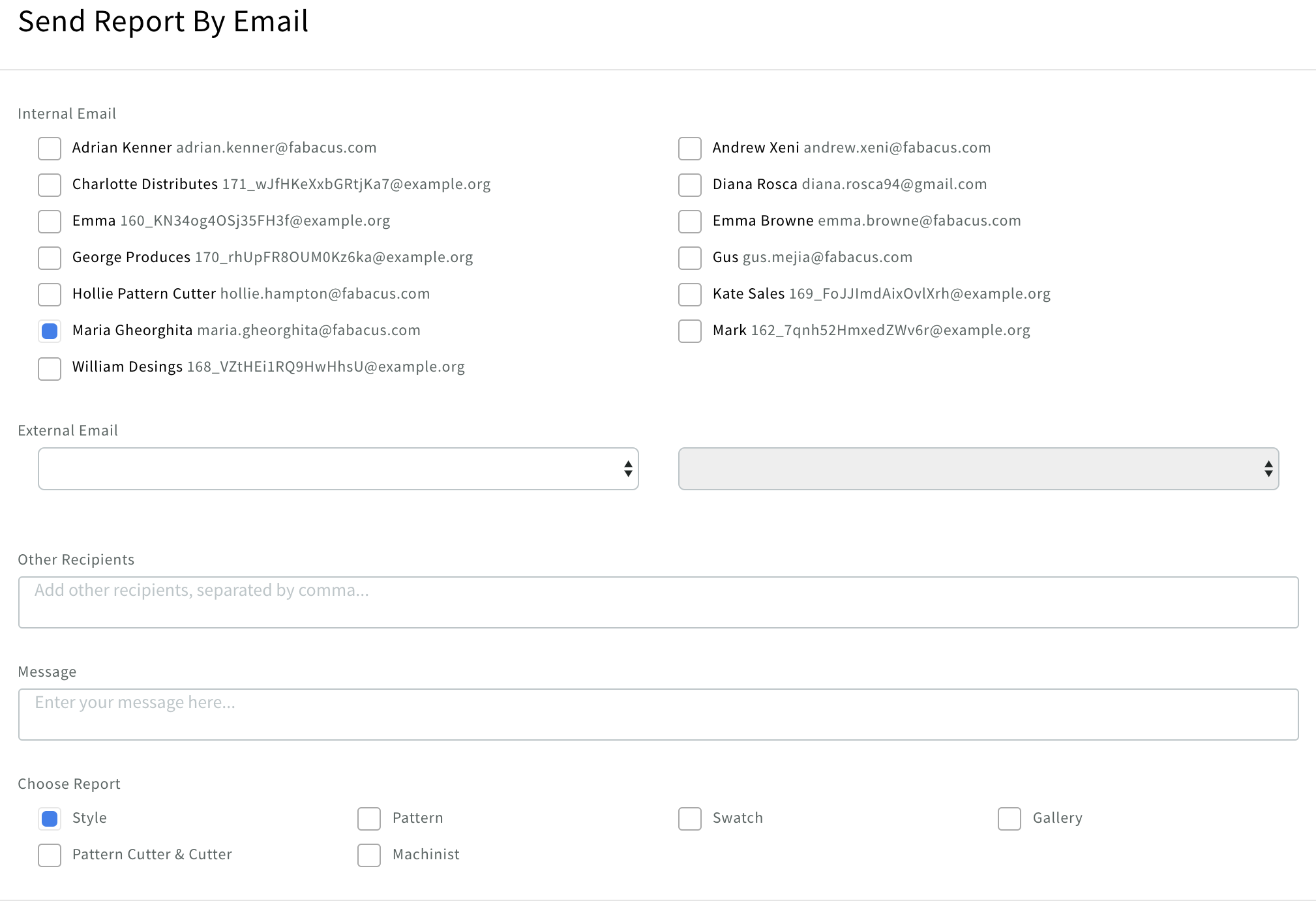 Select

Recipient will receive mail as below
0 Comments