Any List View that displays data in columns can be customised to just show columns that you require to view
- Select Customise Table
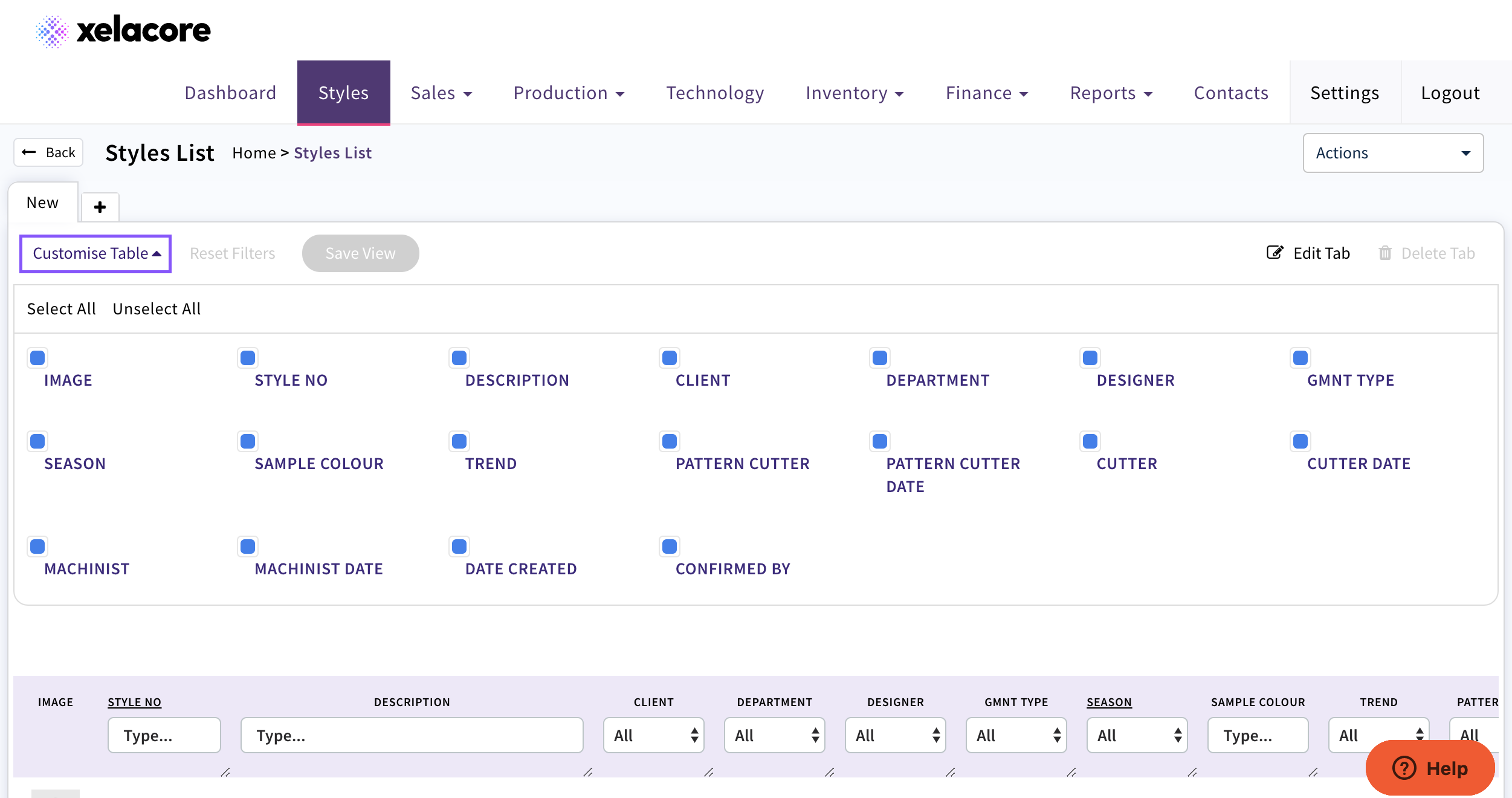
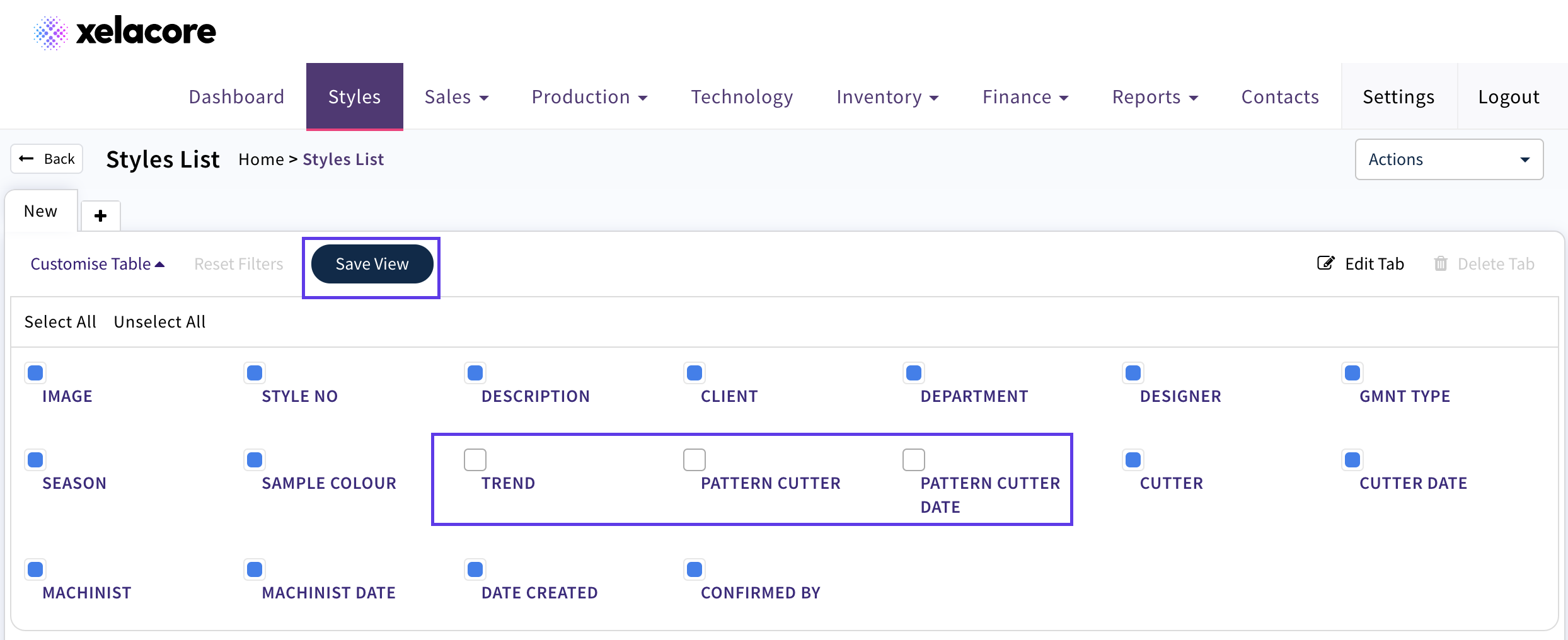
- De-select Column Titles not required
- CLICK save View
Also you can add additional tabs to set up multiple views e.g. by client, factory etc. to help manage critical path
- CLICK +
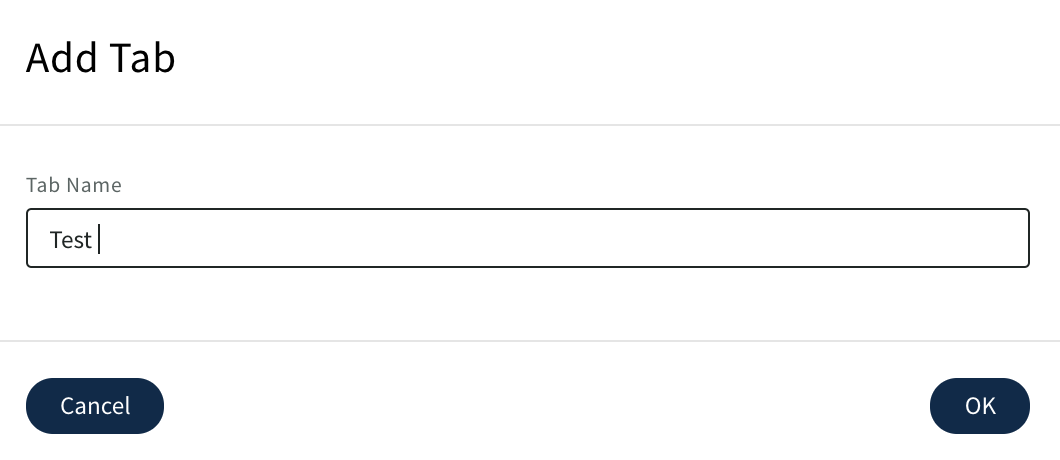
- Name your new tab
- CLICK 'OK'
- Select Customise
- Select columns to hide
- Filter on required data e.g. Client
- CLICK Save View
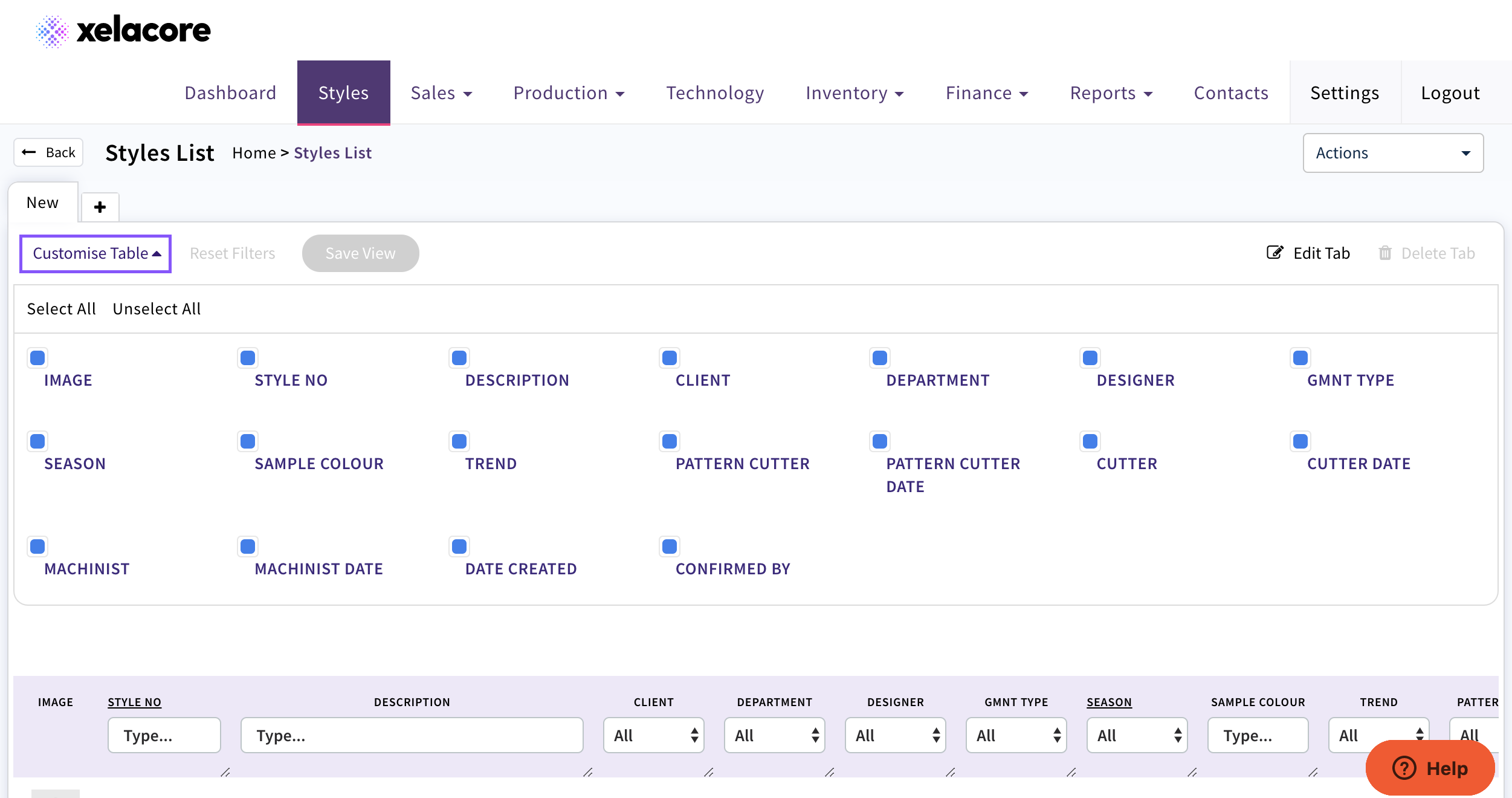
Now multiple tabs can be customised as required
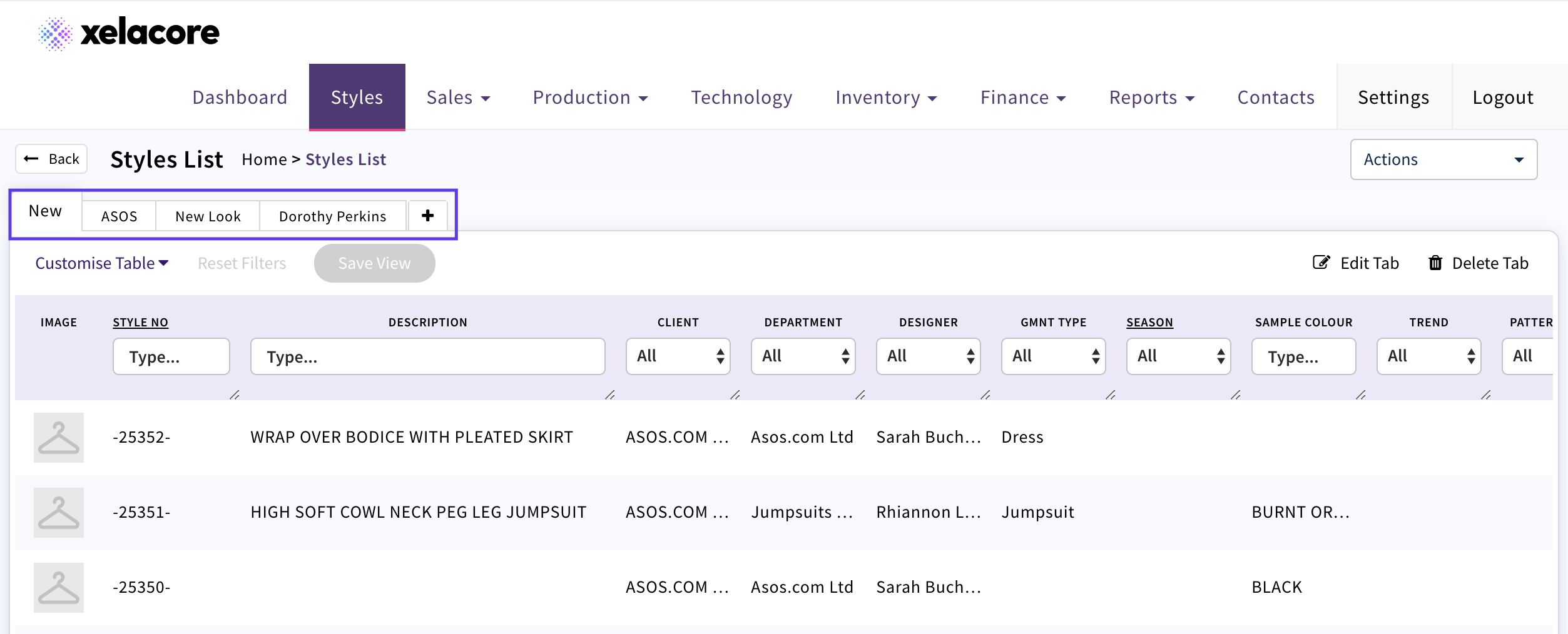
To delete or edit a tab title use below icons

0 Comments