The Design Team need to create styles in Xelacore to be costed and sold to customers.
First Select Styles in the Main menu then Actions 'New Style'
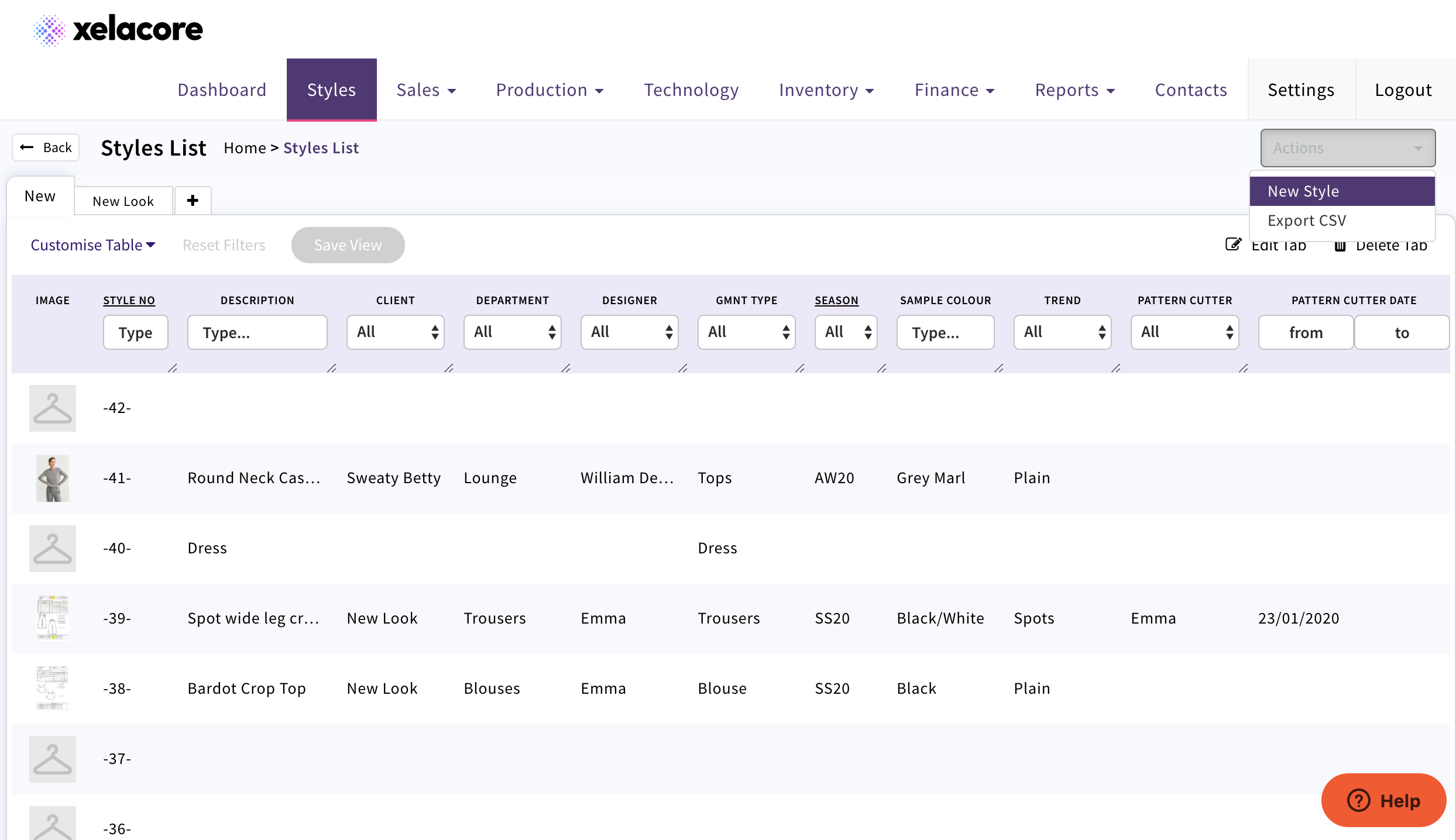
Xelacore will assign a Style number
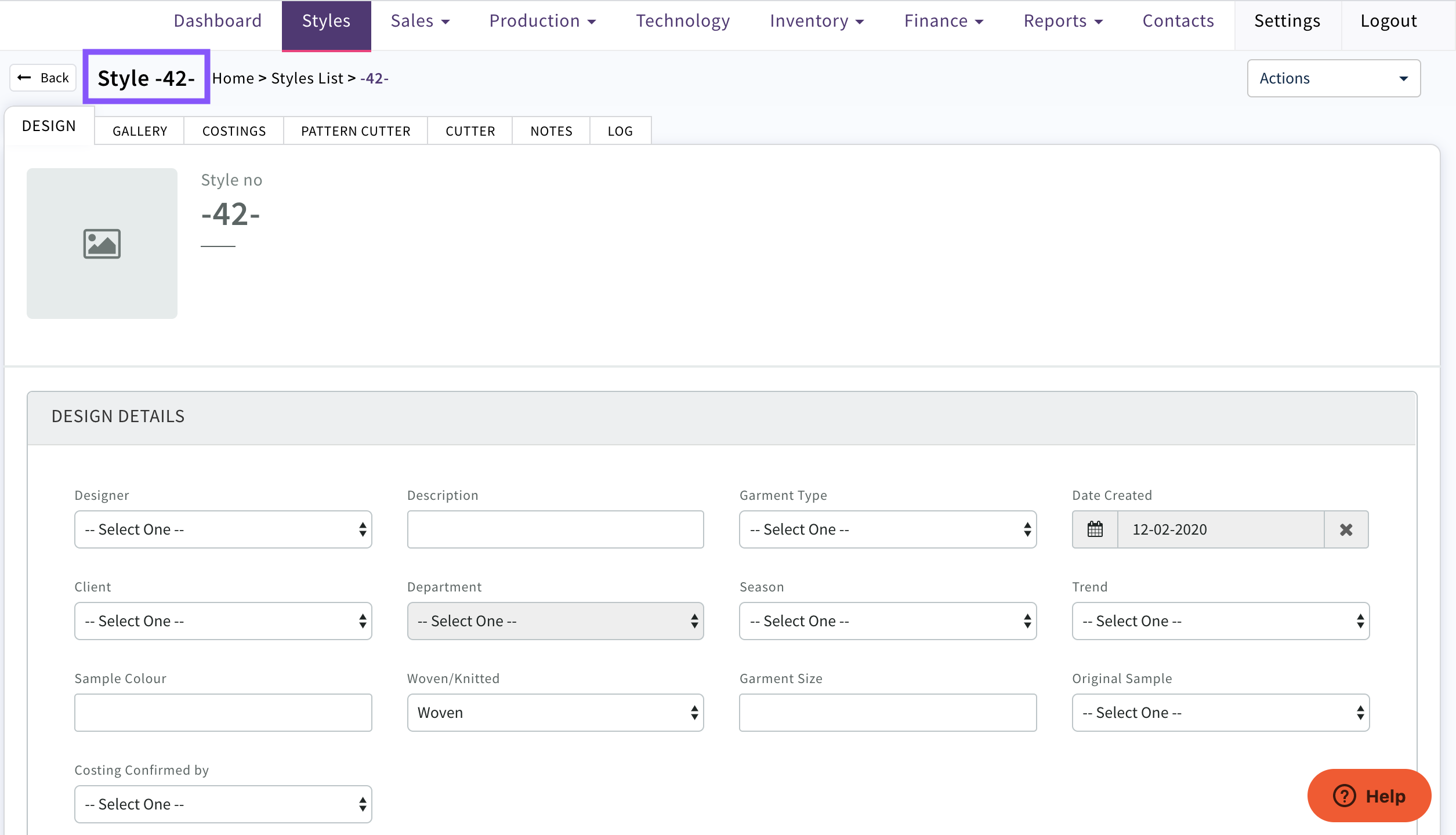
In the DESIGN tab fill in details.
Any values not available in drop downs e.g. garment type need to be created in Contacts by your system administrator.
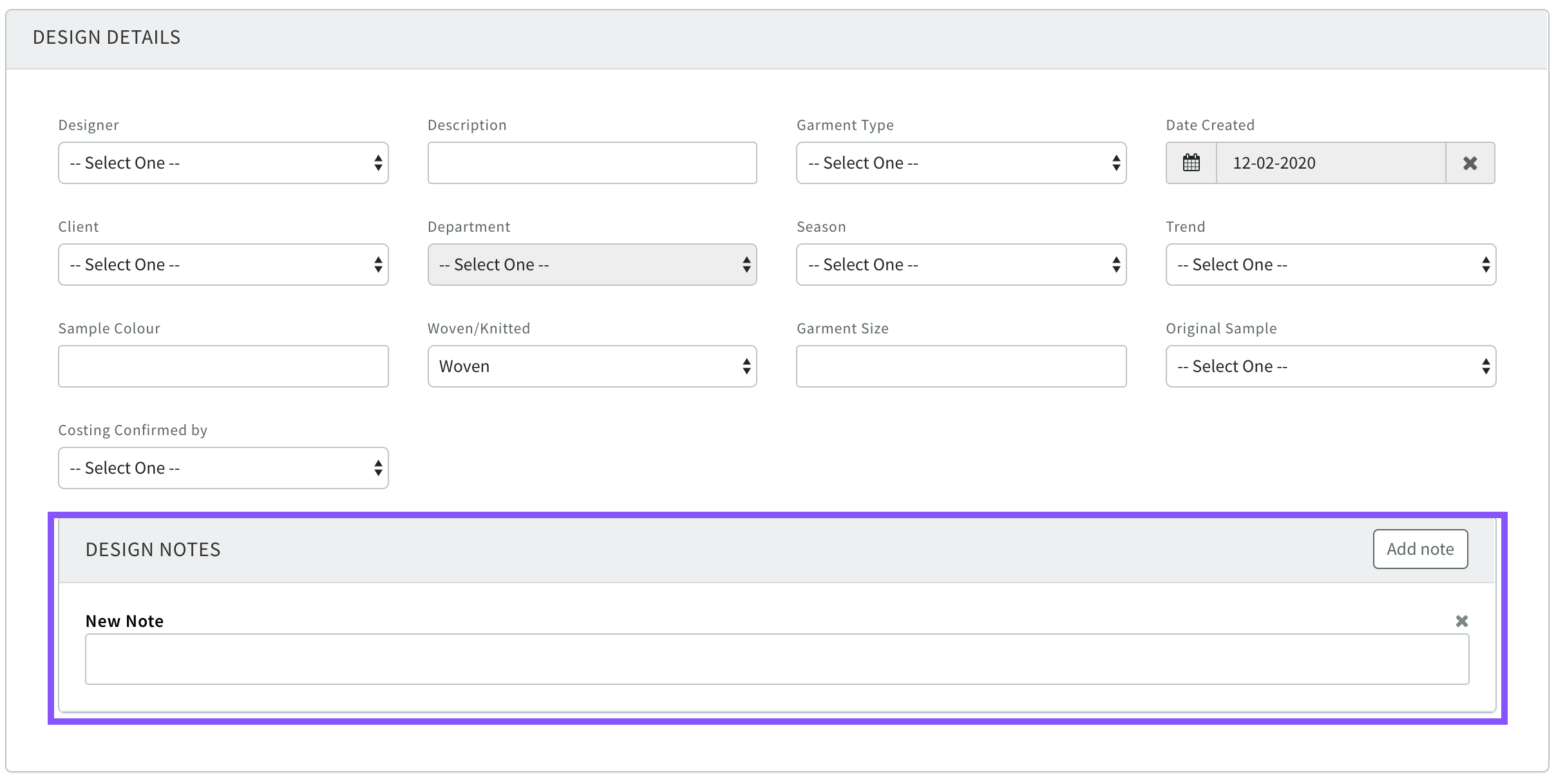
Add any design notes
Notes can be created and saved in bullet point format and will maintain for pdf's
GALLERY tab
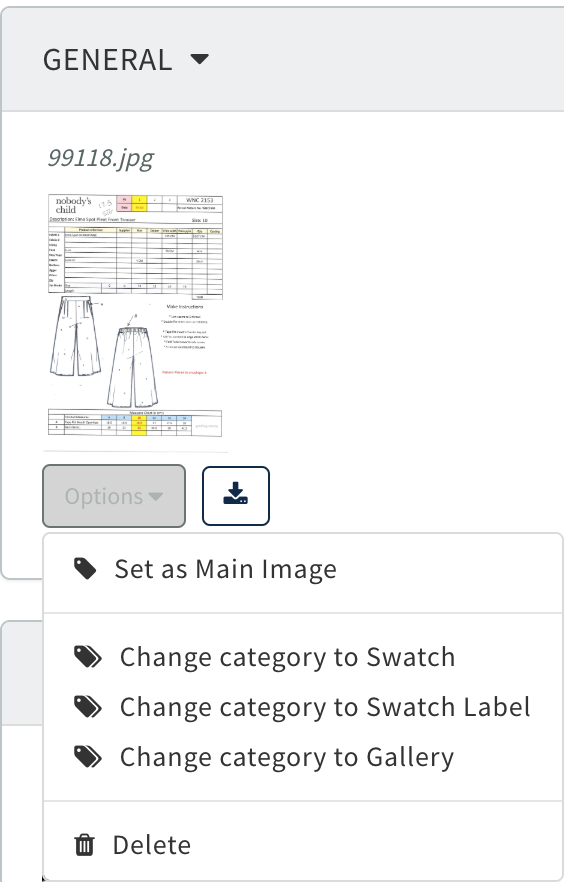
Use 'Upload' to add Images of the style/design/fabric swatches and any inspirational images
Use 'Options' to select the image to be used as the main Image or change the category for an image in the Gallery
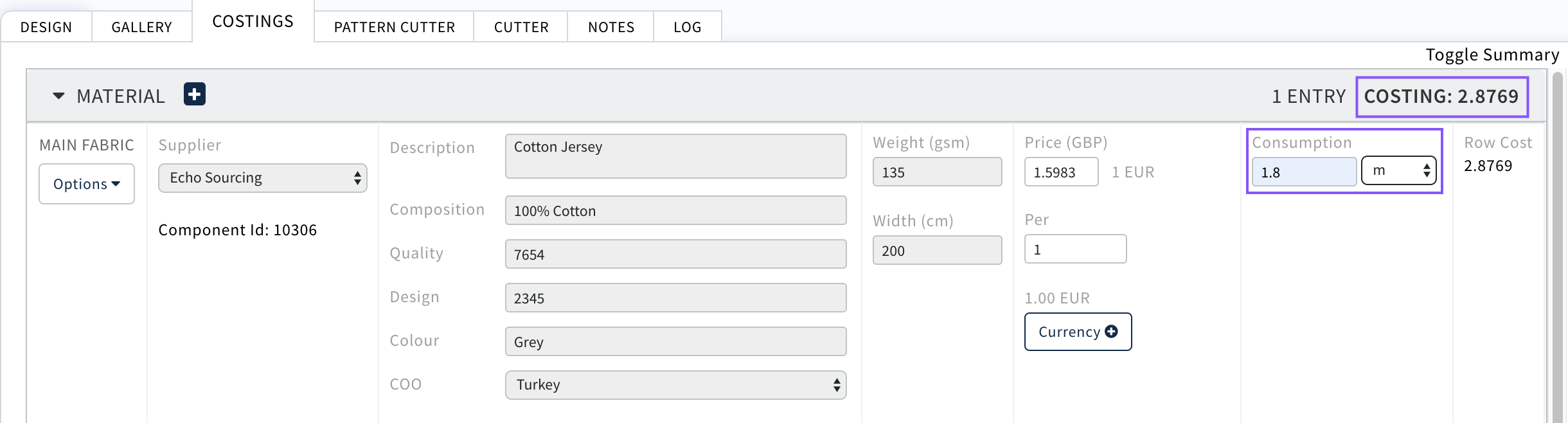
COSTINGS tab
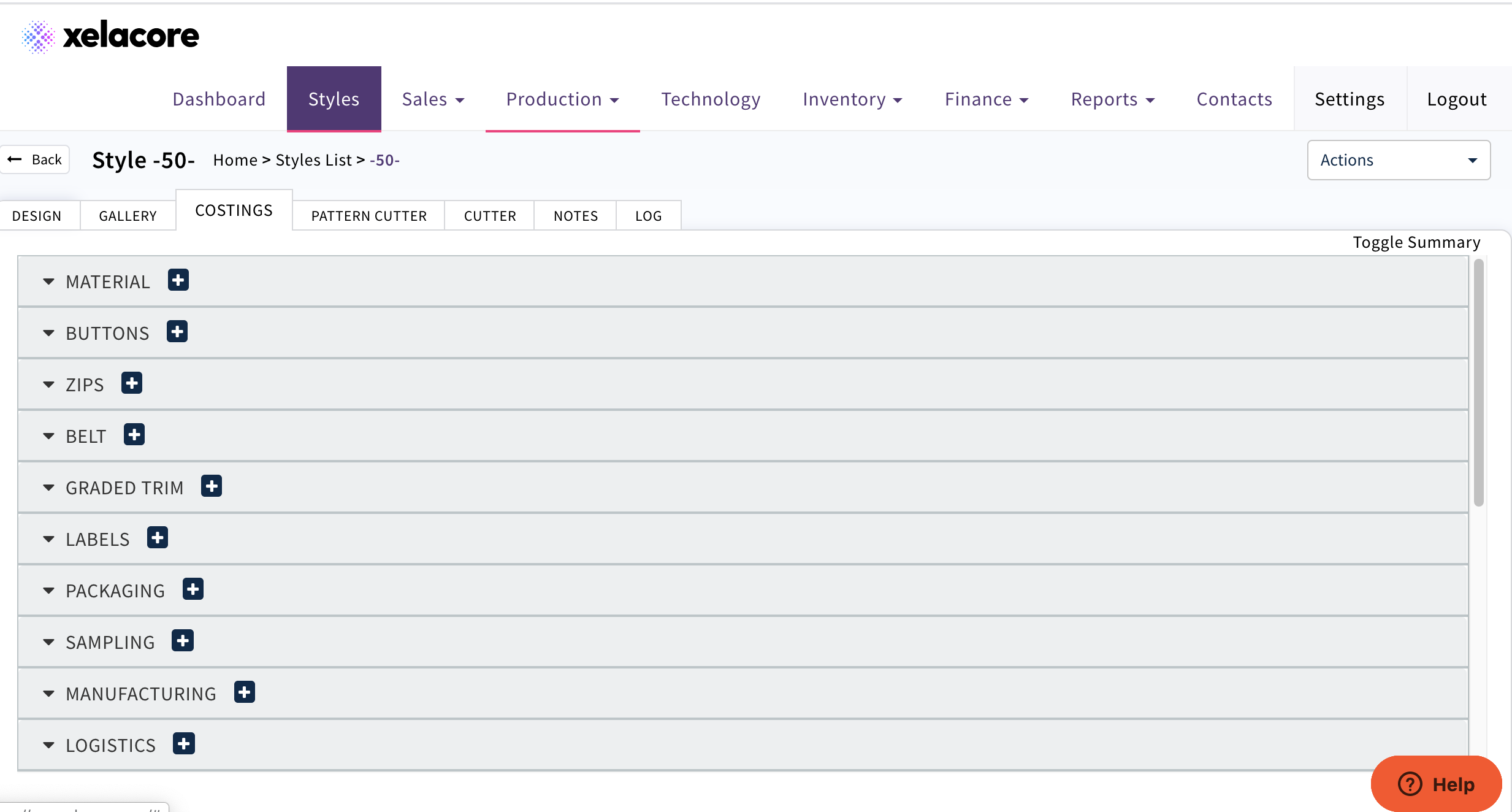
To help the Sales Team to cost the garment add all of the known component details from the sample and consumption per garment if known
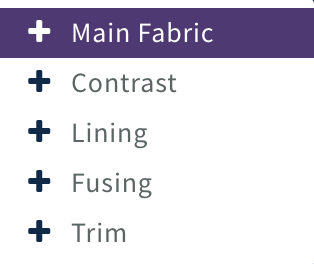
Use  symbol to select component type e.g. Material /Main Fabric
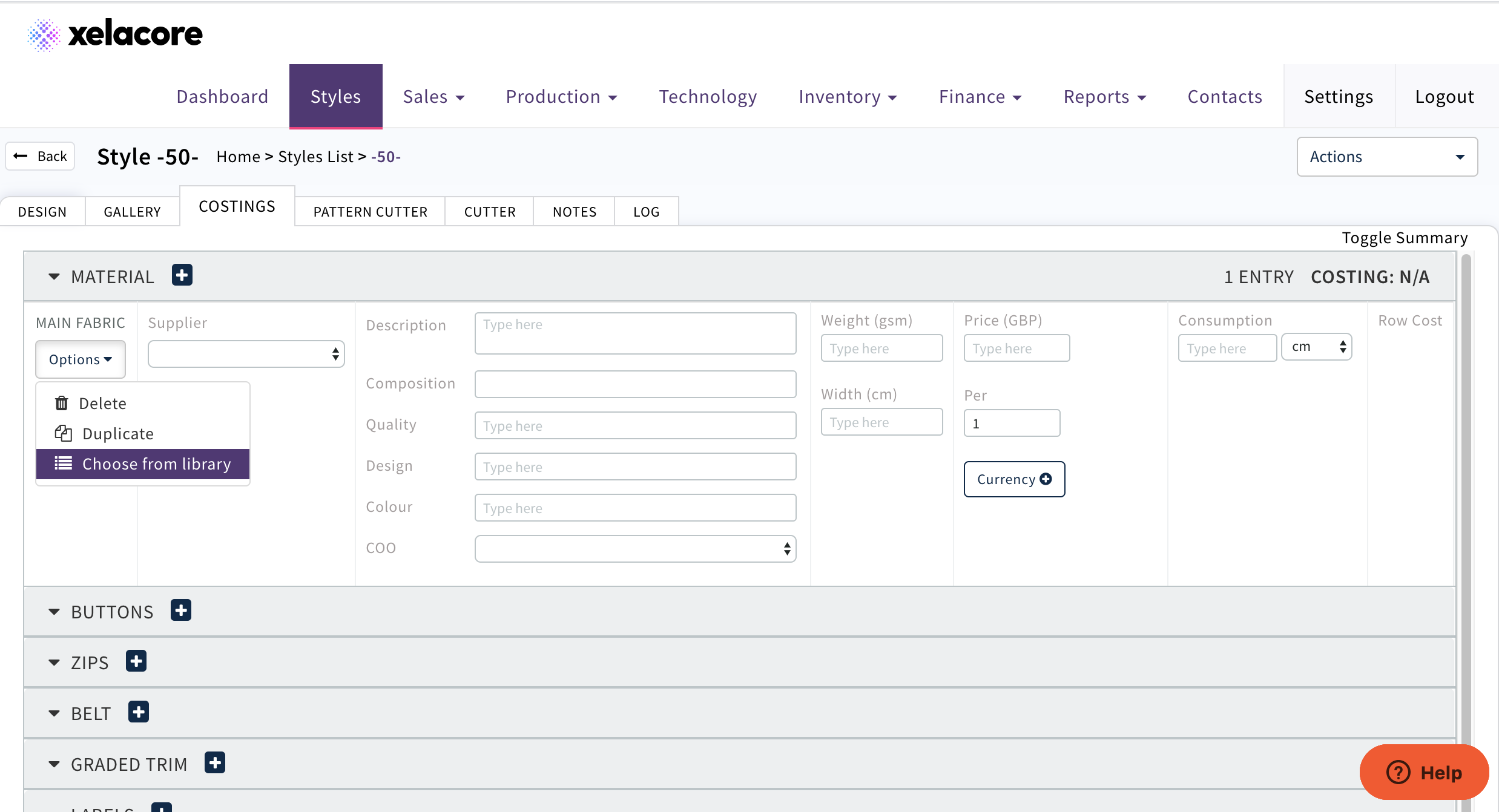
Select 'Options' to choose from the component library
Note; If the component does not appear in the list it needs to be created in Inventory/ Component Library
Use the search functionality to find the component and select
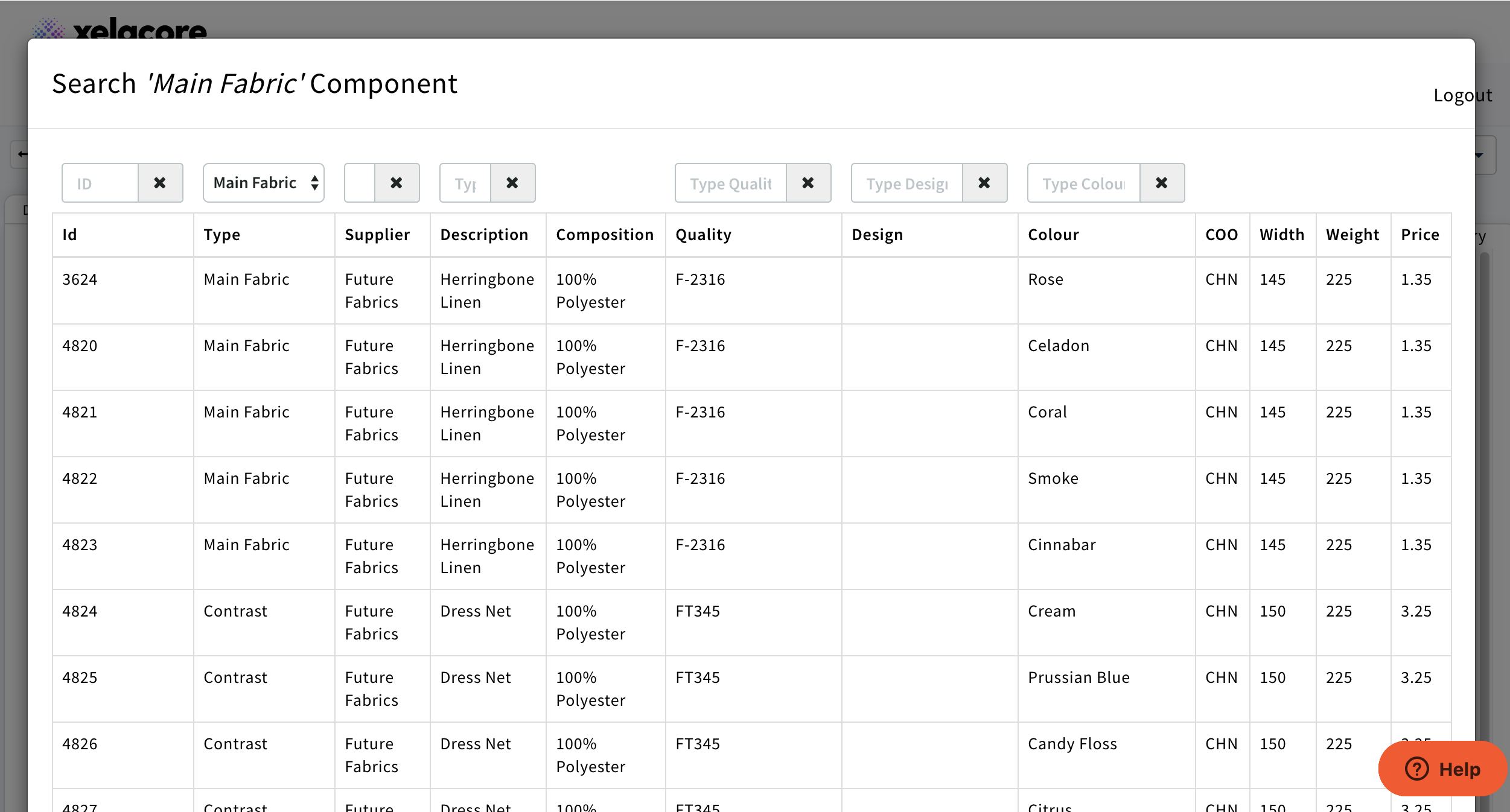
All of the fabric attributes set up in the component library will display on the costing
If the fabric has been set up in any currency other than GBP it needs to be converted for the sales team. It will display as below e.g. 1 EUR
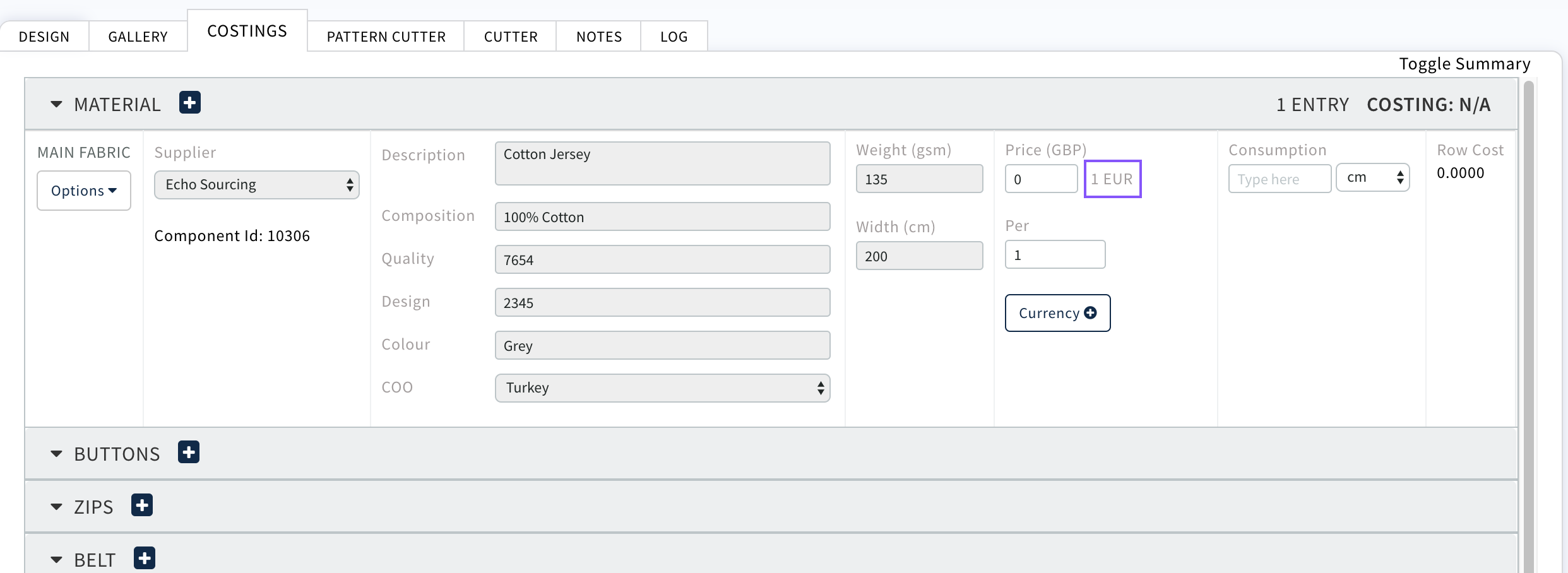
Select 
Select currency to be converted
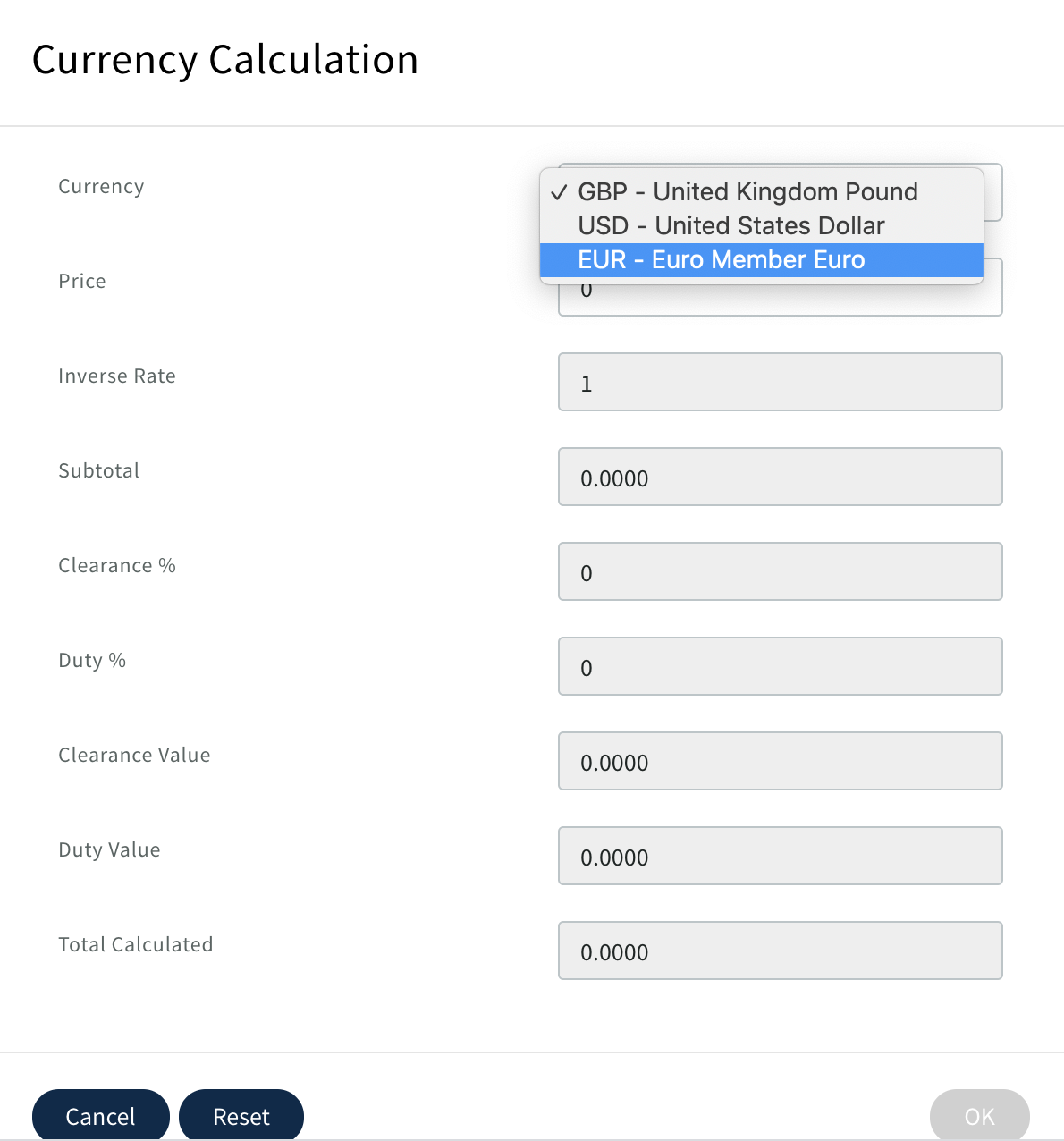
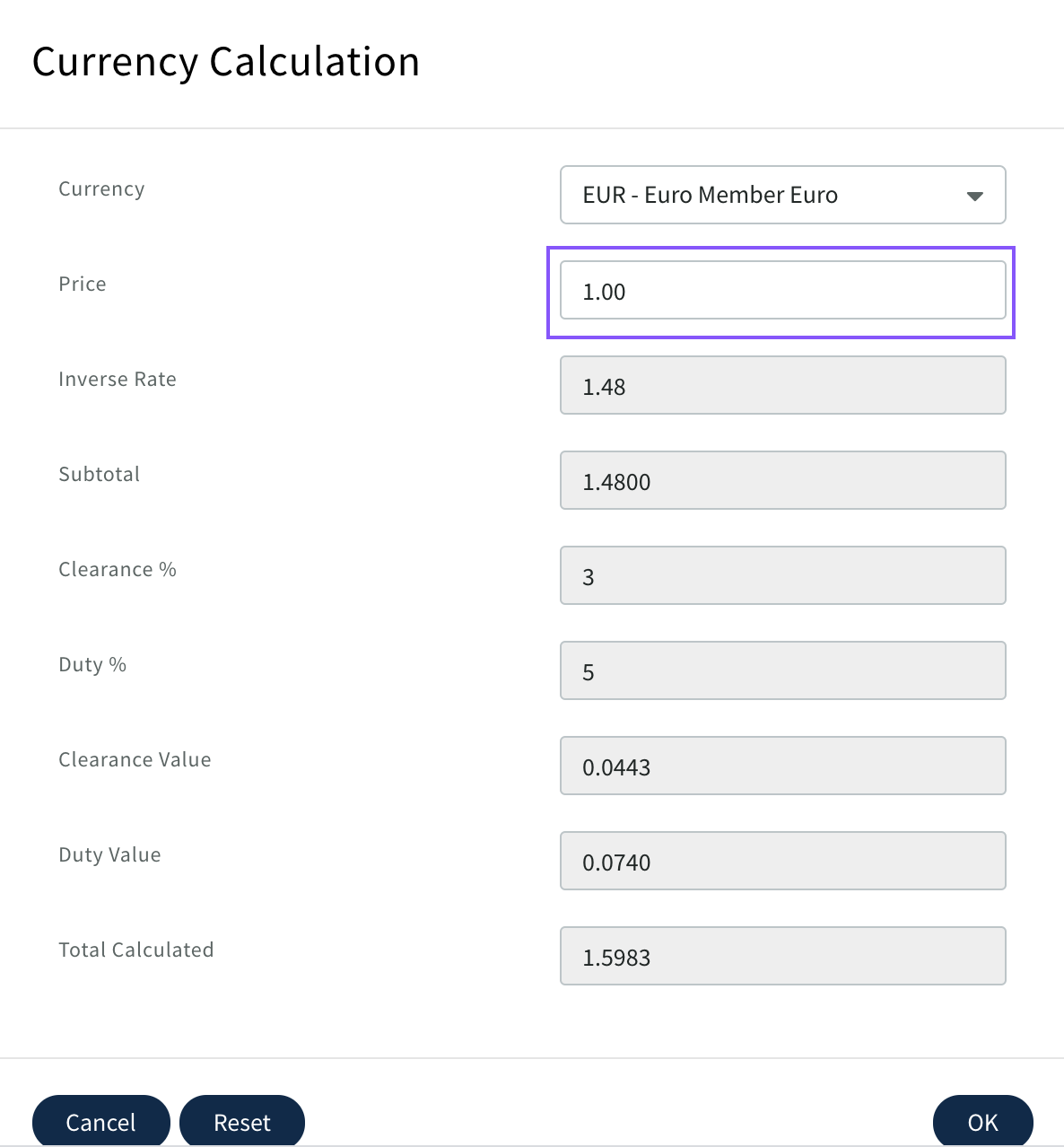
Enter Price -Click OK
Price will display in GBP on costing 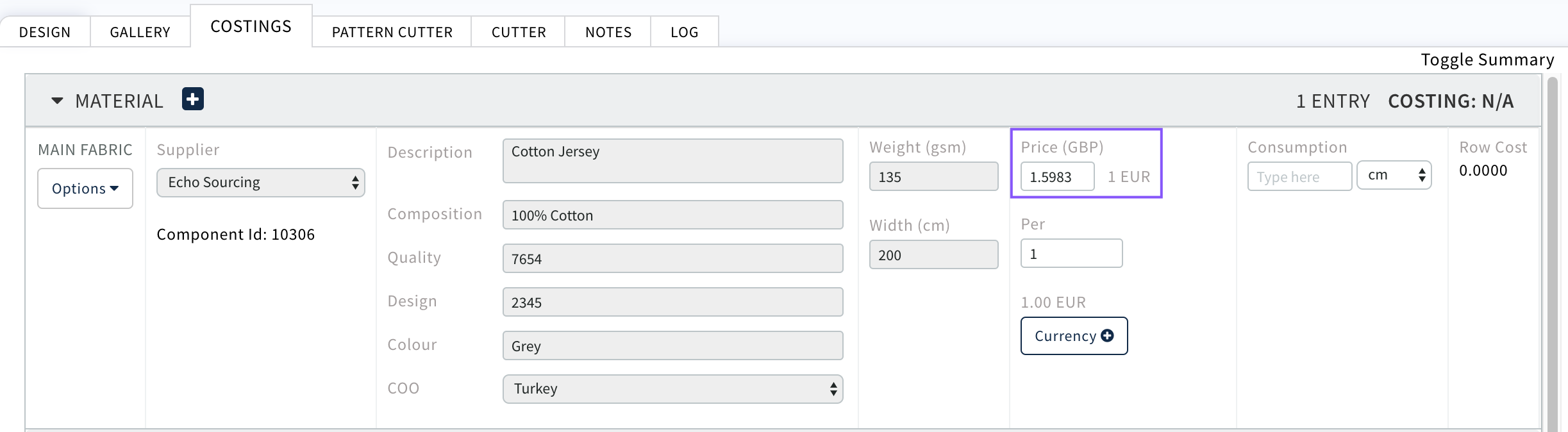
Add consumption for the cost to display. Complete for all components
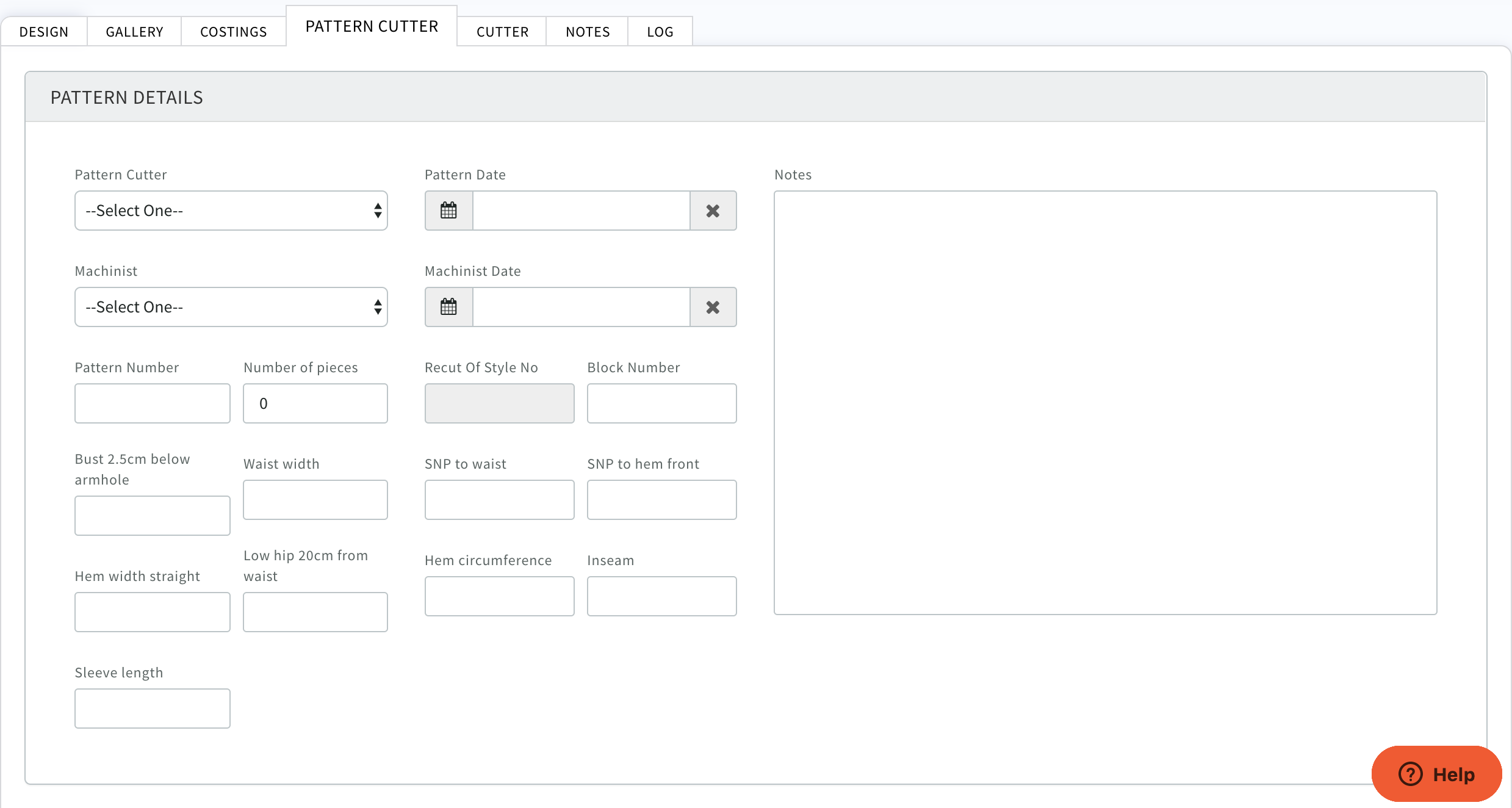
PATTERN CUTTER tab
Fill in all known details
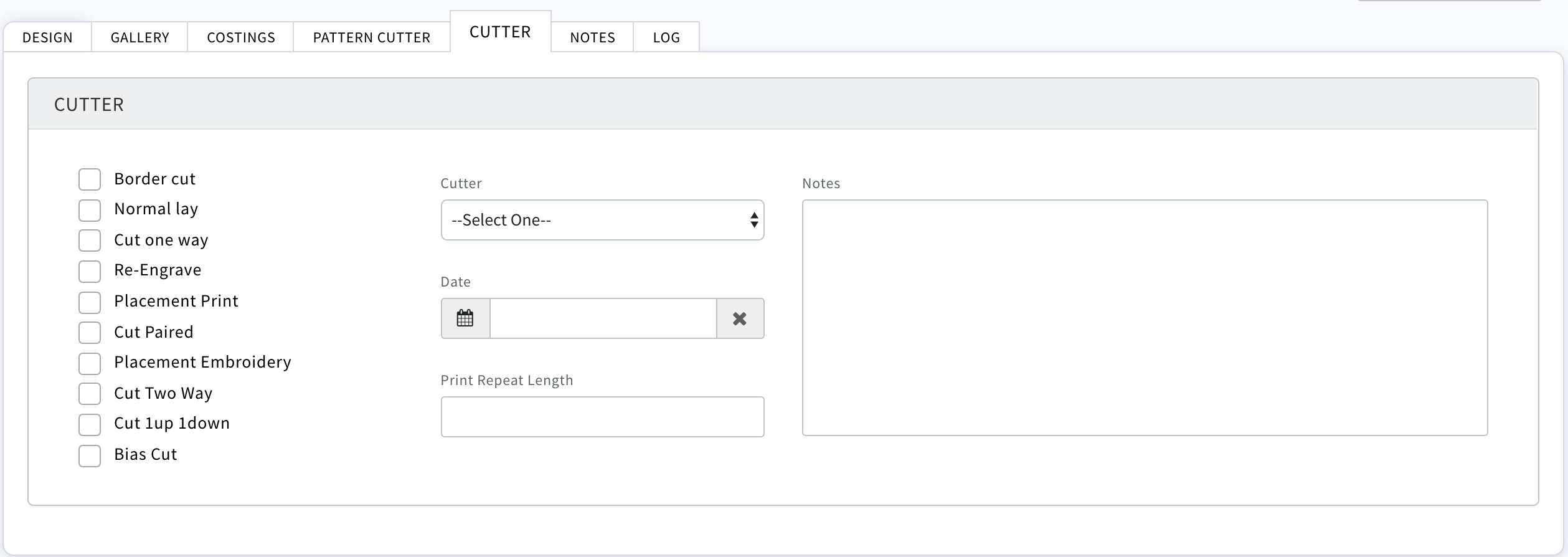
CUTTER tab
Fill in all known details
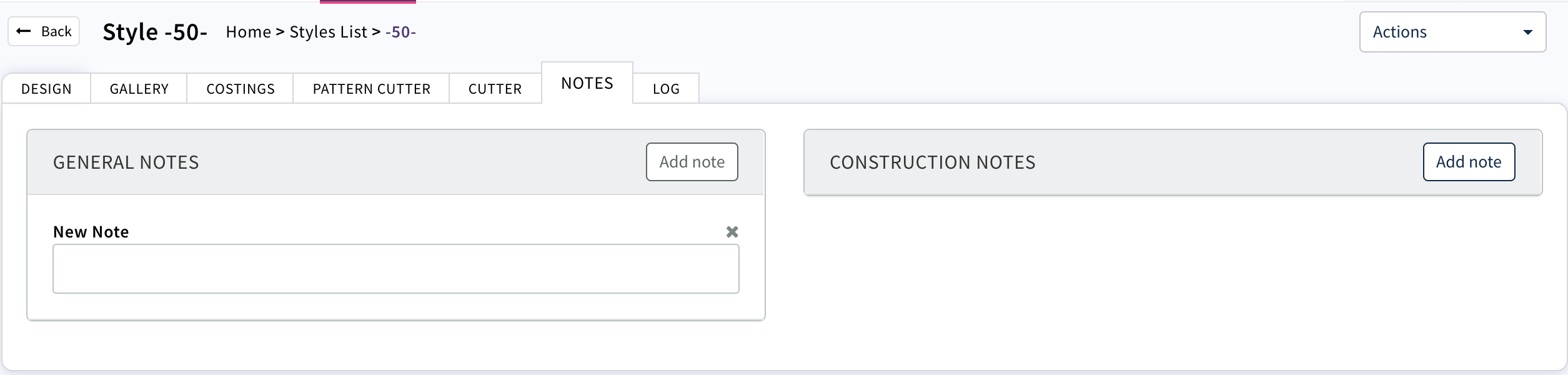
NOTES tab
Add any notes required
Once a style is created it can be exported to a csv file which can then be uploaded into CAM (Concept Approval Management) Module for approval by your Licensor.
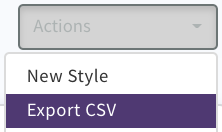
CLICK Download
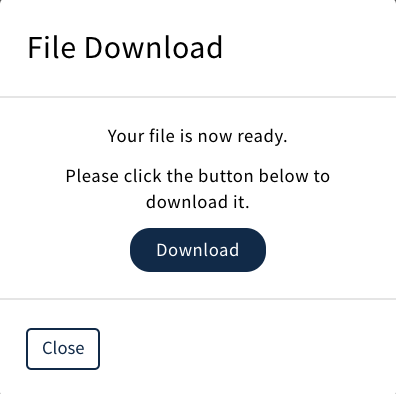
CSV will be generated which can then be uploaded to CAM (Concept Approval Management)
0 Comments