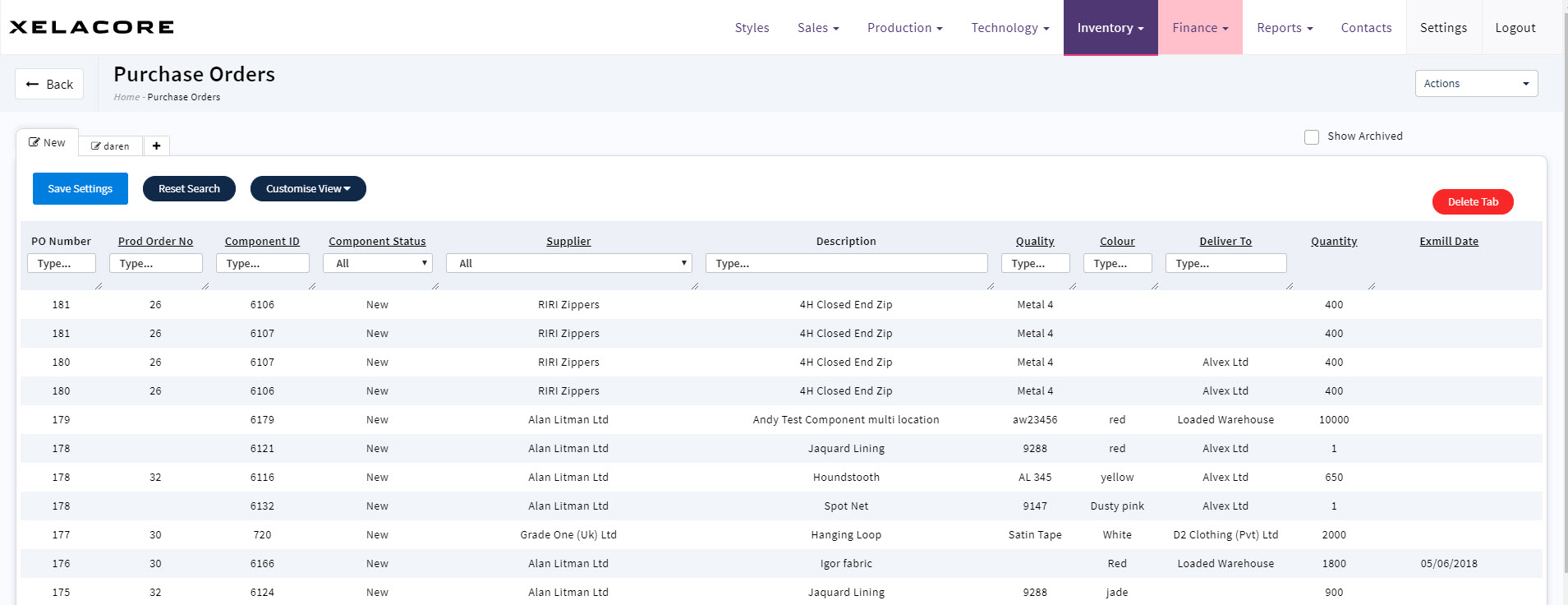
Open the Purchase order dashboard and click on the row to open the purchase order you wish to print.
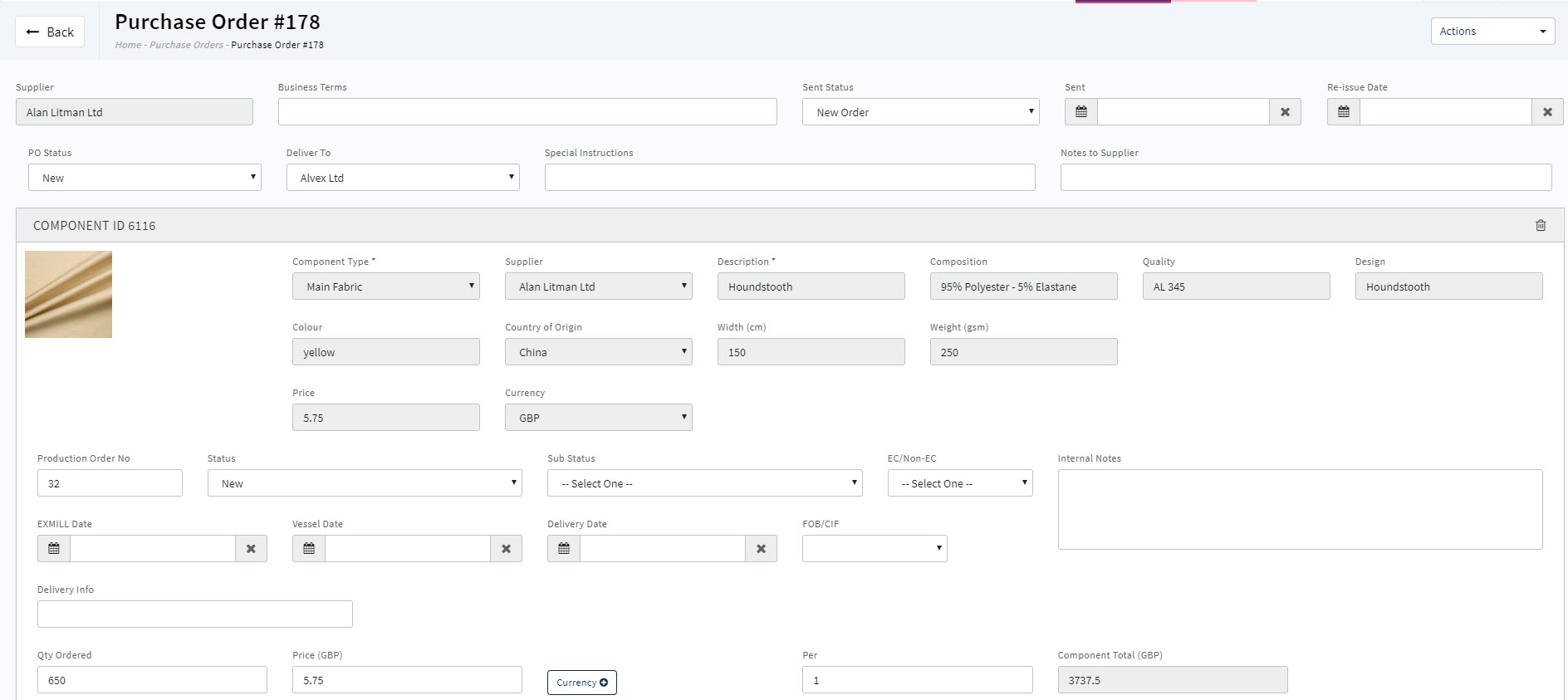
Review the purchase order for accuracy and confirm entry of all necessary data fields.
Select the Actions button in the upper right of the screen
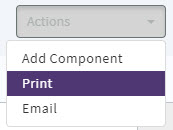
Choose the Print option from the dropdown list
Purchase Order will display in the screen
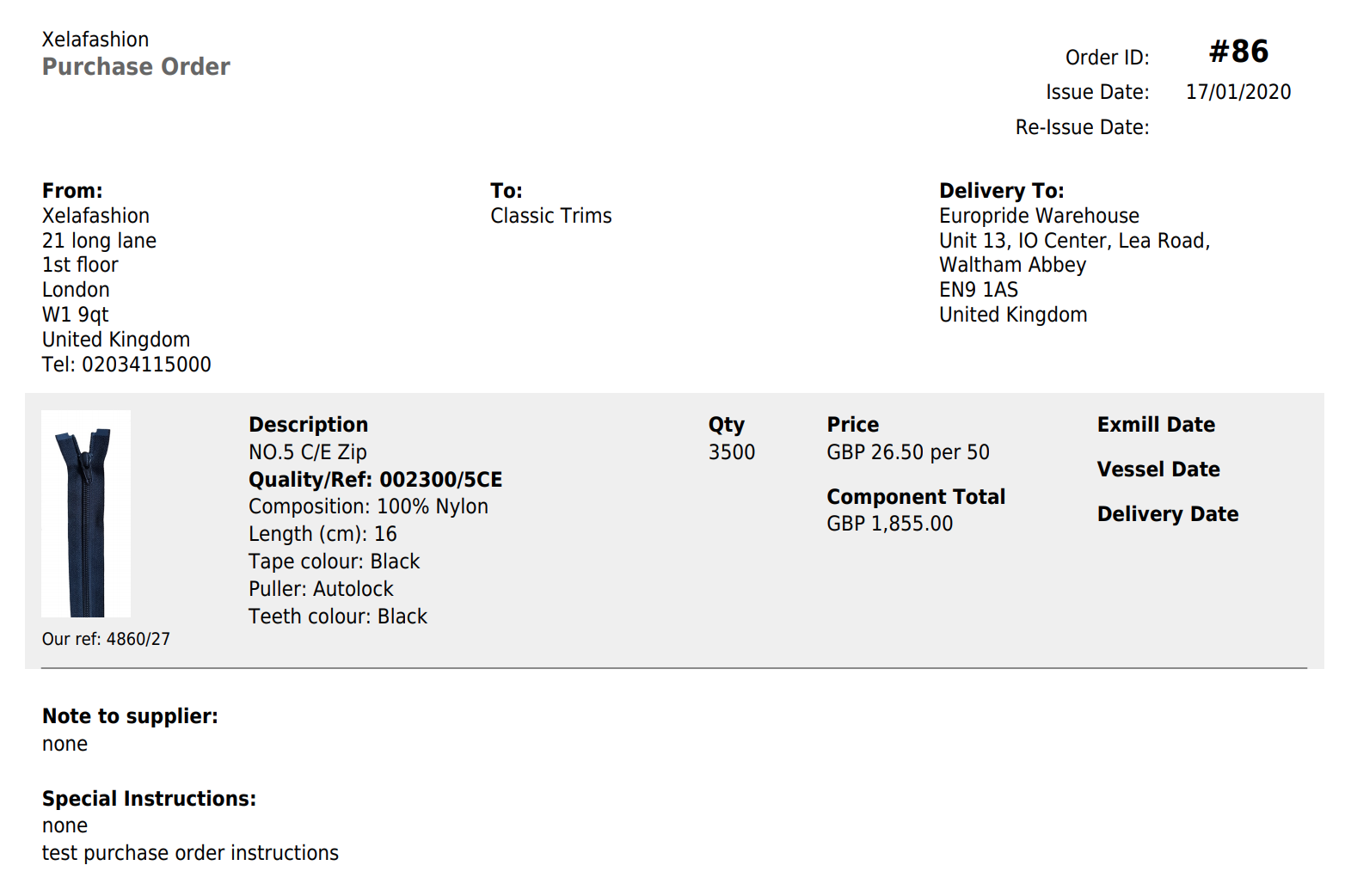
You are now free to download or print the Pdf document
0 Comments