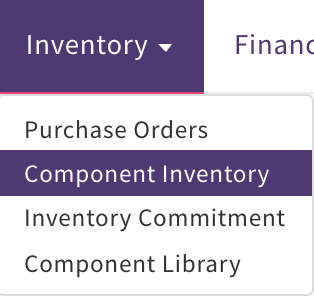
To view select Inventory, Component Inventory
This is listed by component ID. It can be downloaded to a csv Excel document. Select Actions, Download csv
The Component ID will only appear in this list view if Inventory has been booked in against the Purchase Order
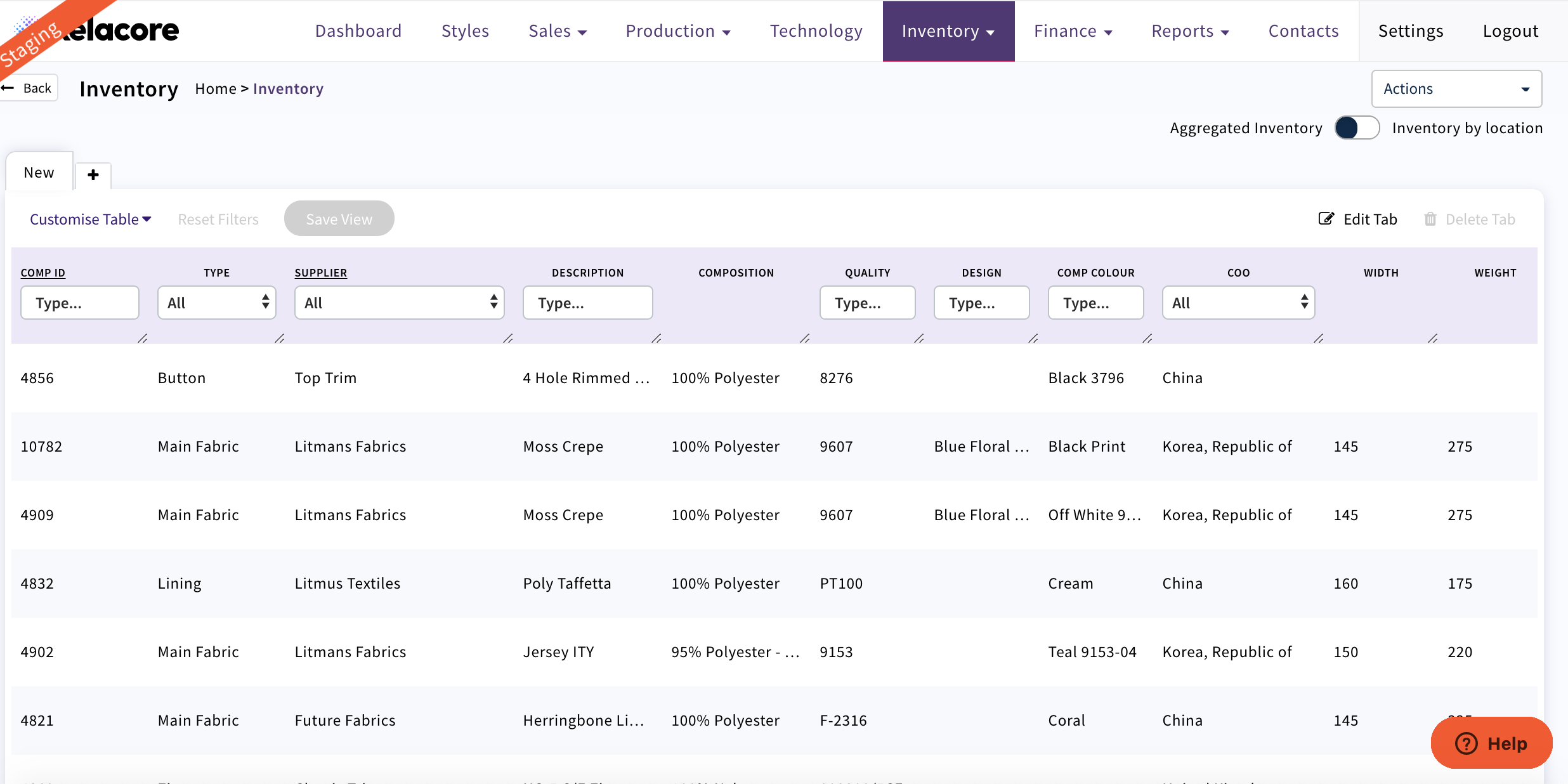
The last columns in the list view display
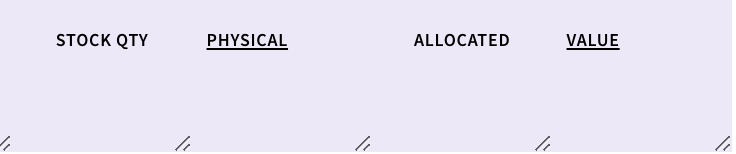
Stock Quantity = Inventory that is Booked In (minus any returns) available to allocate against a Production Order
Physical = All Inventory that has been Booked In (minus any returns)
Allocated = Total Inventory that has been allocated for this component ID even if it has not been Booked In
Value = Physical Qty x Cost
To view more details of this component ID select and then the detail pages will display
'General' will display all PO's that have been created against this Component ID and Booked In
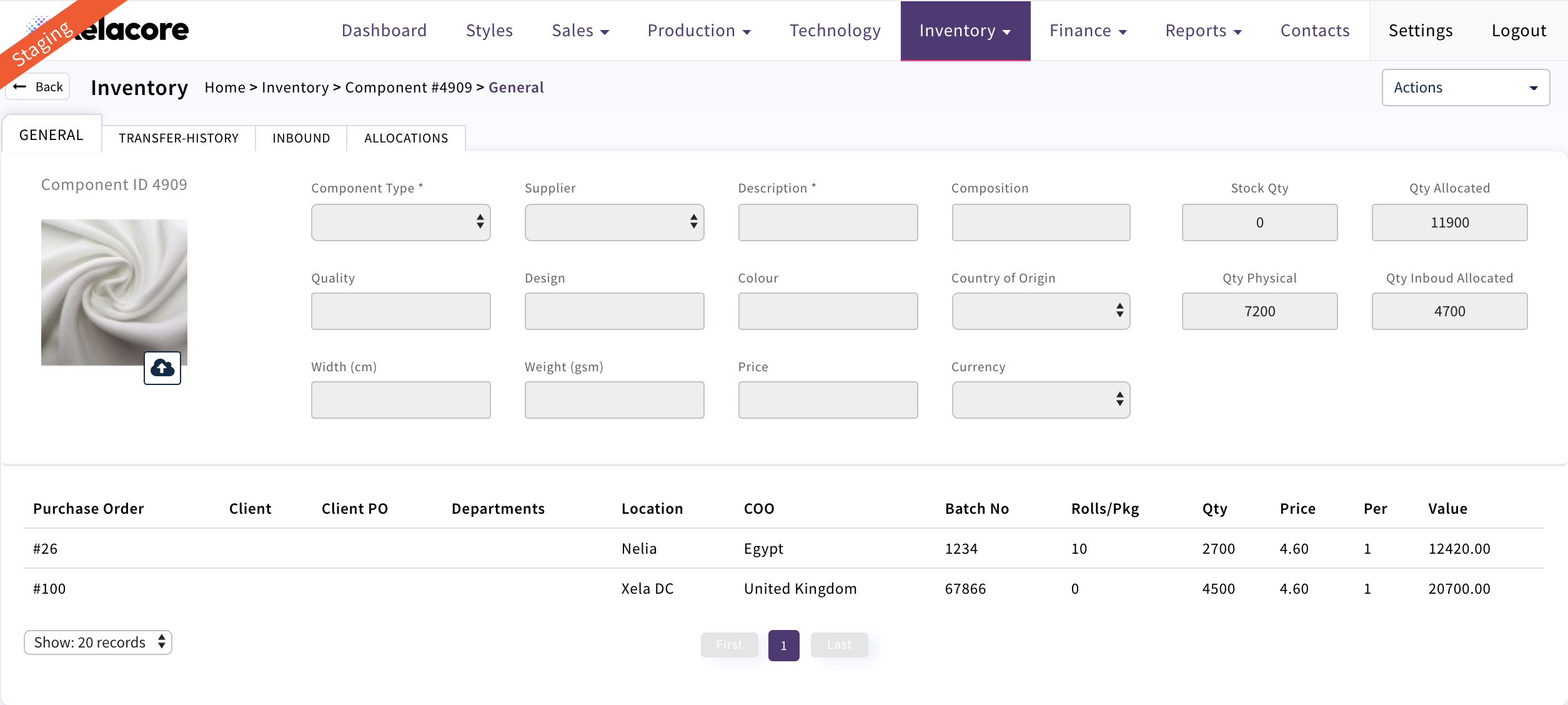
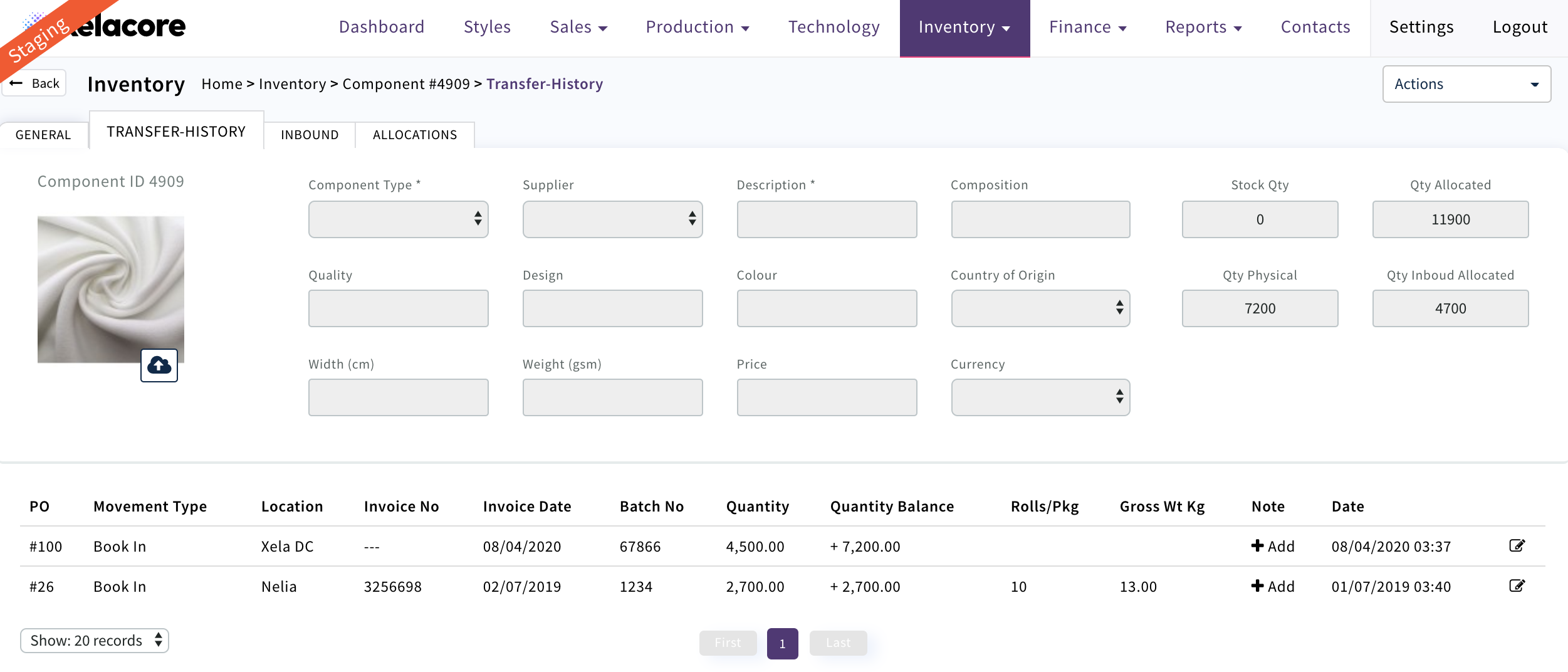
'Transfer History' will display all movements that have been created against this PO/Component ID
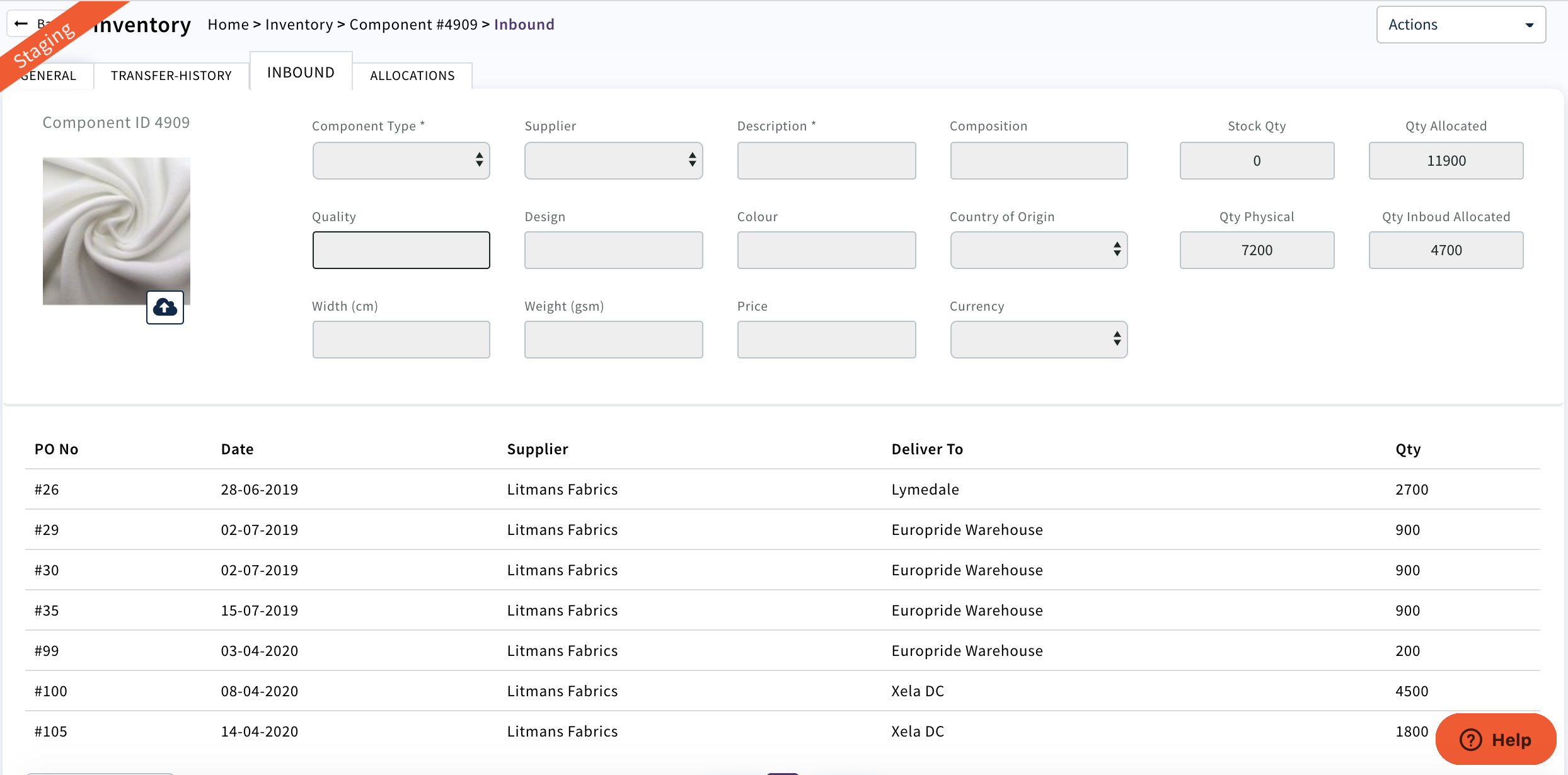
'Inbound' displays all PO's that have been created for this component ID
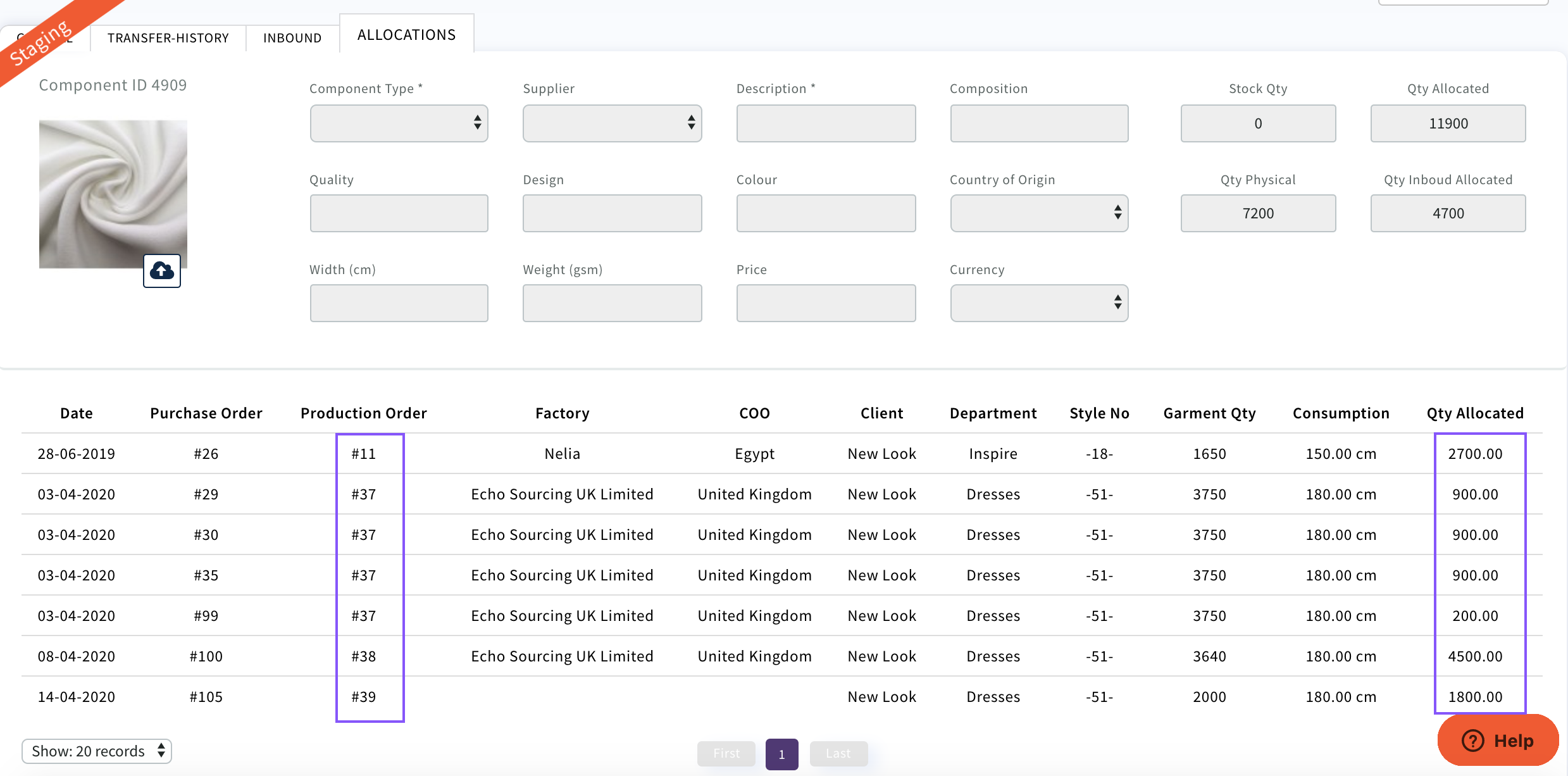
'Allocations' displays all quantities allocated and the Production Order numbers
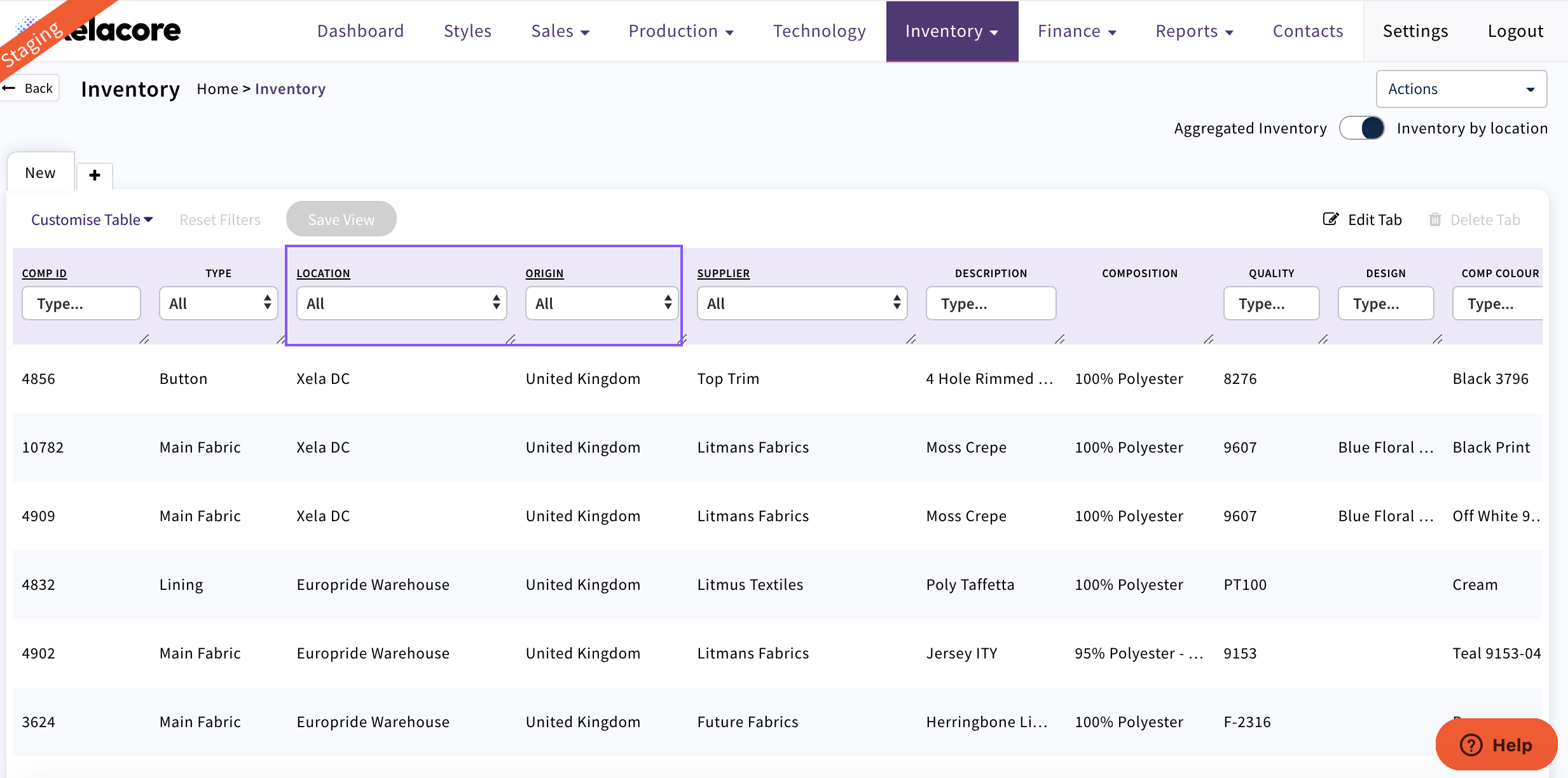
 If you would like to search 'Inventory by location' Select
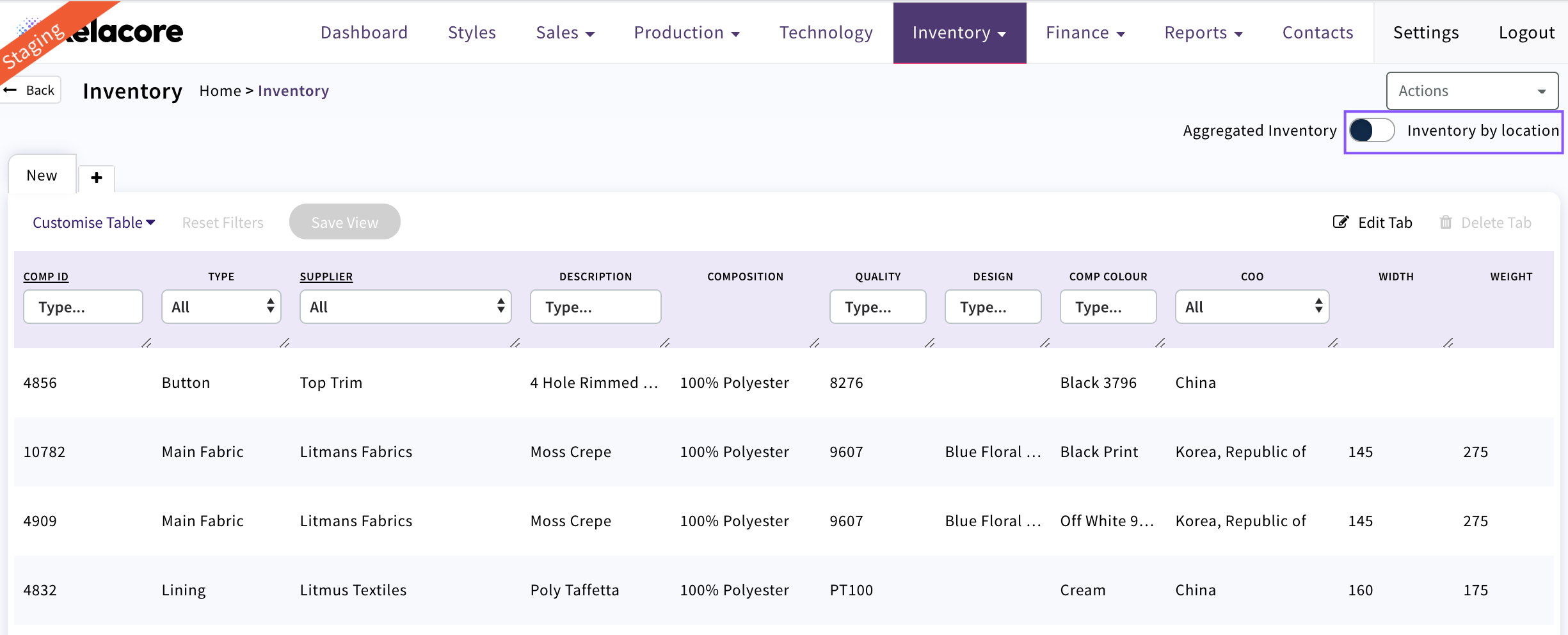
Additional columns will display and can be filtered as required
0 Comments