All Employees within your organisation that need system access can be set up by your administrator
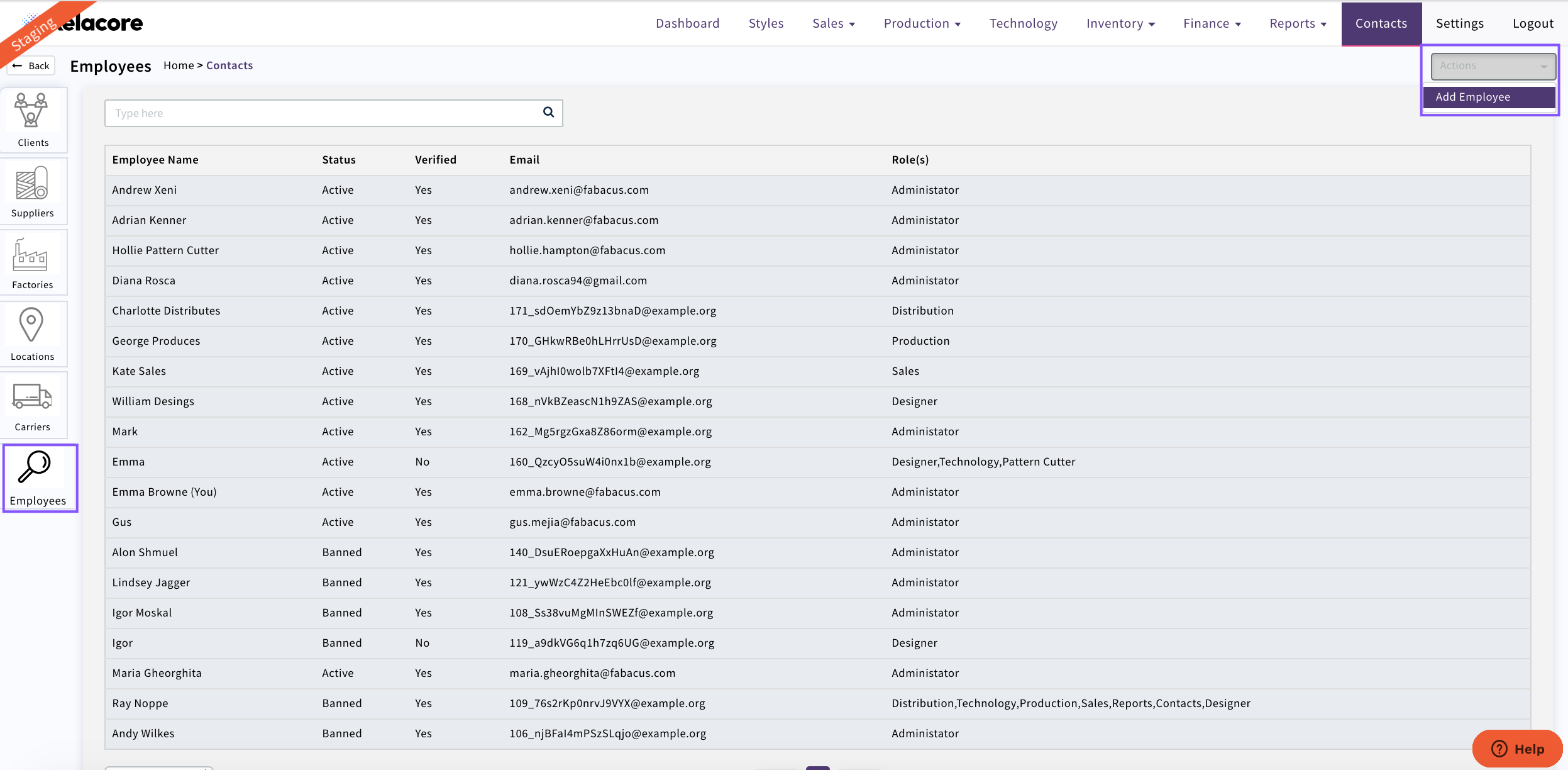
Select 'Contacts' 'Employees'
To add a new member of your team Select 'Actions' 'Add Employee'
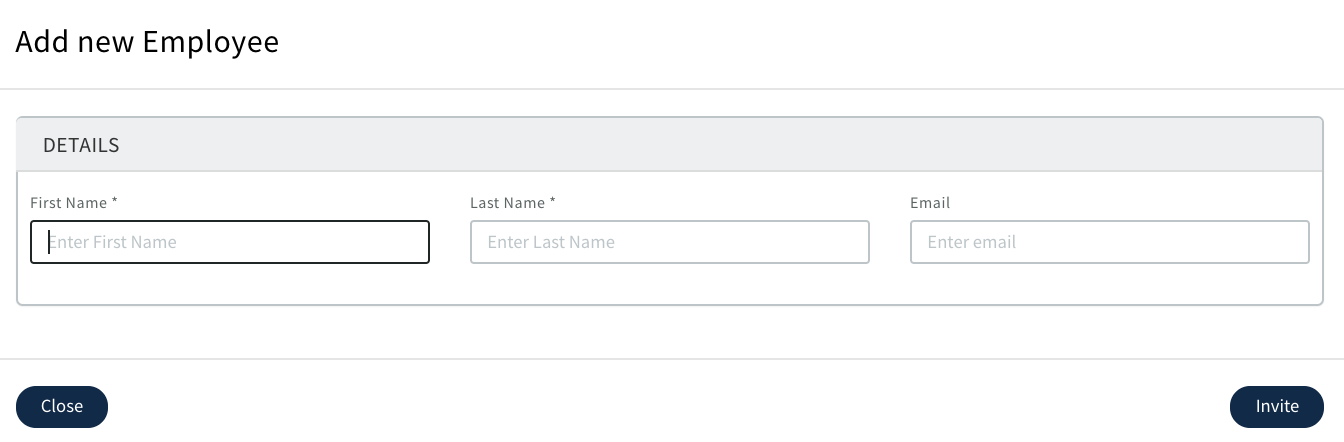
Complete the details in the pop up and 'Invite'
Your employee will receive an email to set there password then they will be able to access Xelacore using
The administrator needs to set the permissions for the employee depending on what role they are in your organisation
If an employee leaves your organisation you need to set them from 'Active' to 'Banned' so they can no longer access Xelacore

Please Note; If you want to be able to track who has entered or edited data in Xelacore you need to ensure that your employees are always using there own log in and not another team member
0 Comments