In Order for you to first use Xelacore you need to set up your organisation details and logo
Select 'Settings'
The 'ACCOUNT' tab will display
Add all your company details
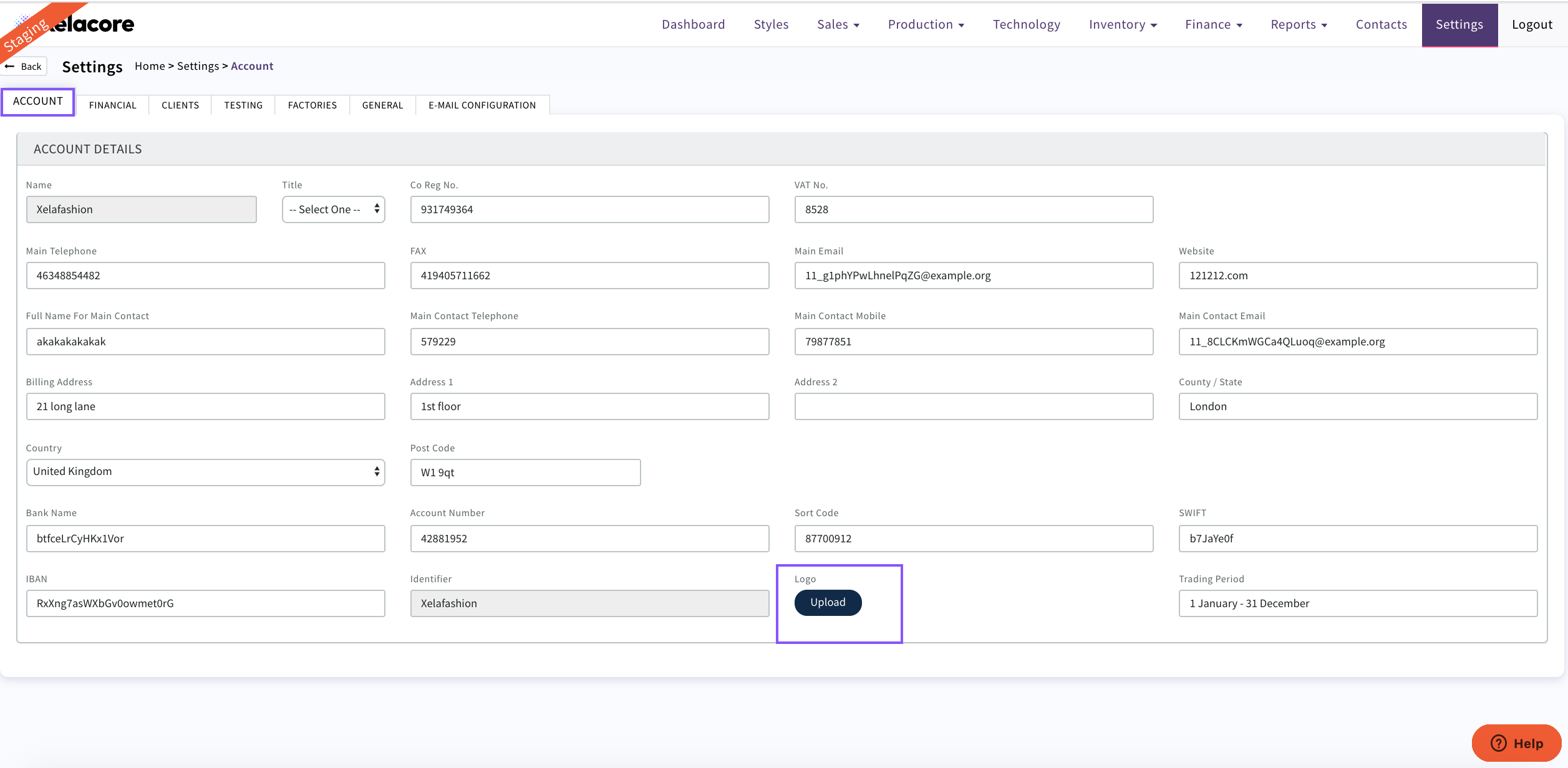
Use 'Upload' to attach your company logo which will then display on dockets, style sheets etc.
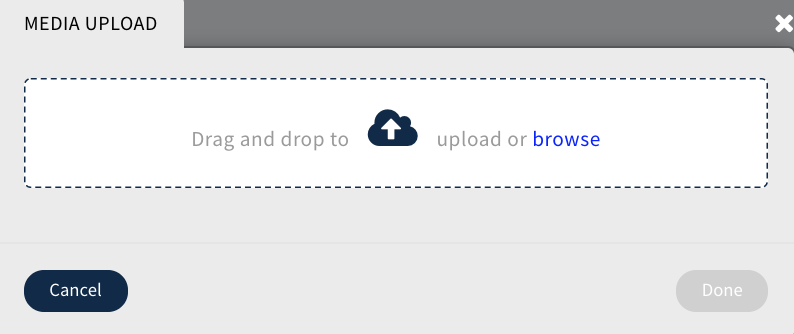
Browse you computer to select your logo then CLICK 'Done'
Your uploaded logo will now display
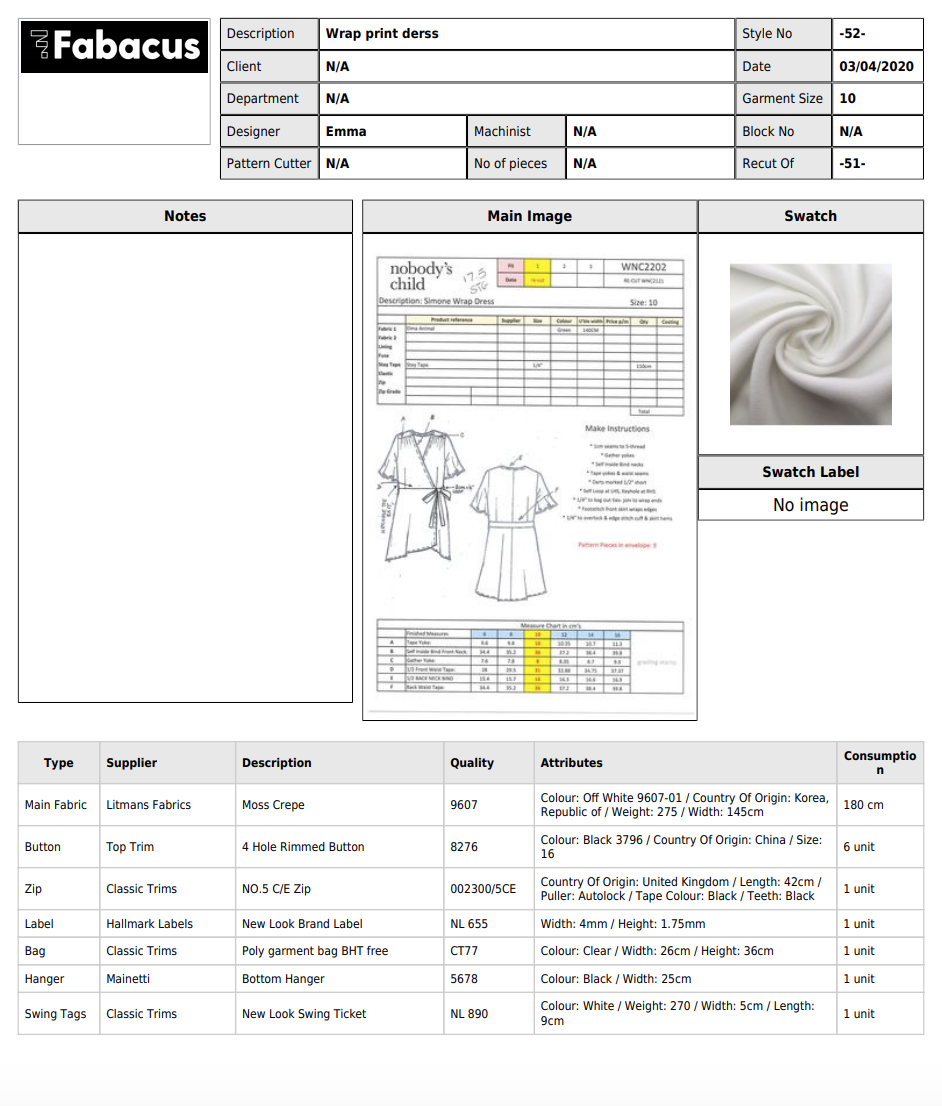
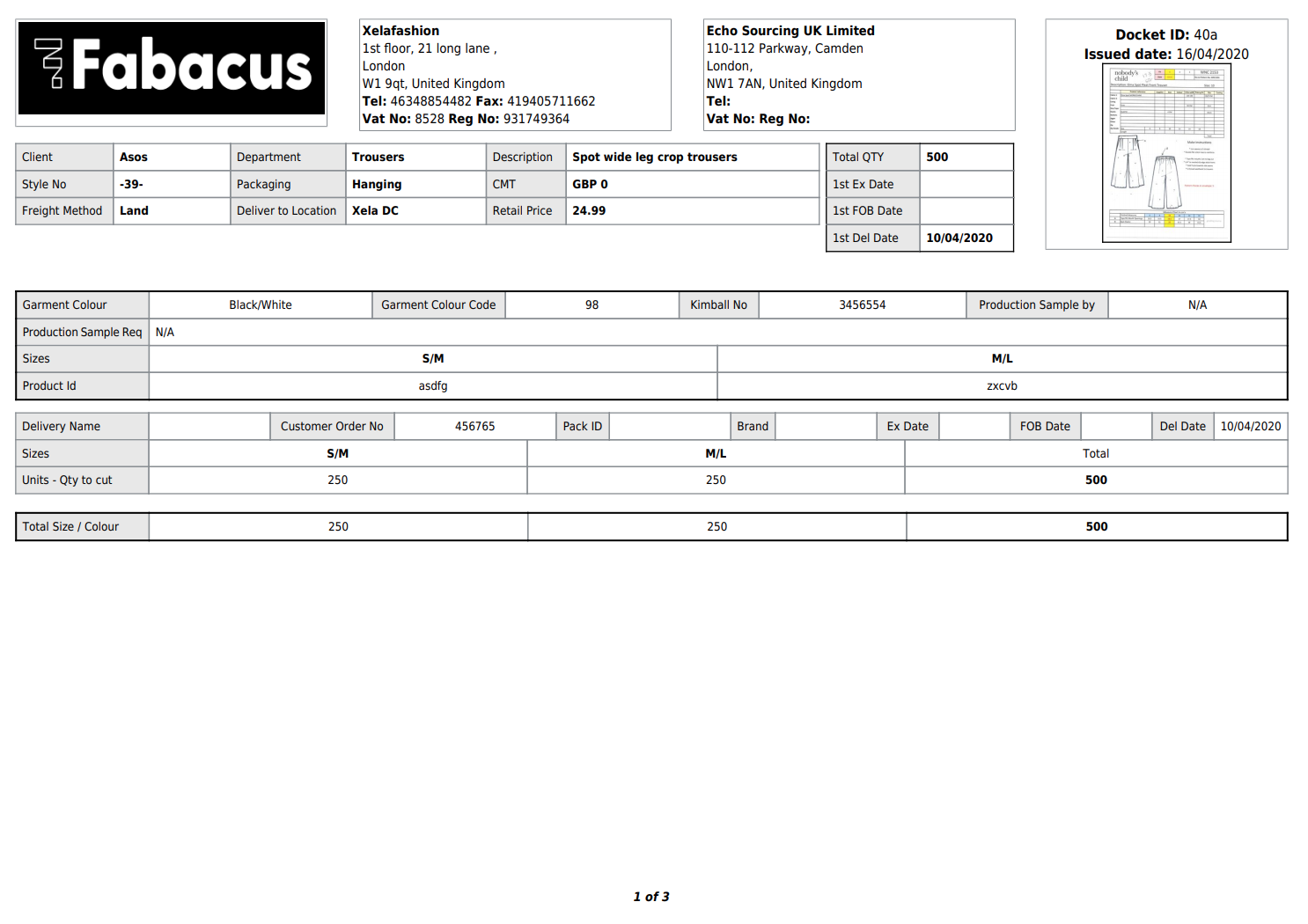
The Logo can be deleted anytime and a new logo uploaded

0 Comments