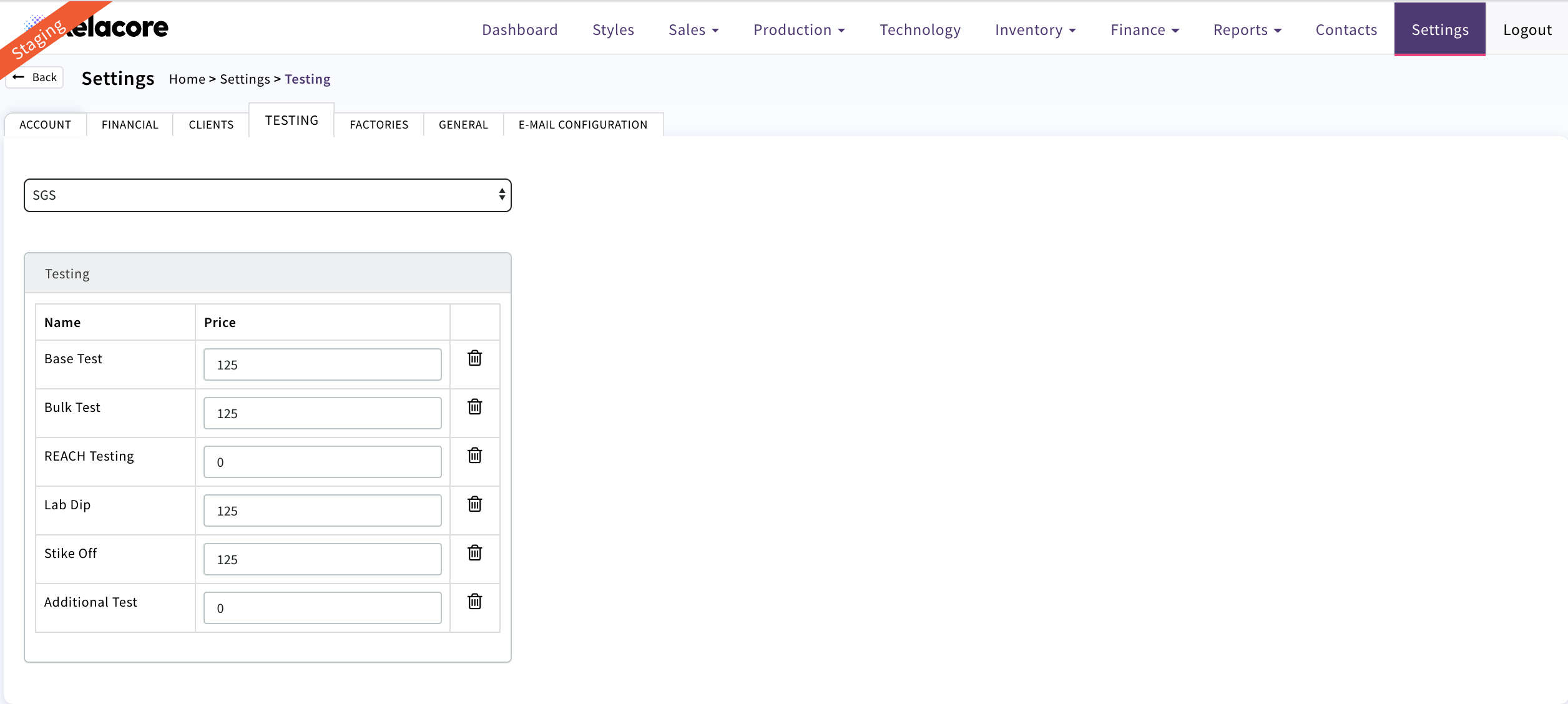
In this page the cost of Testing components is held by testing provider/supplier.
This is then applied on the costing page on a Sales Quote/Order once testing requirements have been selected on the components.It is important that this cost is included to ensure that your profit margin is reported as accurately as possible

Select the Testing Provider. If it does not appear in the drop down it needs to be added in Contacts/Suppliers first
The table for each test type will display and can be completed. This will then determine how much is applied at the costing stage
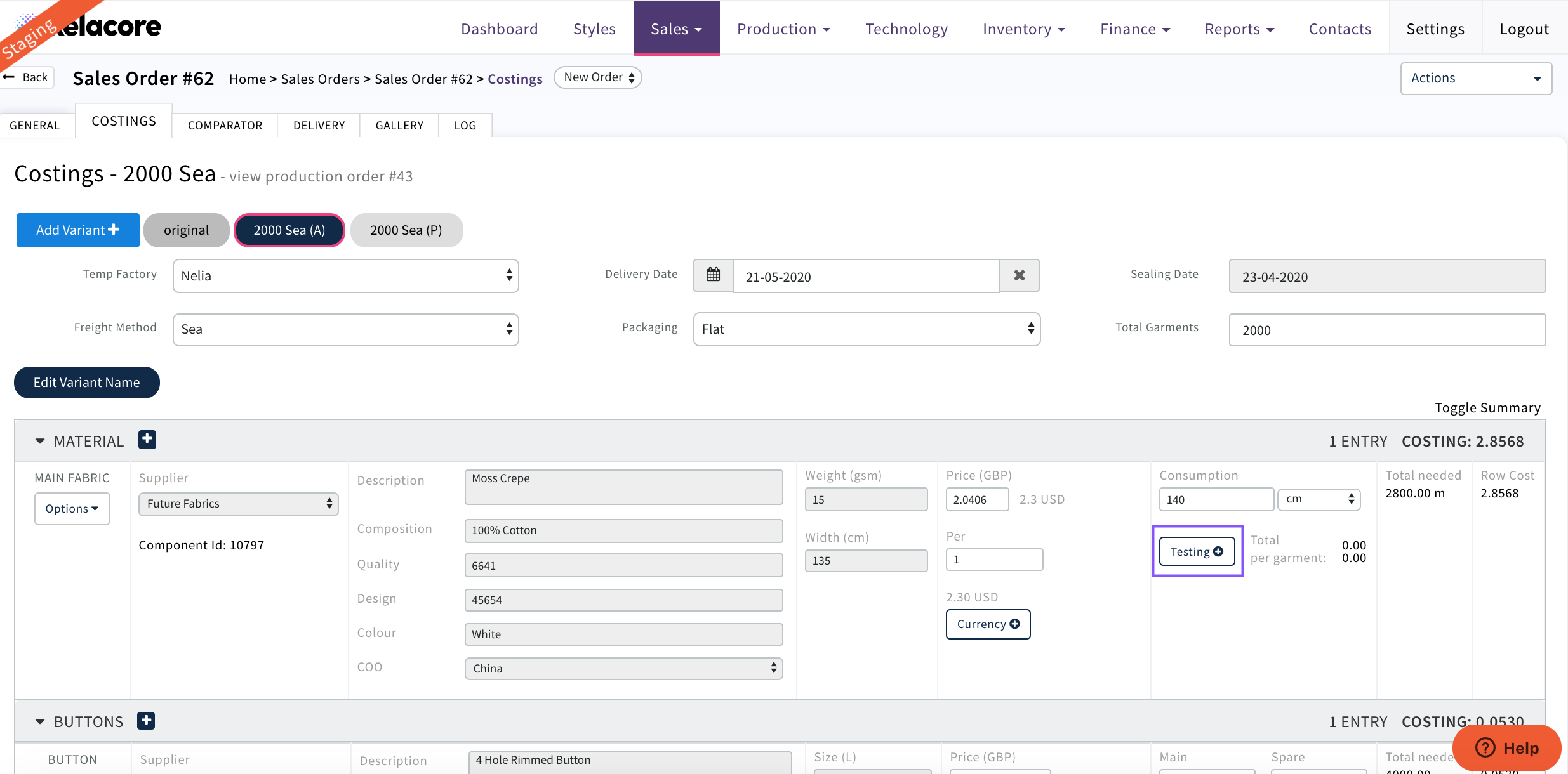
On a Style costing against all components the testing can be selected
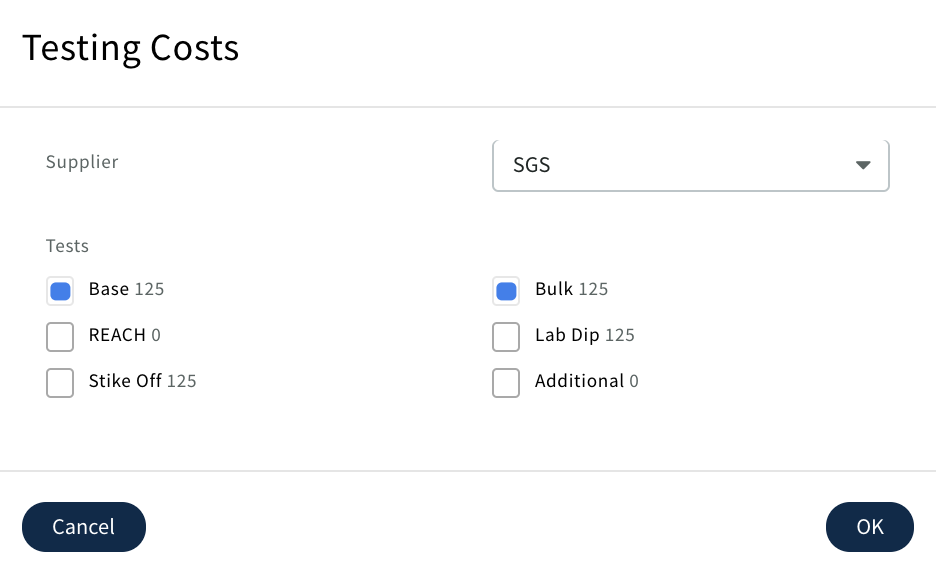
Pop up will appear
Select the Testing Provider and the tests required for that Sales/Production Order
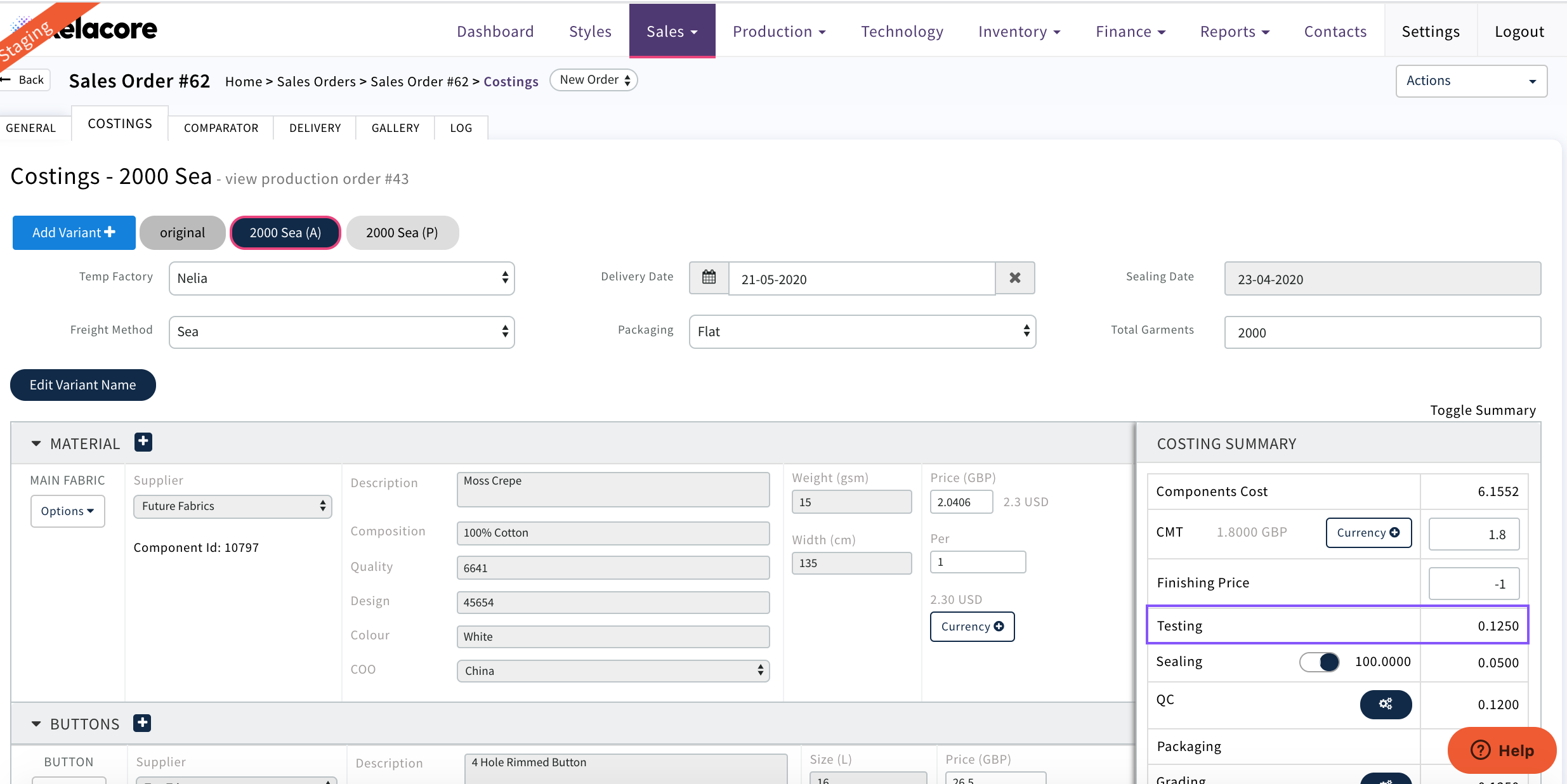
The cost will then be divided by the 'Total Garments' for that Sales Quote in this example £250 across 2000 units = 13p
It will then display on the costing component
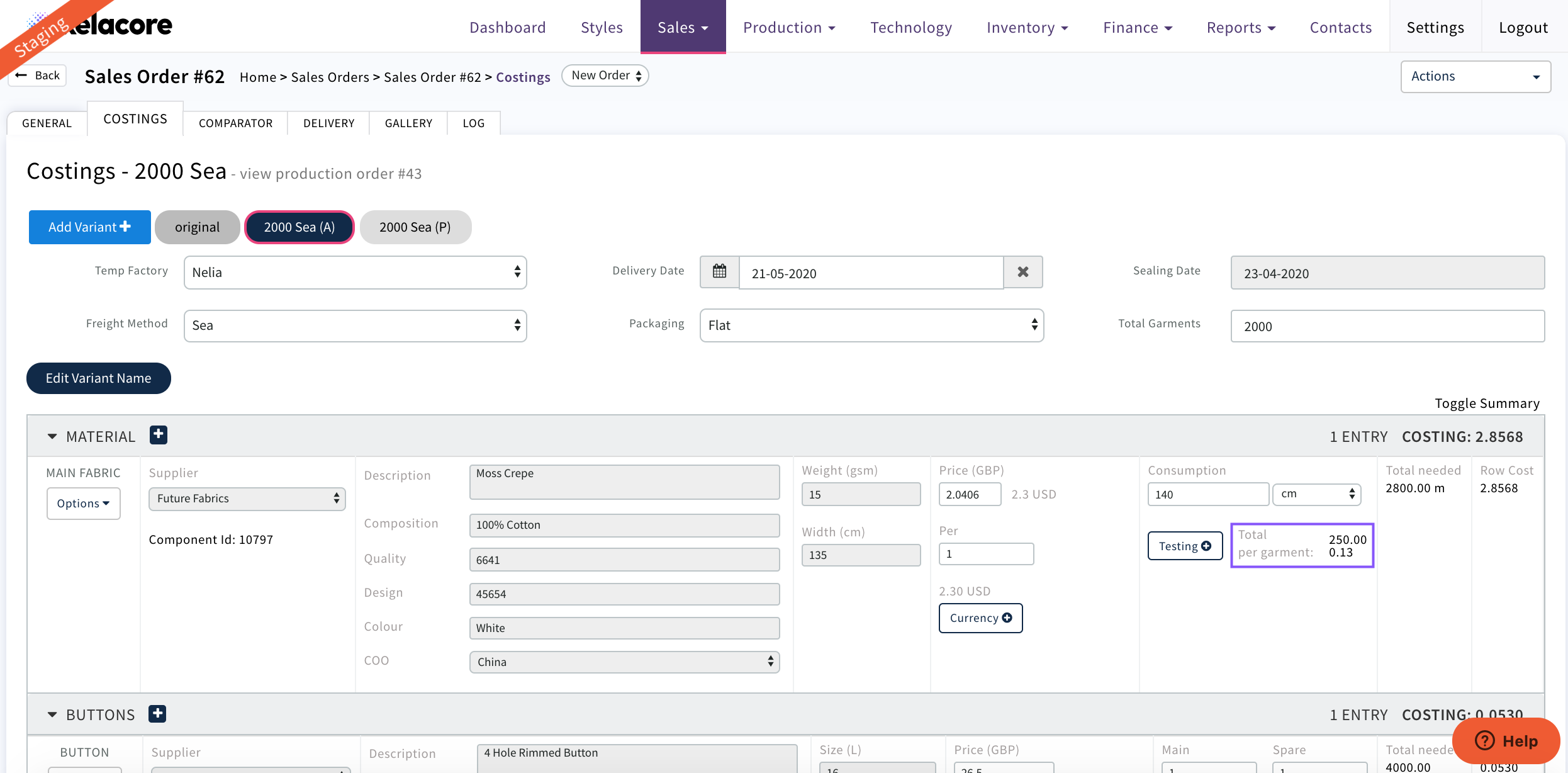
and the Costing Summary
Please Note; These costs can be updated at any point but will only apply to new costings created
0 Comments