This page is used to create options for the drop downs that can be selected by your teams and to set some default instructions to print on dockets and Supplier Purchase Orders
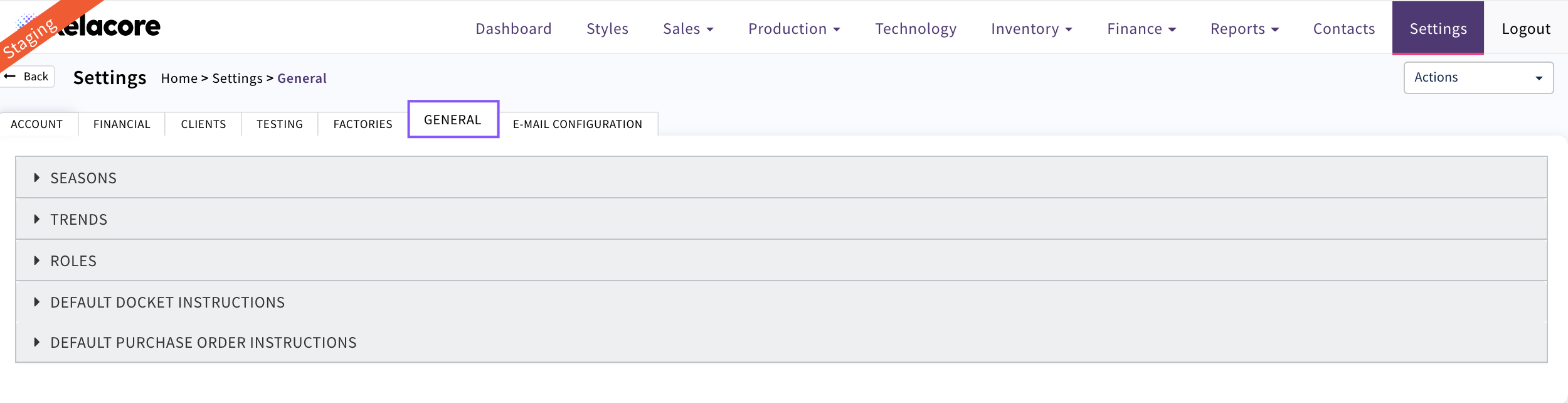
Seasons
Seasons are associated to Styles when they are created
To add a new season Select 'Action' 'Seasons'
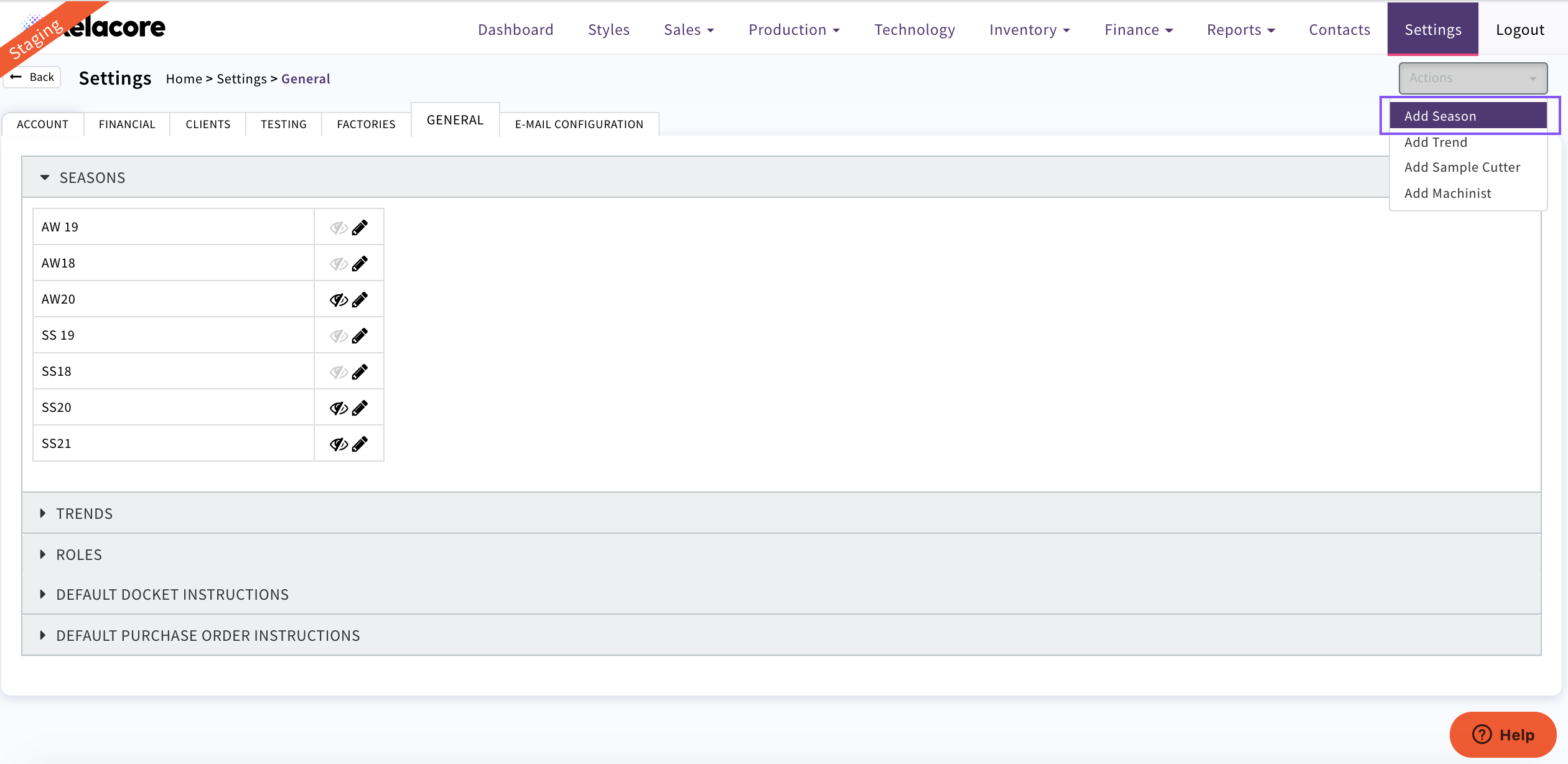
Pop up will appear
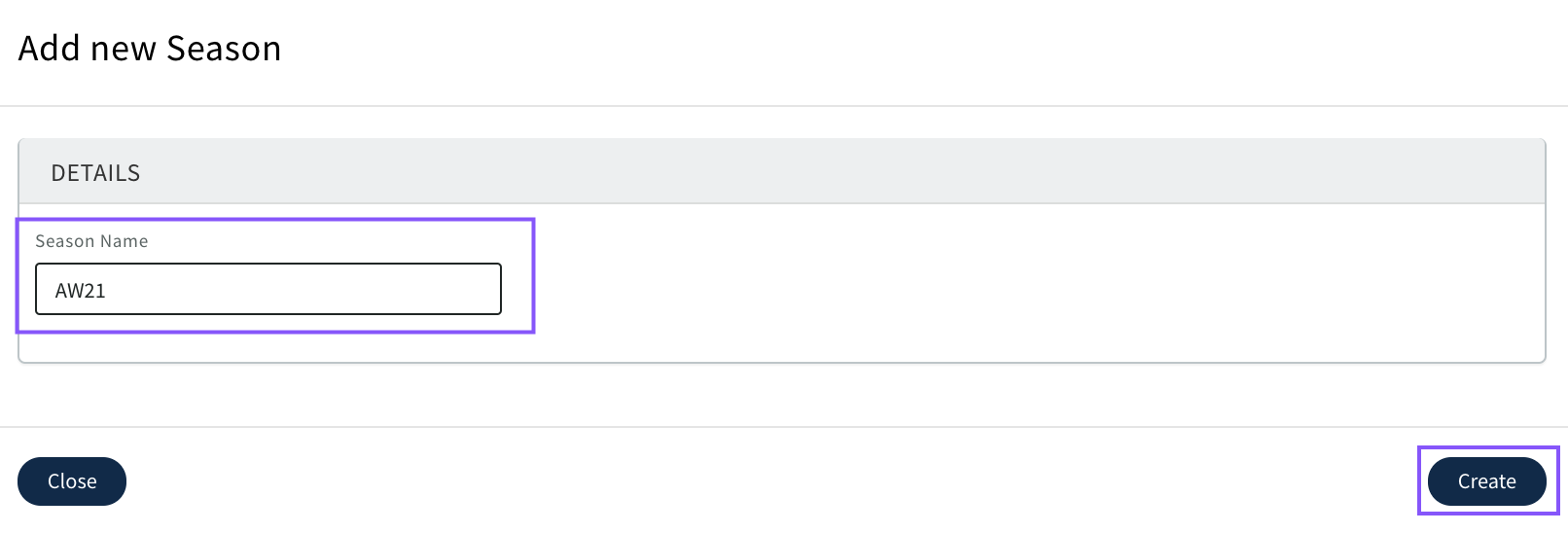
Complete details CLICK 'Create'
Your new Season will now display and be available for selection
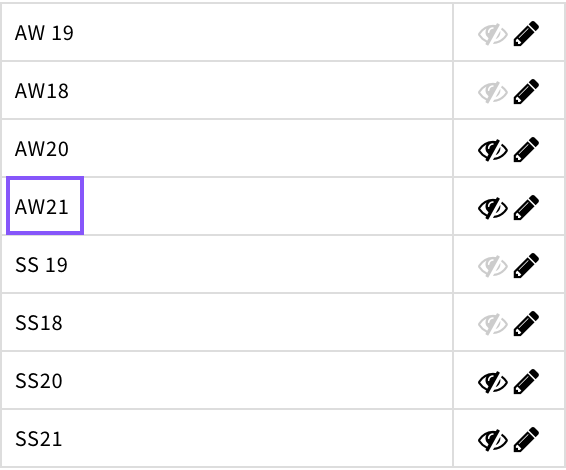
To edit use

To hide from drop downs when you no longer need them to be available for selection use the eye icon. Once greyed out it will no longer display

Trends
Trends are associated with Styles when they re created
To add a new trend Select 'Actions' 'Add Trend'
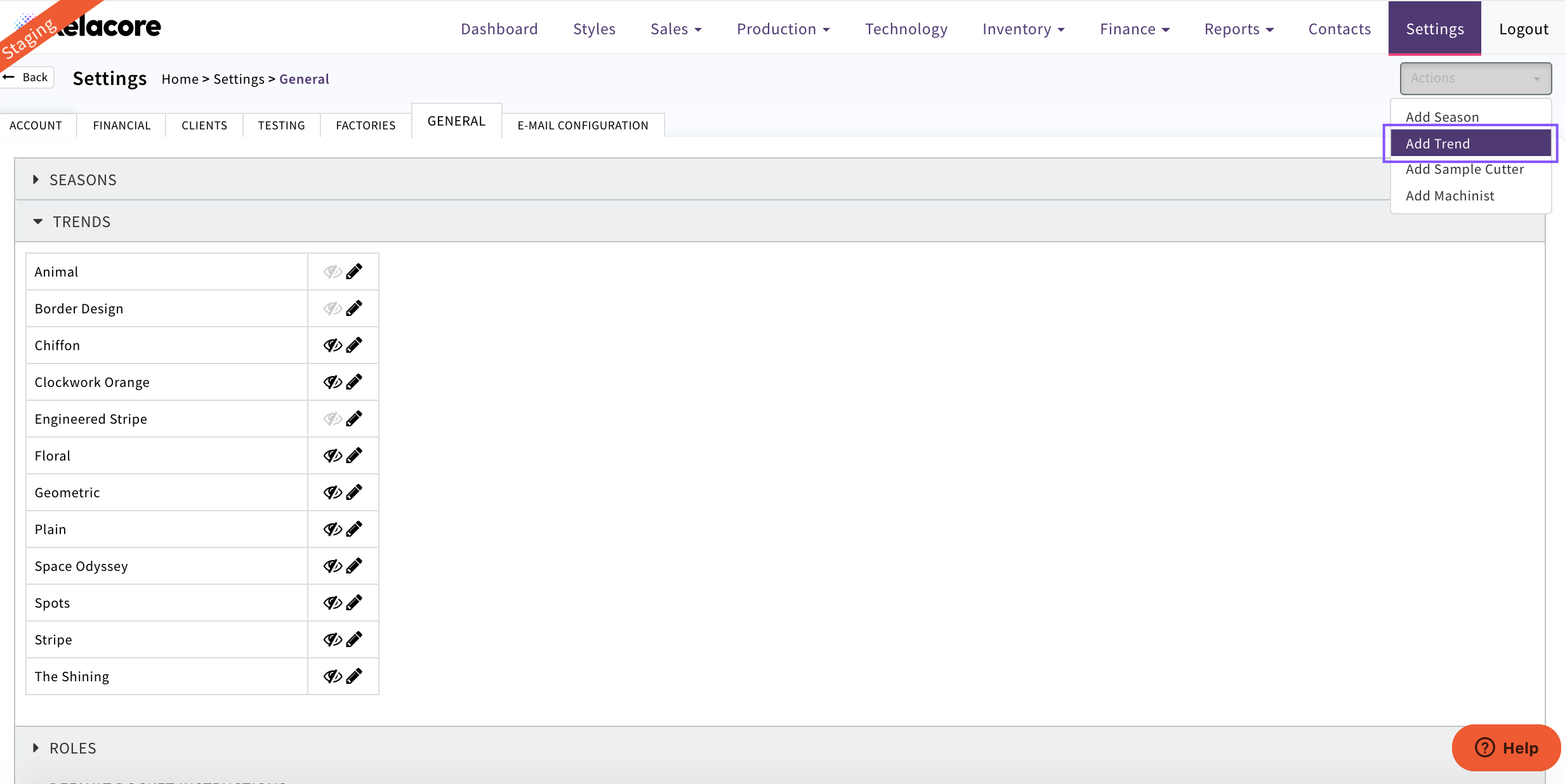
Pop up will appear
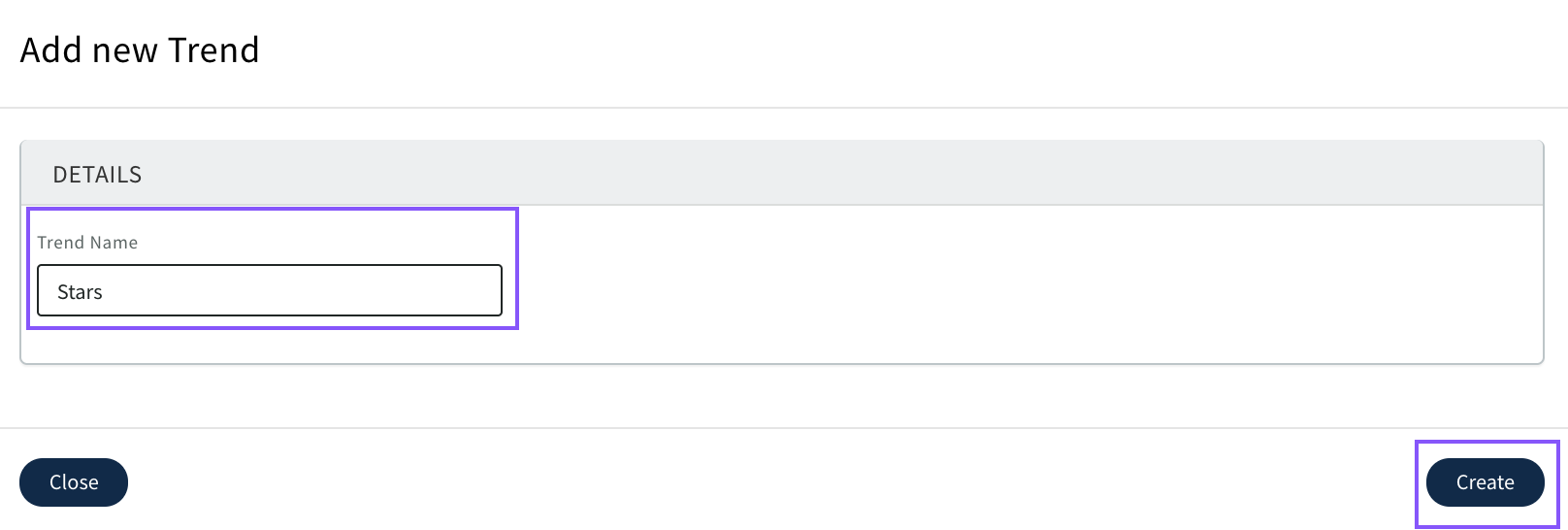
Complete name CLICK 'Create'
Your new Trend will display and be available for selection
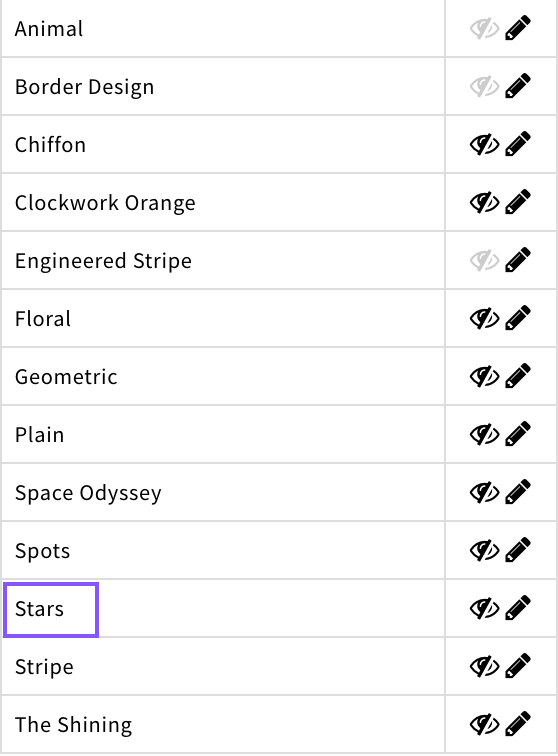
To edit use
To hide from drop downs when you no longer need them to be available for selection use the eye icon. Once greyed out it will no longer display
Roles
Here Sample Cutter and Machinists are set up to be available for selection when Styles are created
To add a new member of the team select 'Actions' 'Add ....'
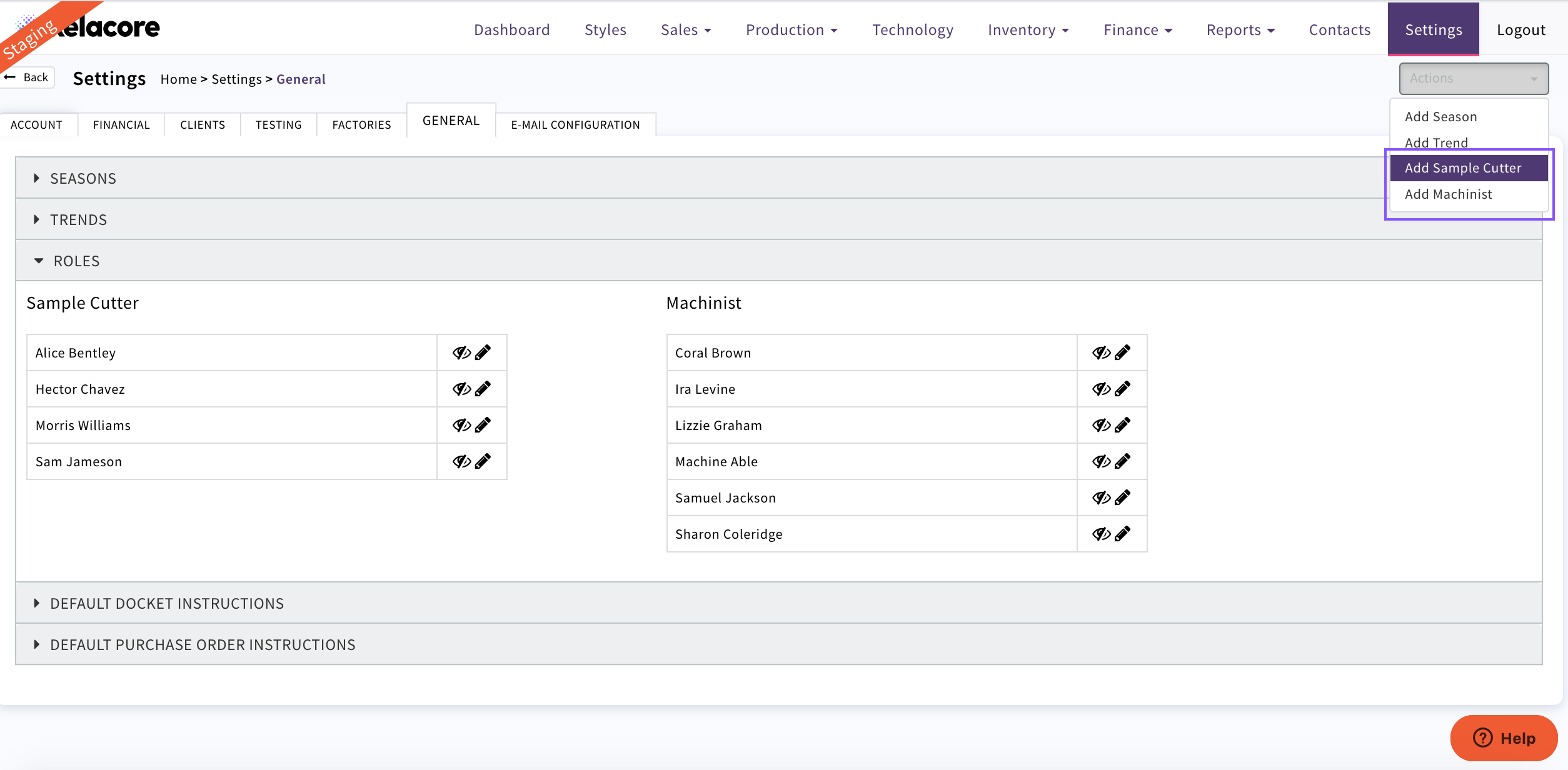
Pop up will appear
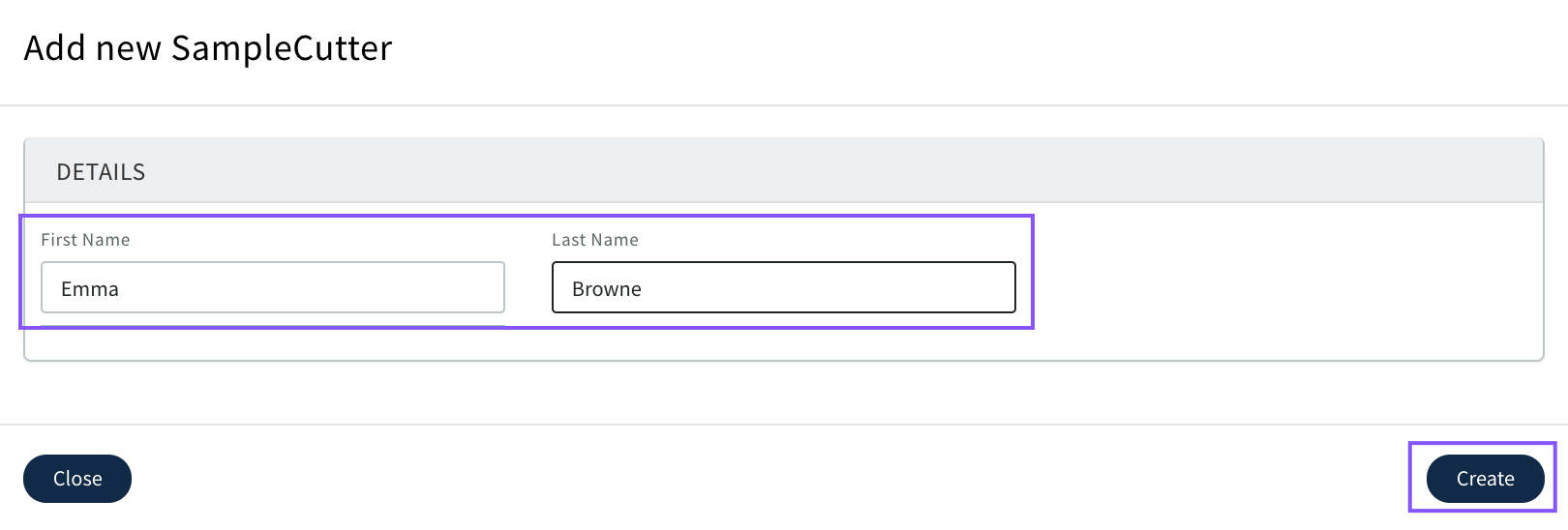
Complete name CLICK 'Create'
The new name will appear and be available for selection
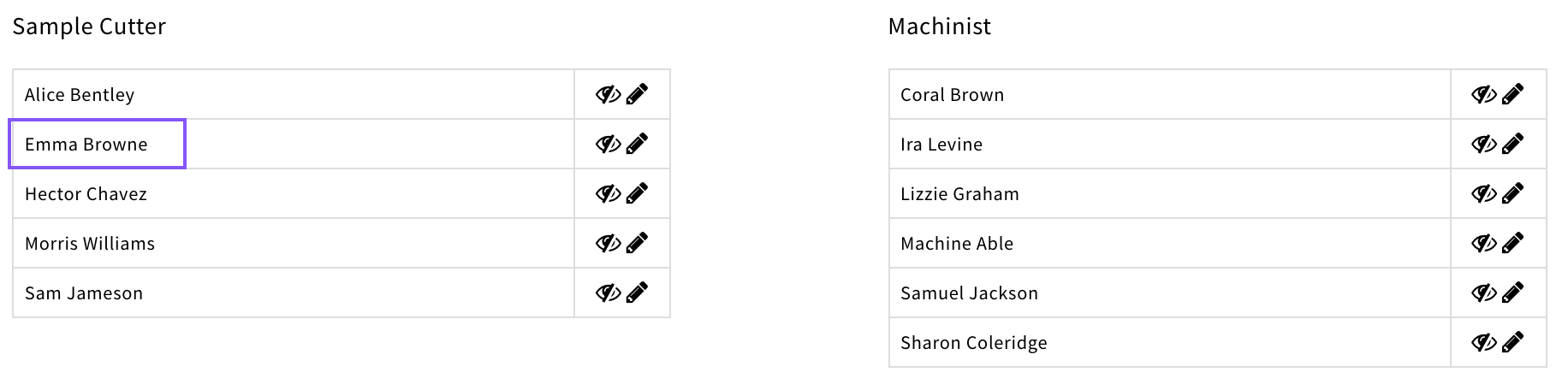
To edit use
To hide from drop downs when you no longer need them to be available for selection use the eye icon. Once greyed out it will no longer display
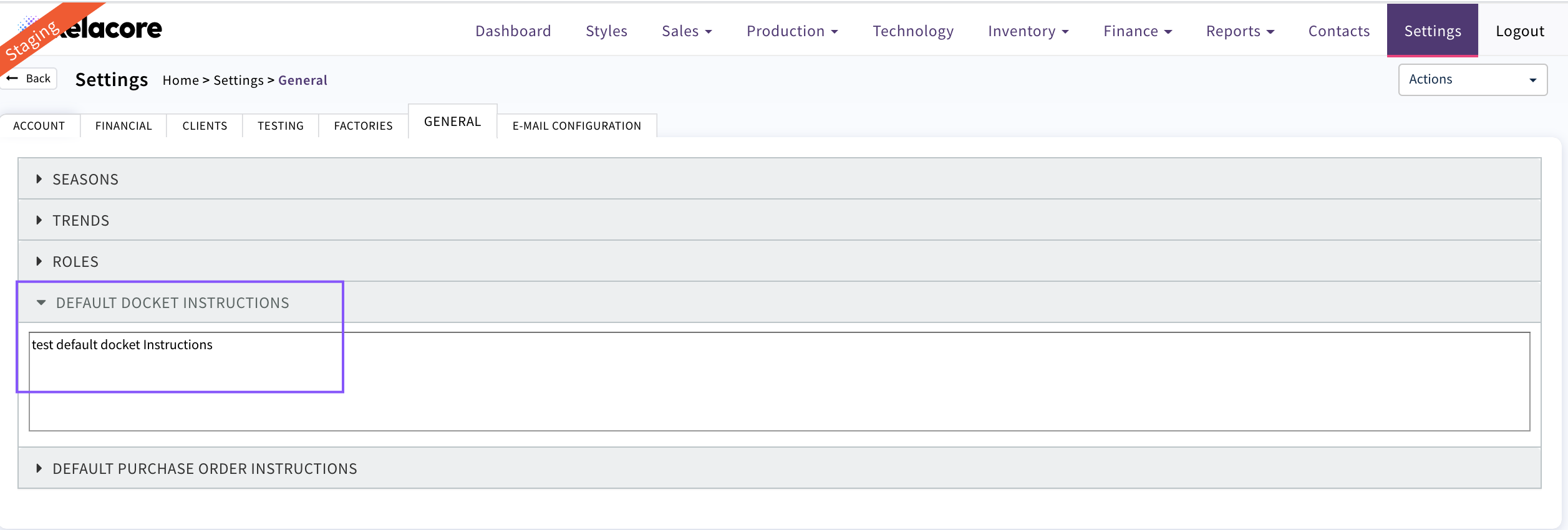
Default Docket Instructions
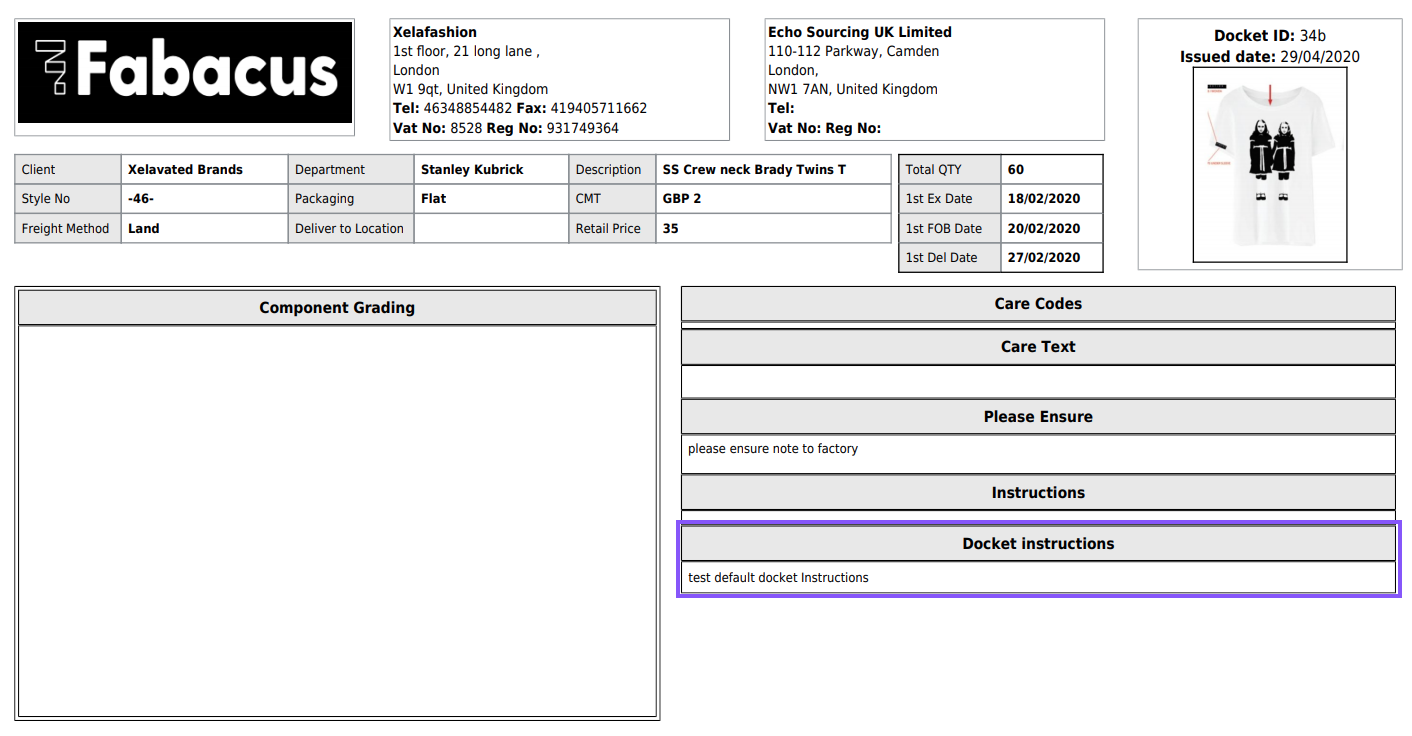
If there are no Docket Instructions by Client in Settings /Client these docket Instructions will print on dockets created
As displayed on docket
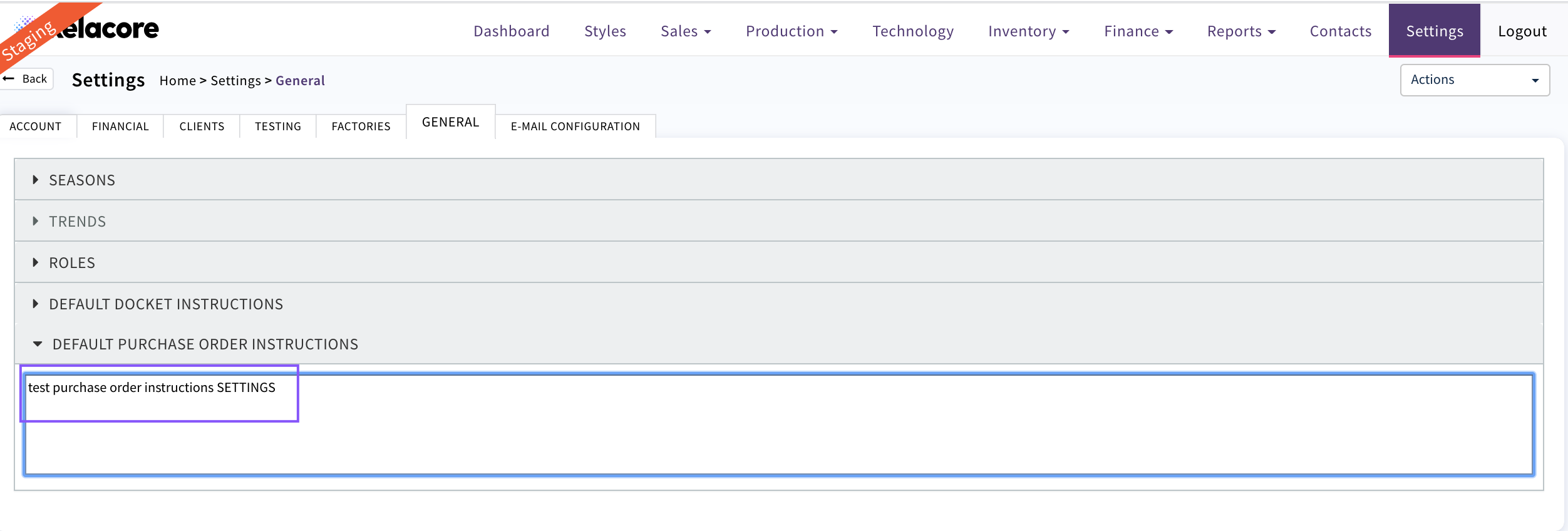
Default Purchase Order Instructions
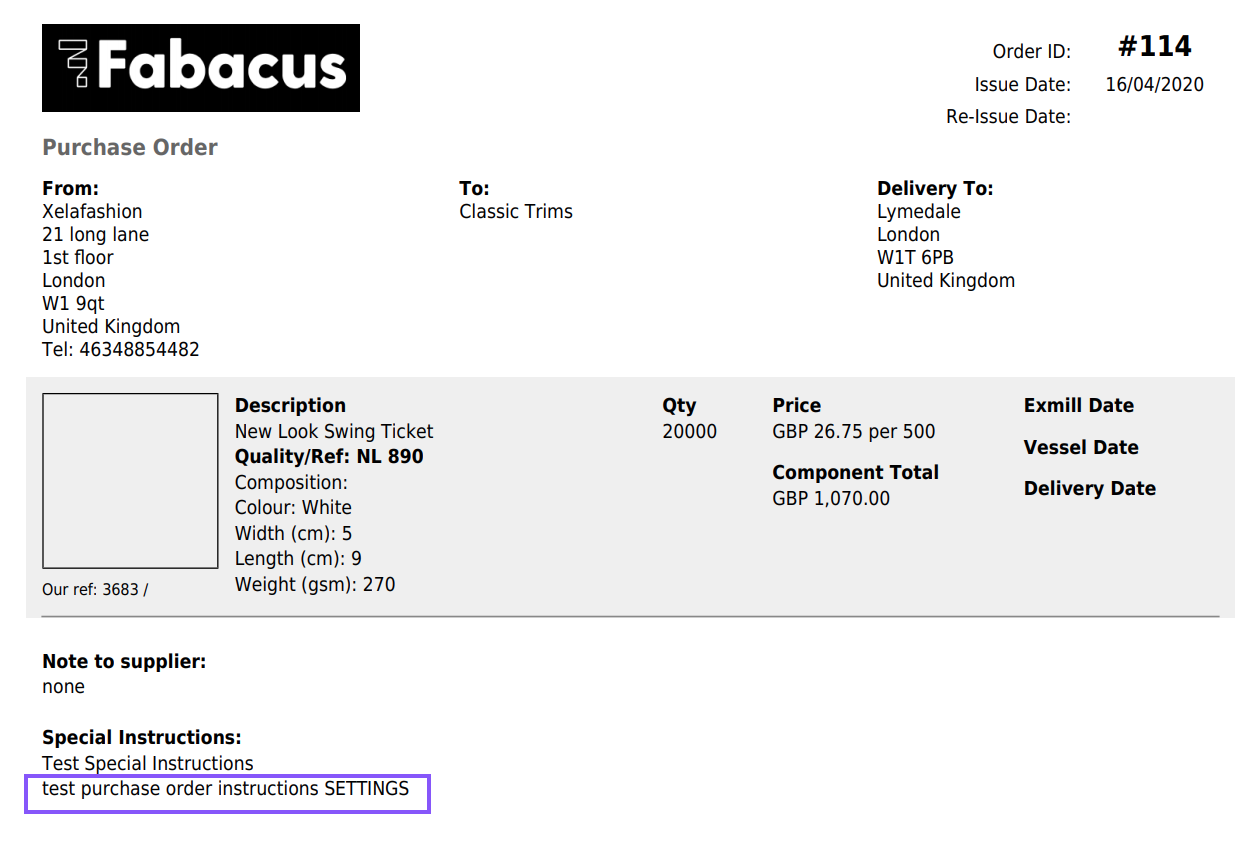
When completed these instructions will appear on any Component Purchase Order to your Supplier
As displayed on the Suppliers Purchase Orders
0 Comments