The audit of components should be used after the factory has completed production or an order has been cancelled by a Client to maintain accurate Inventory records
The Audit tab will display all components that have been allocated and the balances that may be expected to be left over from production if no additional units are made.
You can then use the audit page to;
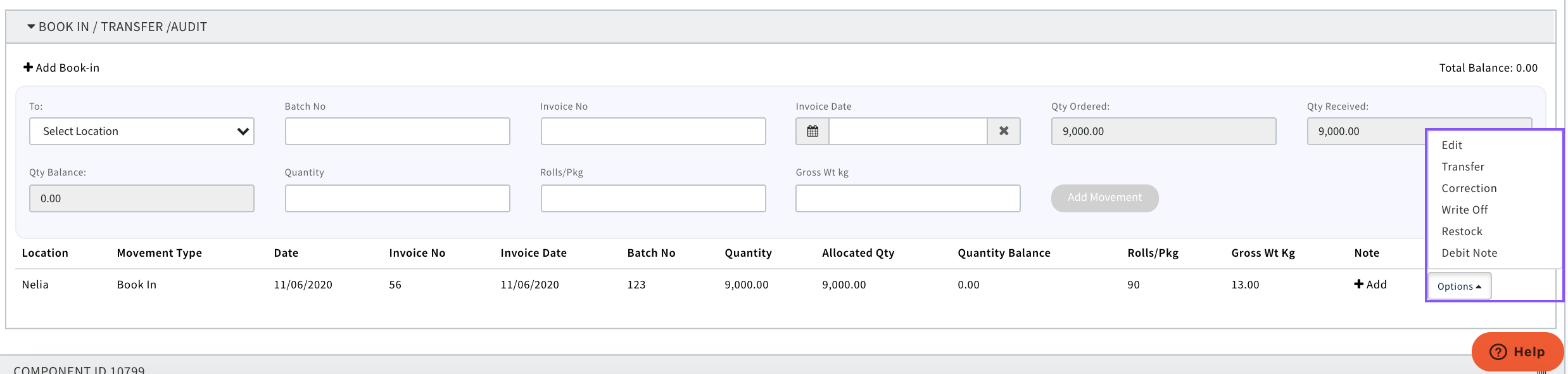
'Write Off' - stock cannot be used on a future production order
'Restock' - Put back into stock to be used on another Production Order
'Transfer' - Move the component to another location to be utilised on another Production Order
'Debit Note' - Create a debit note against components to be returned to a Supplier
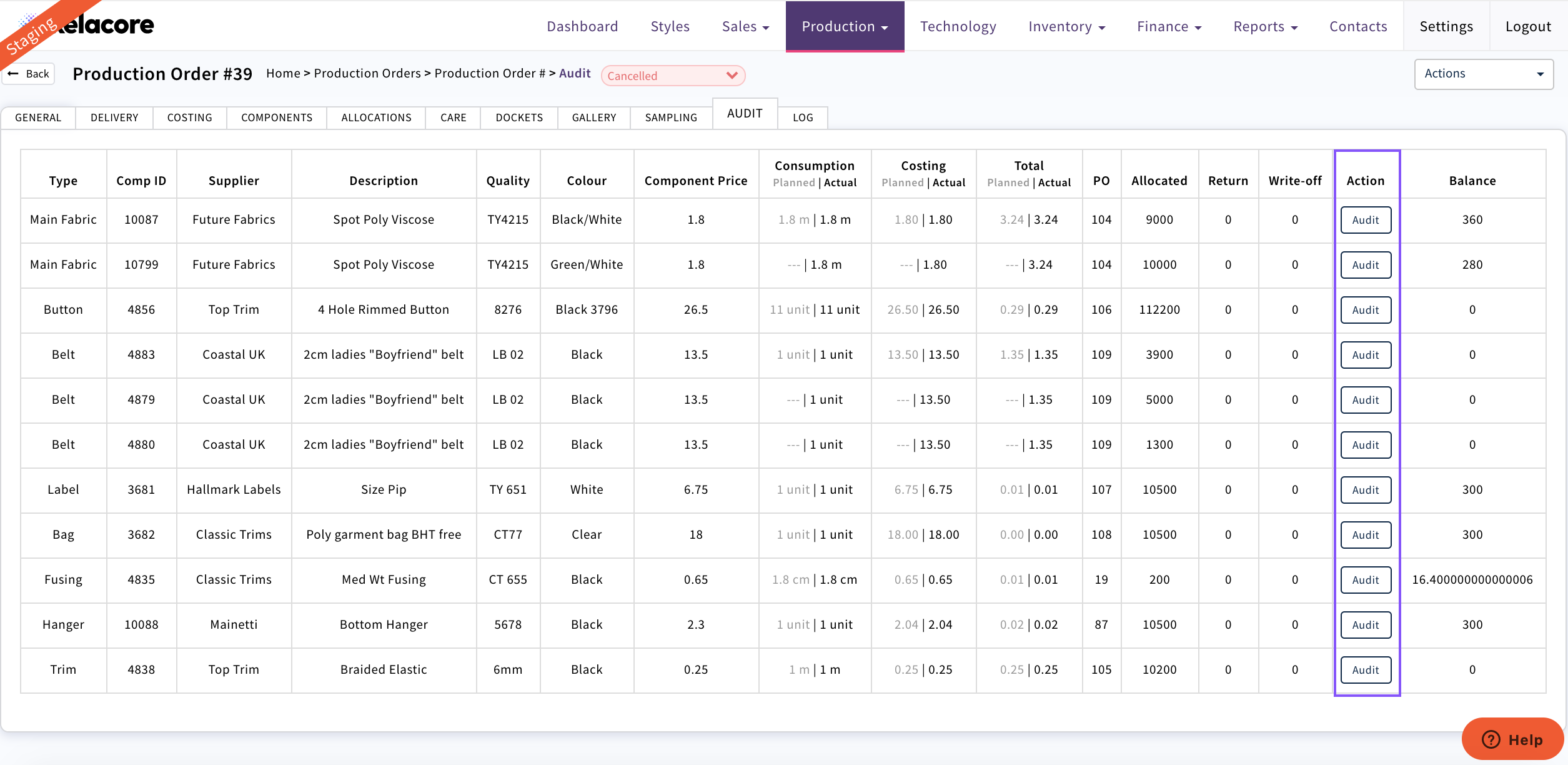
Select the 'Audit' button against the component you need to take action
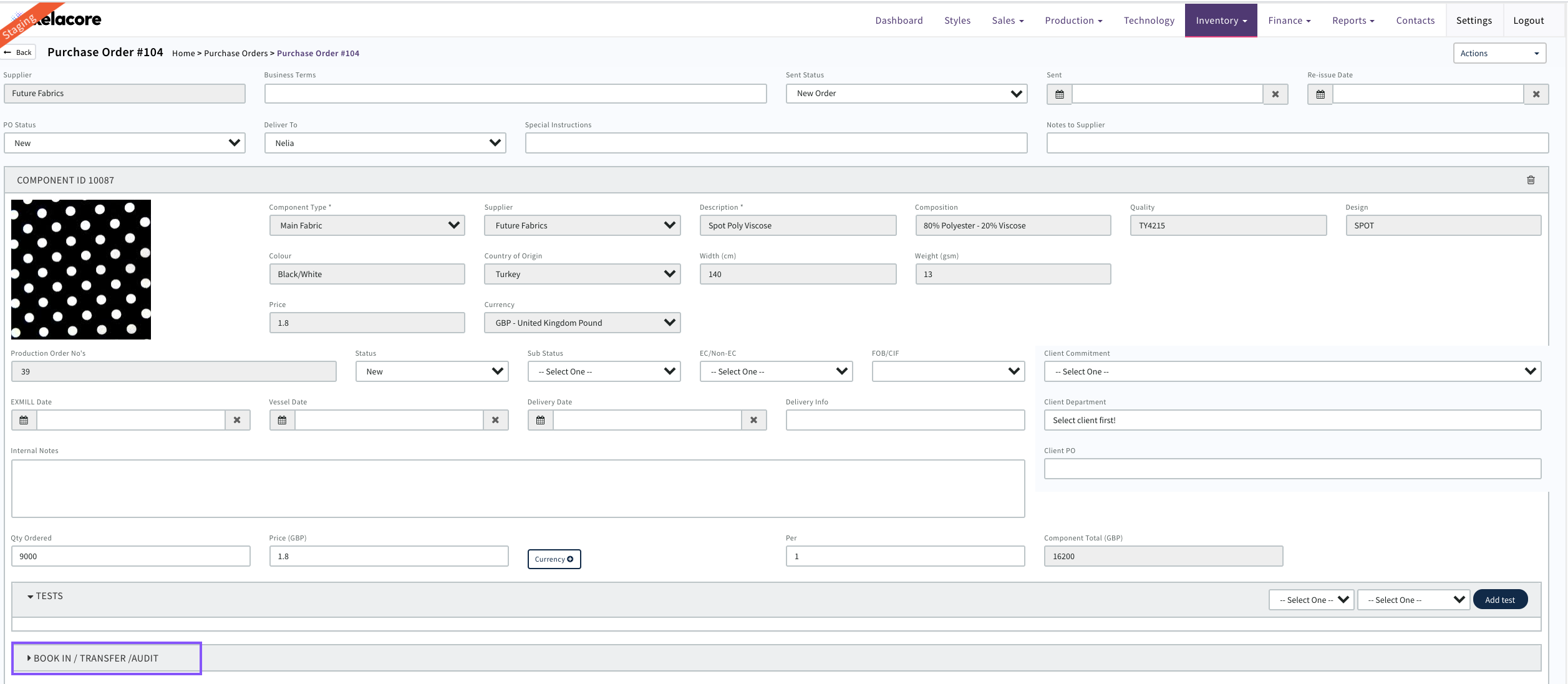
It will then take you to the Component Purchase Order
Open the movements box 'Book In/Transfer/Audit'
Select the action you wish to take against the relevant 'Book In'
See 'Inventory Audit' for next steps
0 Comments