Once Inventory has been received and Booked In on the purchase Order you can transfer to another location e.g. You have received fabric into your warehouse and you now are sending it to the factory for production
Please Note;
1. A transfer cannot be made to the same location as the Book In.
2. A Transfer can only be completed on Inventory that has not yet been allocated to a Production Order. If you need to transfer and the component has been allocated you will need to cancel the allocation and then complete the transfer and then allocate again.
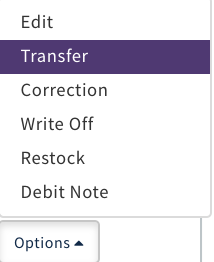
CLICK 'Options' Select 'Transfer'
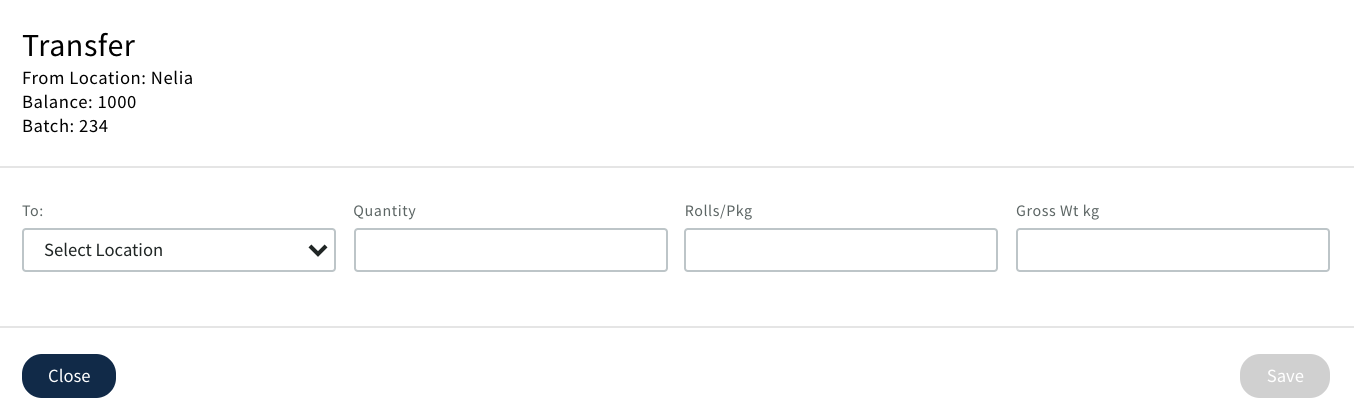
Pop up displays
Select Location
Populate; Quantity / Rolls/Pkg / Gross Wt kg
CLICK 'Save'
Note; You cannot transfer more quantity or rolls/pkg than is available
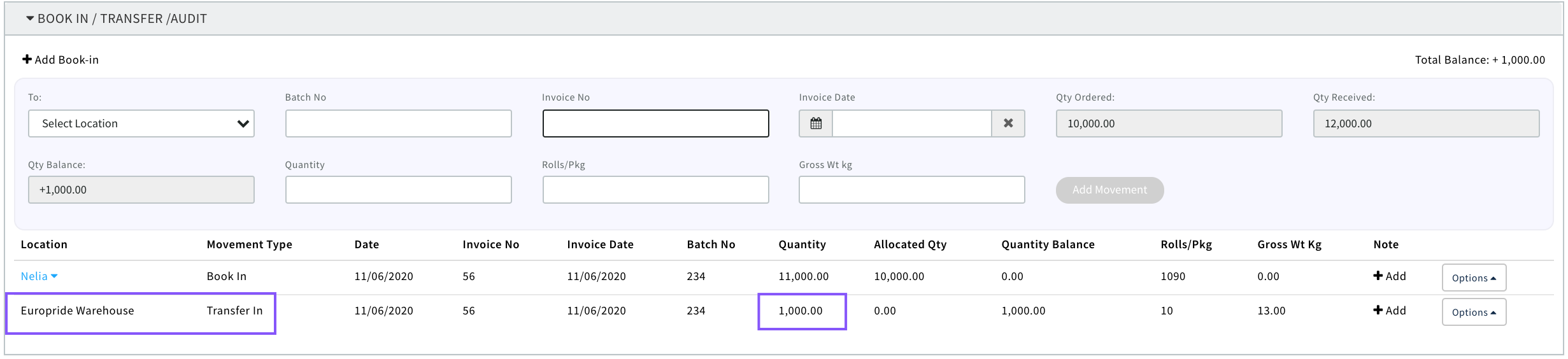
The Transfer will then display in the movements box on the Purchase Order
If this stock then needs to be written off, put back into stock or returned to a Supplier and a credit note created see 'Inventory Audit'
0 Comments