Print and Mail a Sales Order

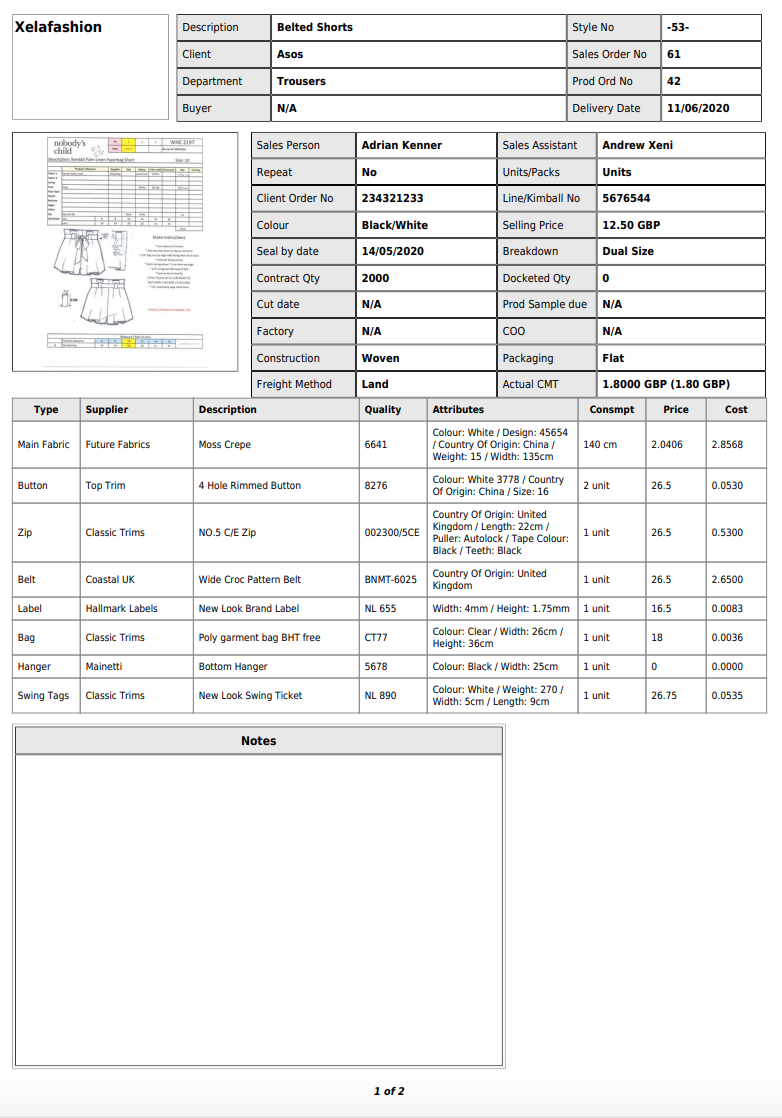
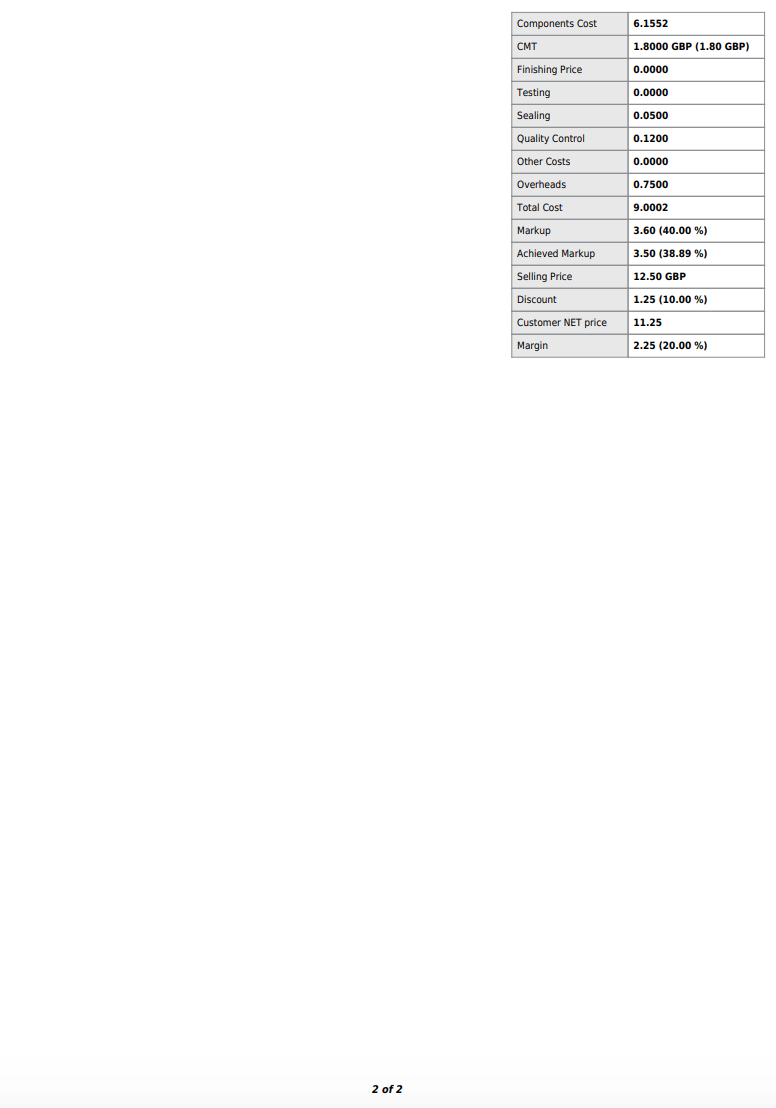
 Once a Sales Order has been created you can print a pdf if required

Open your Sales Order

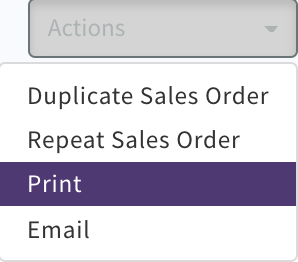
Select 'Action' 'Print'
Screenshot_2020-04-22_at_12.28.31.png

Screenshot_2020-04-22_at_12.39.57.png

Screenshot_2020-04-22_at_12.40.14.png

To Mail to team members or Clients 

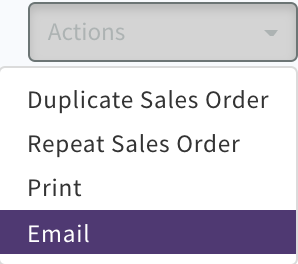
Select 'Actions' 'Mail'
Screenshot_2020-04-22_at_12.35.25.png

Select and complete recipients, add any message CLICK 'Send Mail'
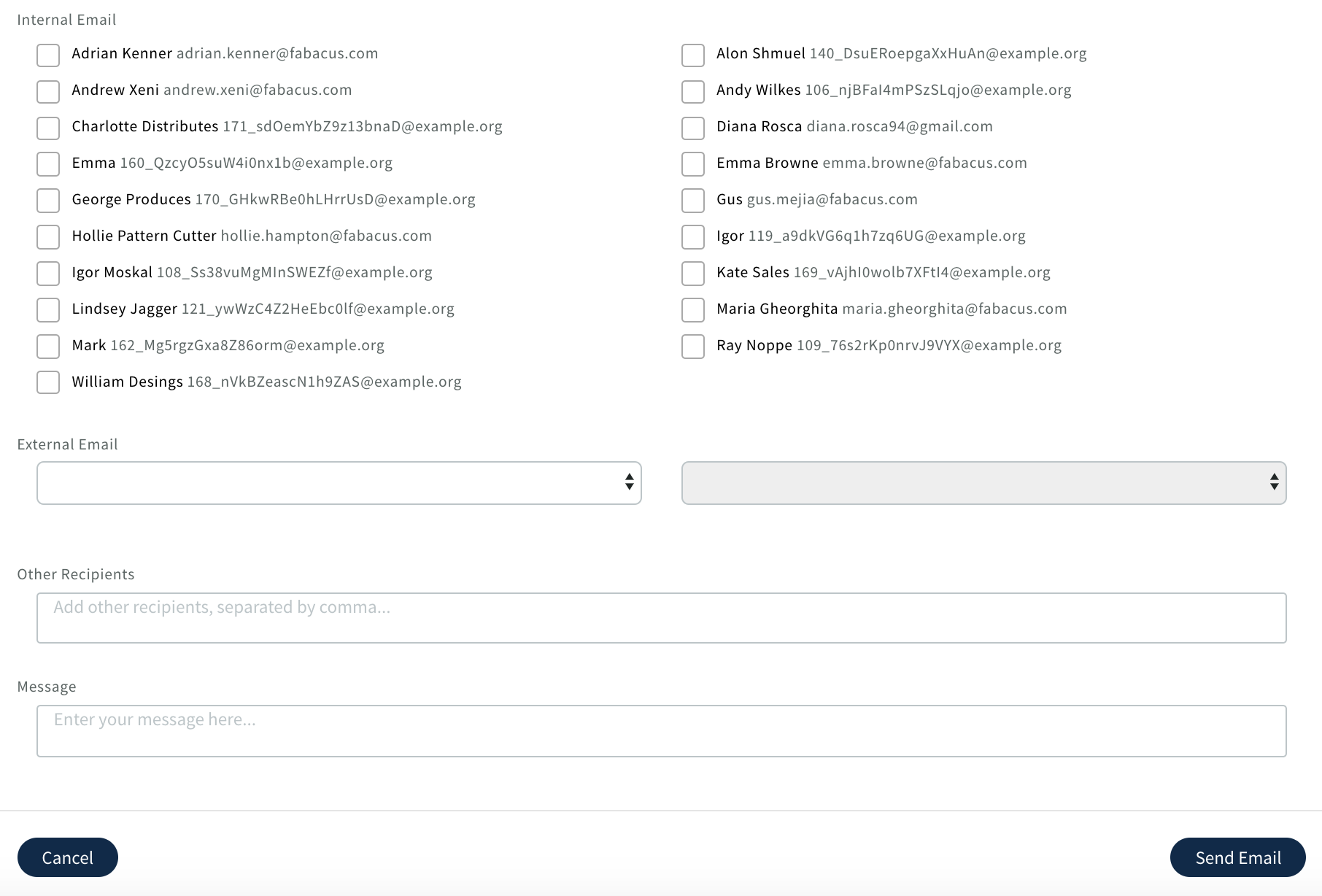
Screenshot_2020-04-22_at_12.34.47.png

Success message will display 


Was this article helpful?
0 out of 0 found this helpful
Have more questions? Submit a request

0 Comments

Article is closed for comments.