Wash Care labels 'Date Ordered' 'Date Received' can be selected
Once date ordered has been selected then in the List view 'Y' 'N' will display
Technology List View
Garment and Component Testing Indicators can be marked and will display in the Technology List View to assist with workflow
Whole Garment Testing
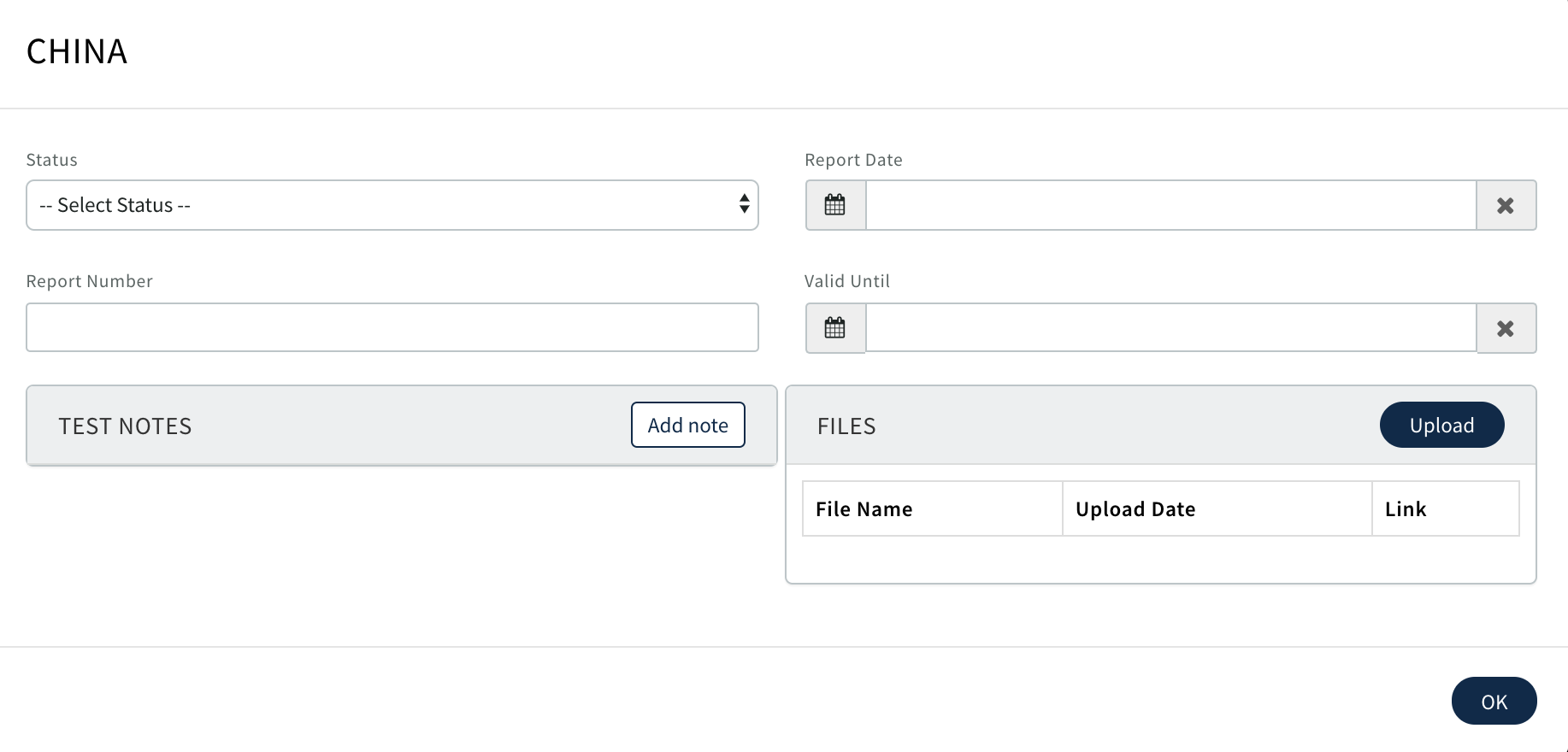
Once Garments have been sent for Testing if required all the details and Reports can be uploaded in this page
Use

Complete or edit in the pop up. Click OK
Component Tests
Once components have been allocated on the Production Order and Purchase Orders created for Suppliers any testing requirements and status completed on the component Purchase Order will display on this page
0 Comments