In Order to Manage your Clients Production Orders through there Critical Path you need to set your Client details in Contacts
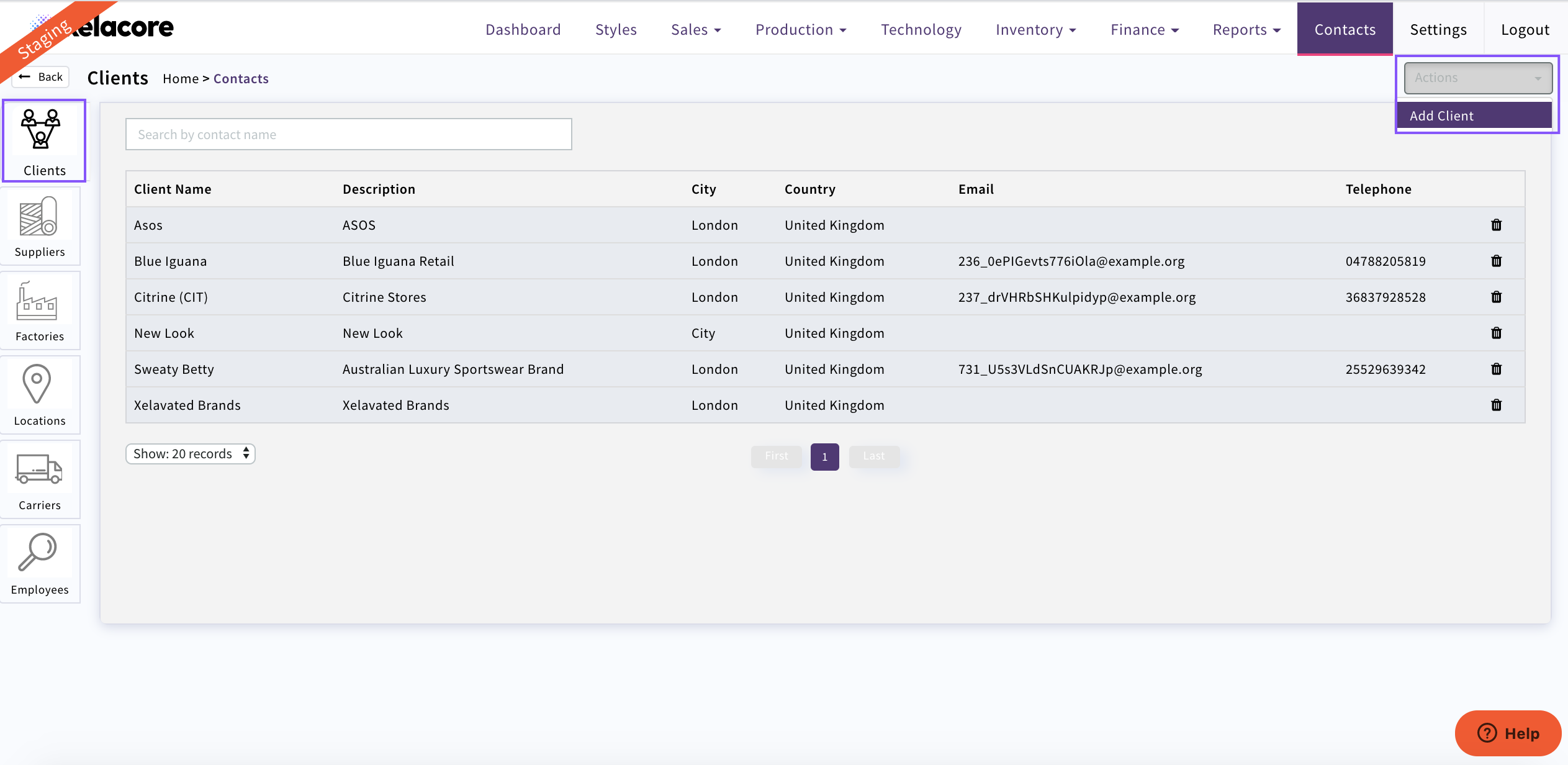
Select 'Contacts' CLICK on the Client symbol on the left
Here all your current Clients will display. To create a new Client Select 'Actions' 'Add Client'
Fill in Client details including any payment discount that they may apply as this will impact your Profit margin and Selling Prices to Clients
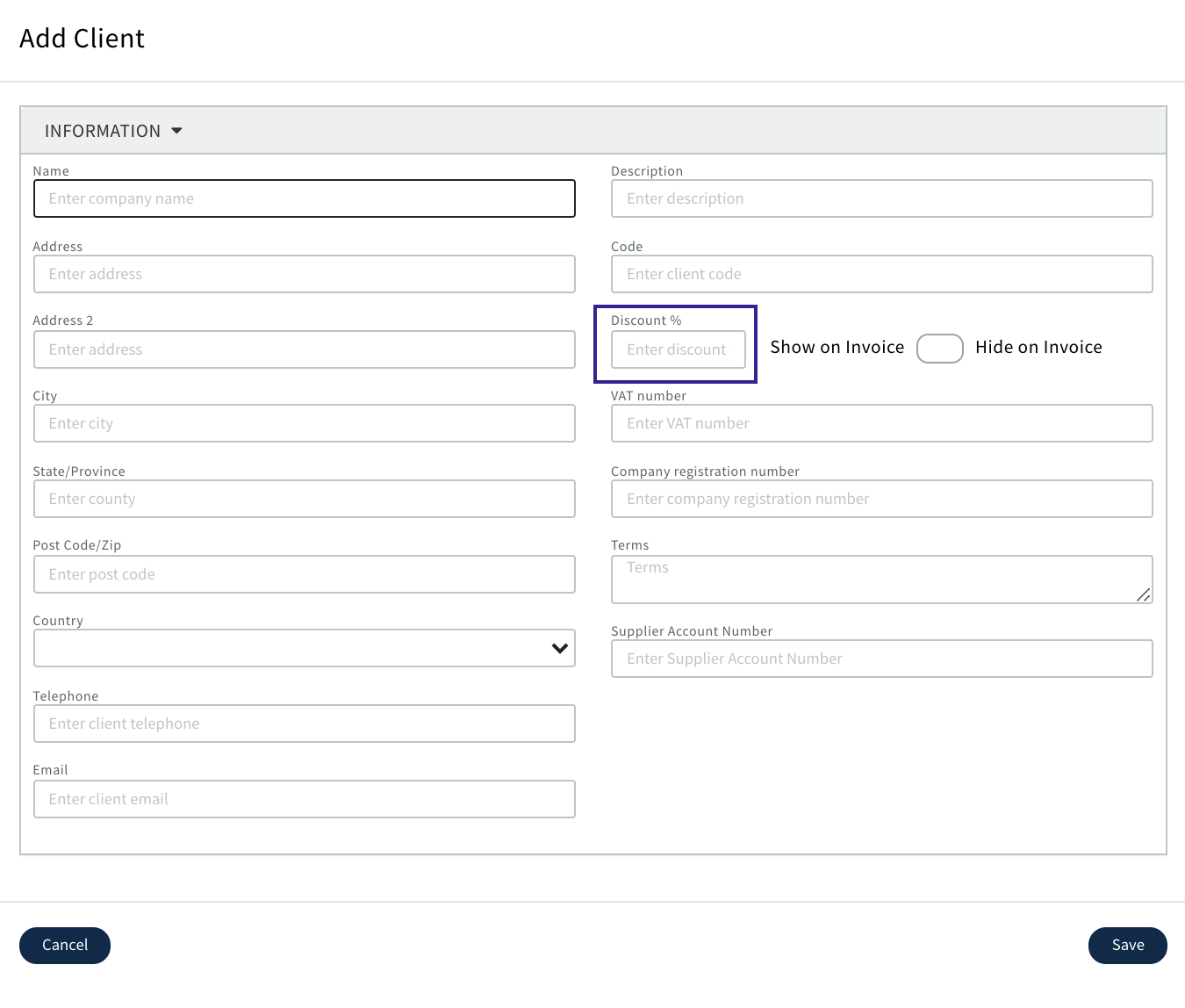
Once completed 'Save'
Please Note;These Details can be edited at any point however if Discount is edited it will only be applied to new Sales Quotes created
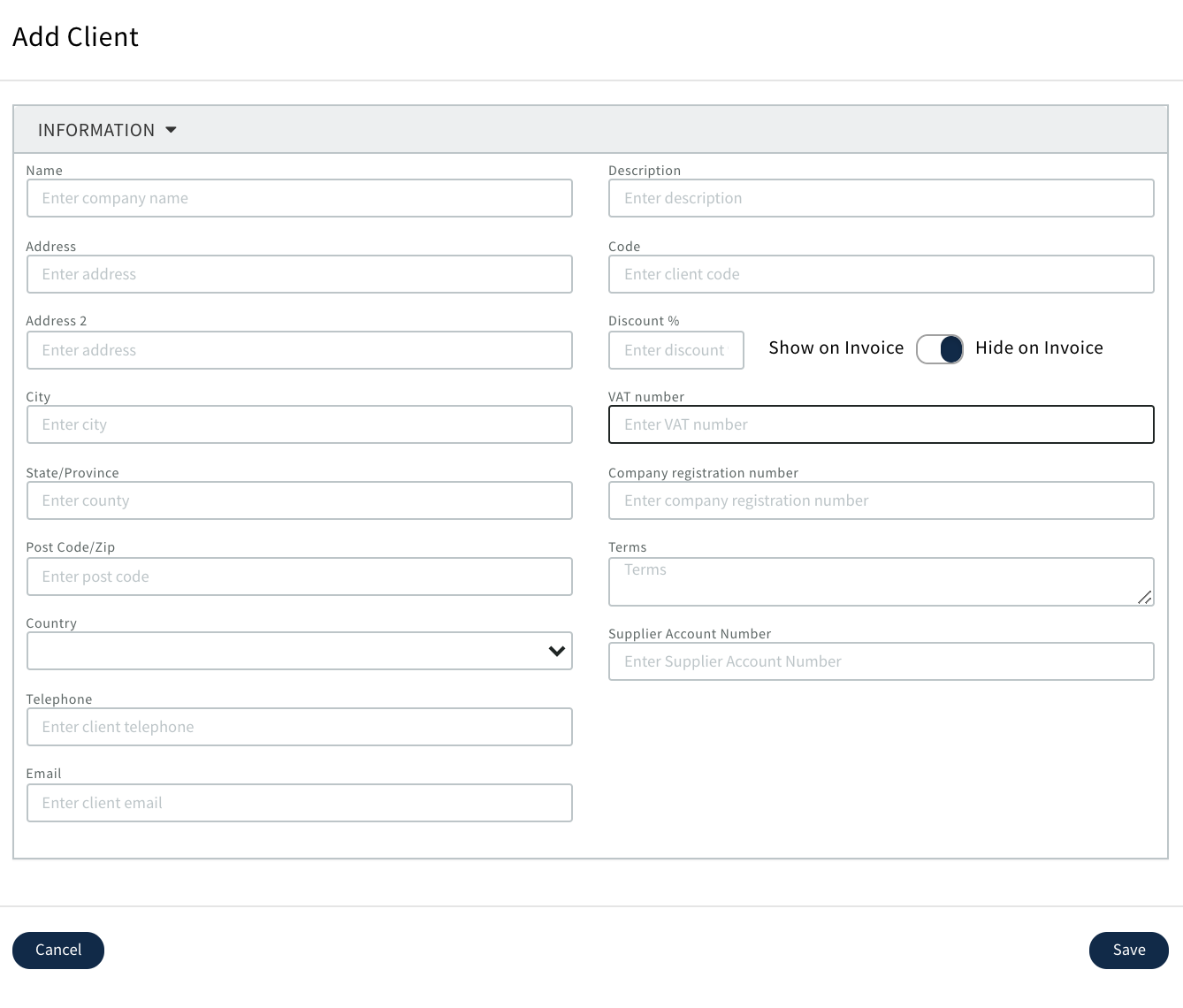
If you do not want the Settlement discount to display on the invoice then use the below indicator
More Detailed Information needs to be completed in 'Settings/Clients' to be able to complete a Productions Order for the Client
0 Comments