When a Client sends you a repeat of a Style that they have bought before you can save time by repeating a previous sales order.
Open the Sales Order
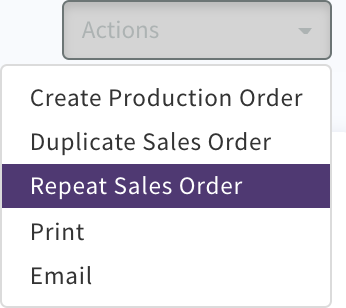
Select 'Actions' 'Repeat Sales Order'
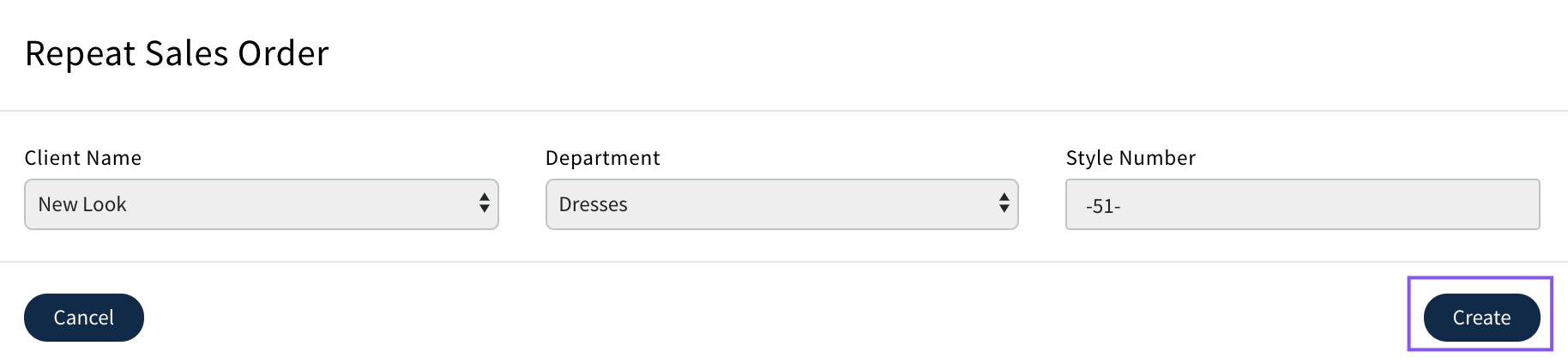
Pop up will display
Select Create
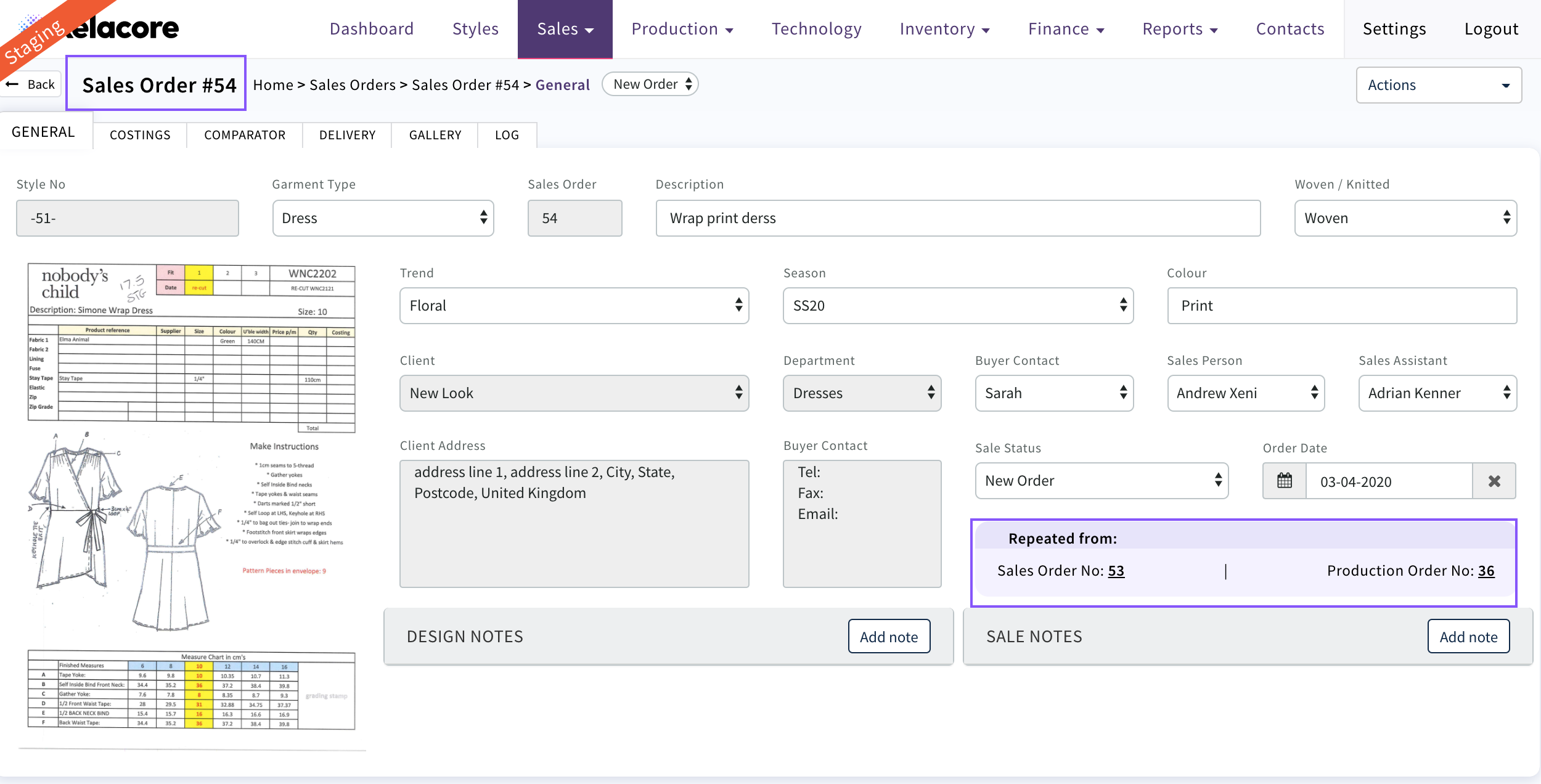
A new Sales Order will be created with a new Sales No
On the general page the of the new Order the repeated from number will display
Now any modifications to the costing can be made if required, deliveries created and then used to create a new production order
0 Comments