Once your Production Order has been created the team responsible for the manufacture of goods i.e. the production team need now make sure they ensure the on time delivery to the Client of this Order so that you do not incur any penalty charges
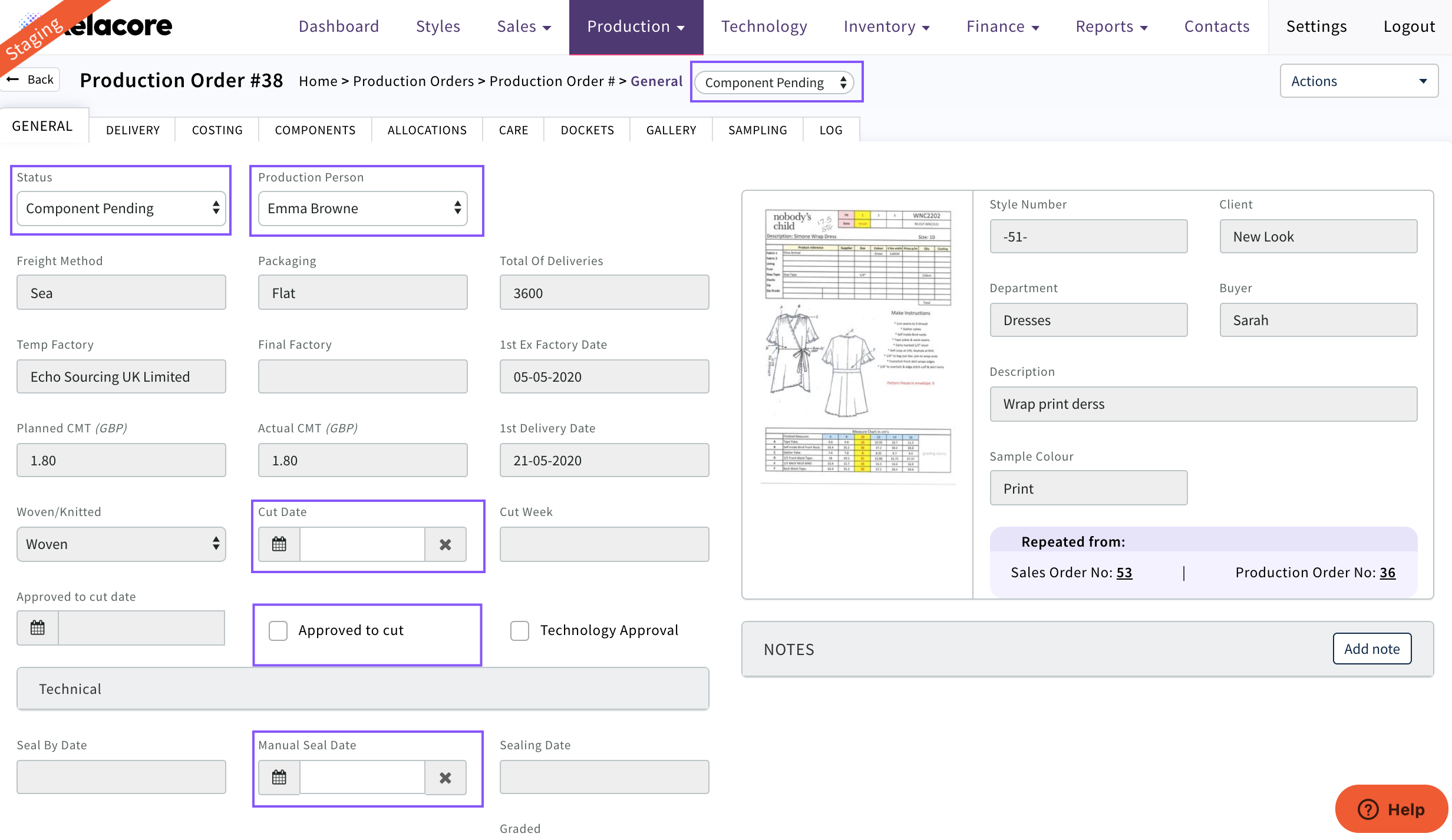
Select the Production Person who is responsible for this order
The status of the Order will automatically change from 'New Order' to 'Component Pending'
The cut date can be selected if known
If it is a repeat order and does not require fitting/sealing 'Approved to cut' can be selected and this Order will not display in the Technology List View
If a seal date has not generated then a 'Manual Seal Date' can be created to manage the critical path
0 Comments