If a Client wants to buy the same style that you have already sold to another Client you can use the 'Duplicate Sales Order' option
This will copy all of the previous sales order details which can be modified as required
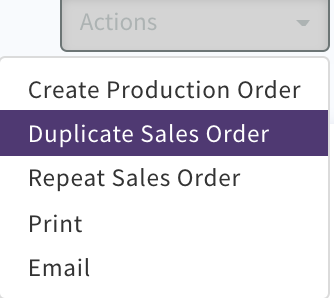
Select 'Actions' 'Duplicate Sales Order'
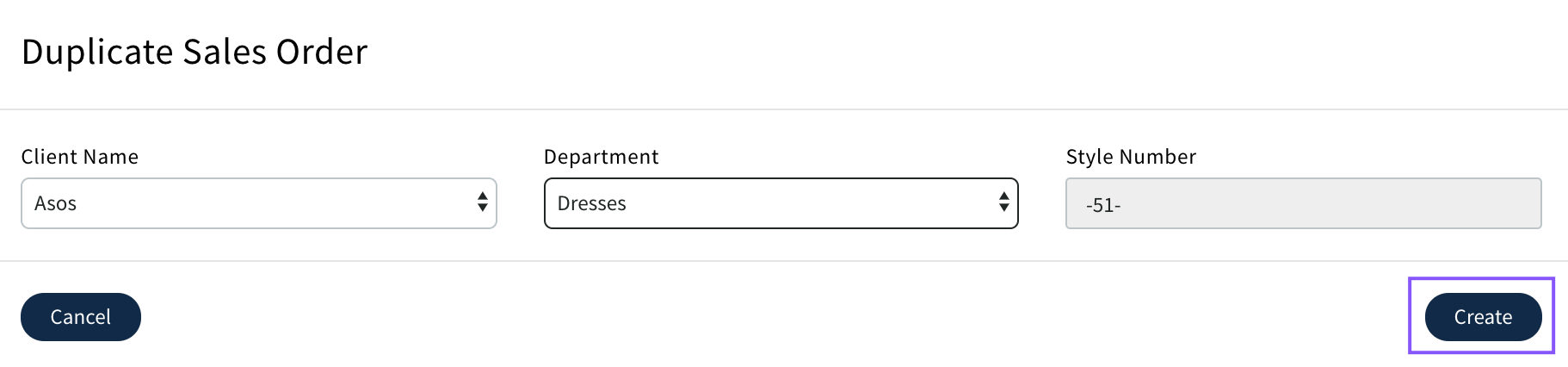
Select Client and department for the new sales order then 'Create'
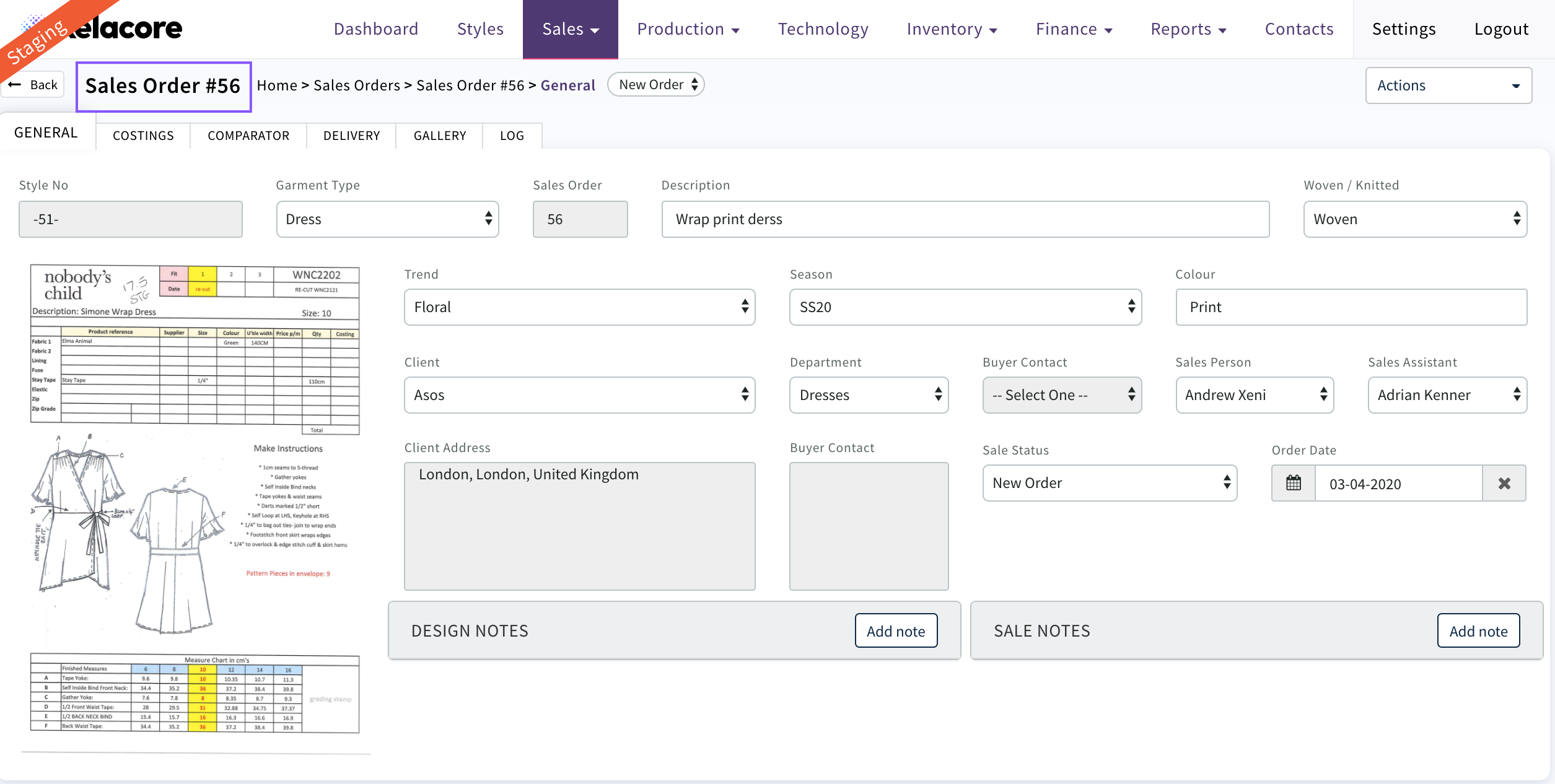
New Sales Order will be created
The costing can be modified and then delivery details completed before creating the production order
0 Comments