You may wish to verify the accuracy of your purchase order prior to sending via email to your supplier.
A quick check to verify that you have completed the mandatory and optional fields for each component on the purchase order can ensure speedy processing of your orders.
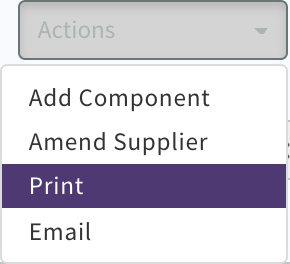
Select the "Print" option from the Actions drop-down button.
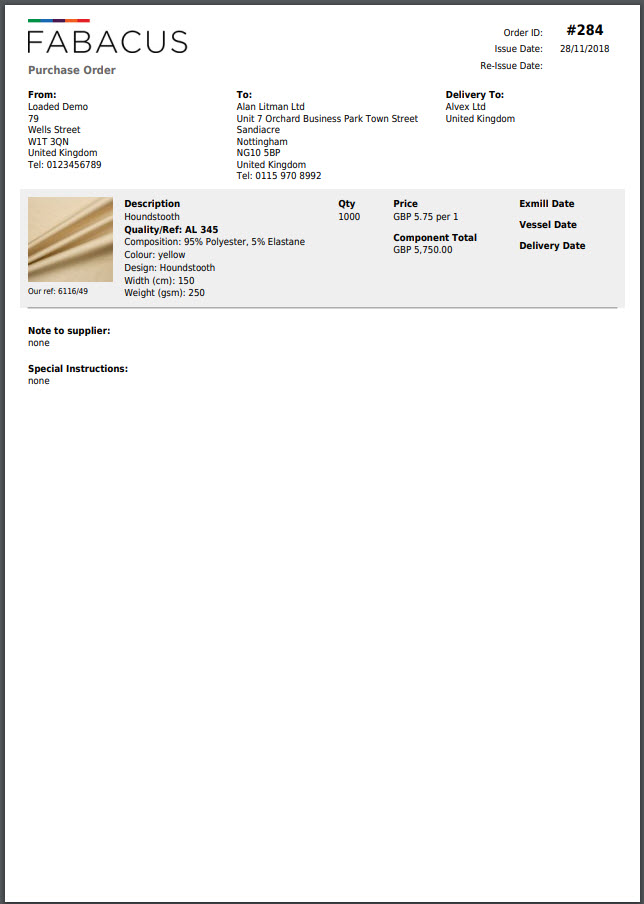
Xelacore will process the document as a Pdf (Adobe Portable document format) and display it on your screen, where you can choose to download and save it to your computer or print directly to your network printer.

0 Comments