In Order to get the maximum benefit from Quick Quotes the following tables in Settings need to be set up
Any information in here can be edited but will only be applied to any new quotes created unless applied using the button e.g change freight costs

Select Settings Quick Quotes tab
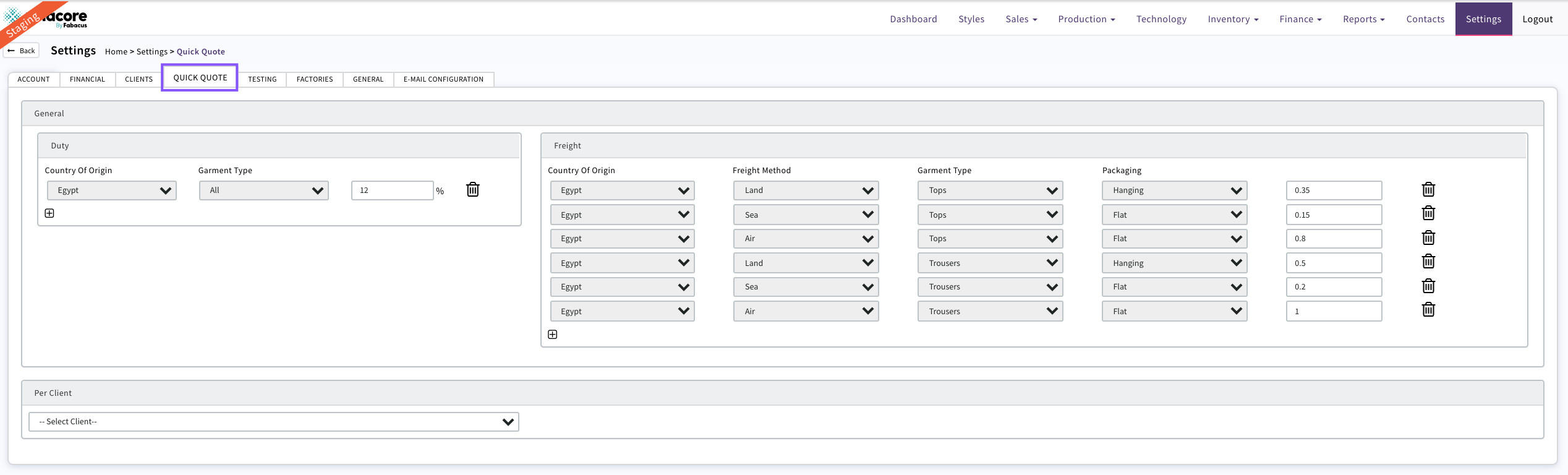
Any information filled in the 'General' box will apply to all Quick Quotes created for all customers e.g. duty by garment type and freight costs

Duty Select +

Select COO, Garment Type and populate % value
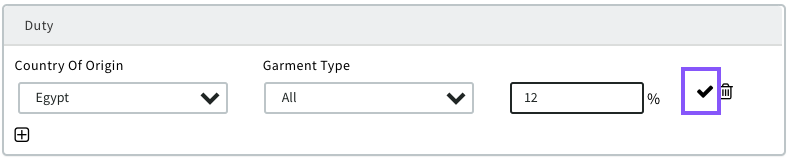
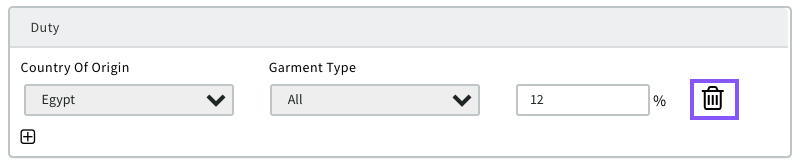
Click on the tick symbol the duty is then set. This can be edited or deleted at any time. Edited duty will only be applied to new quotes
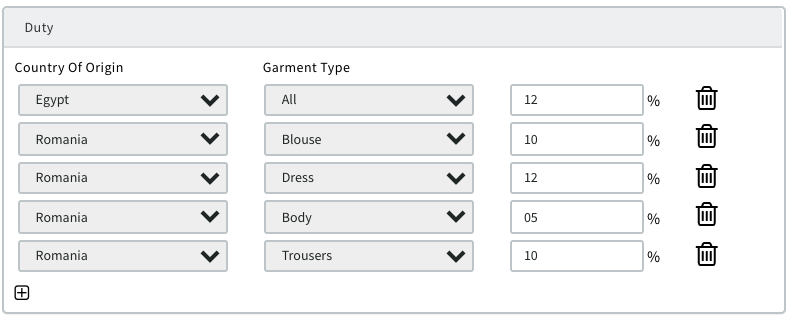
Continue until all options relevant to your business have been completed
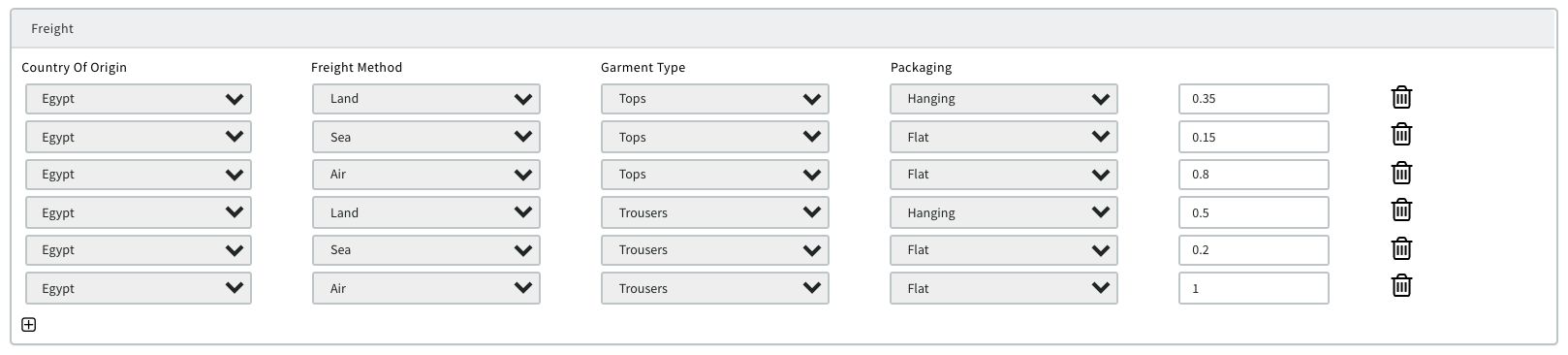
Freight use the same method as above to set up relevant freight costs by COO and garment type to be applied to quotes
Per Client

Select Client from drop down. Only Clients in Contacts Clients will display
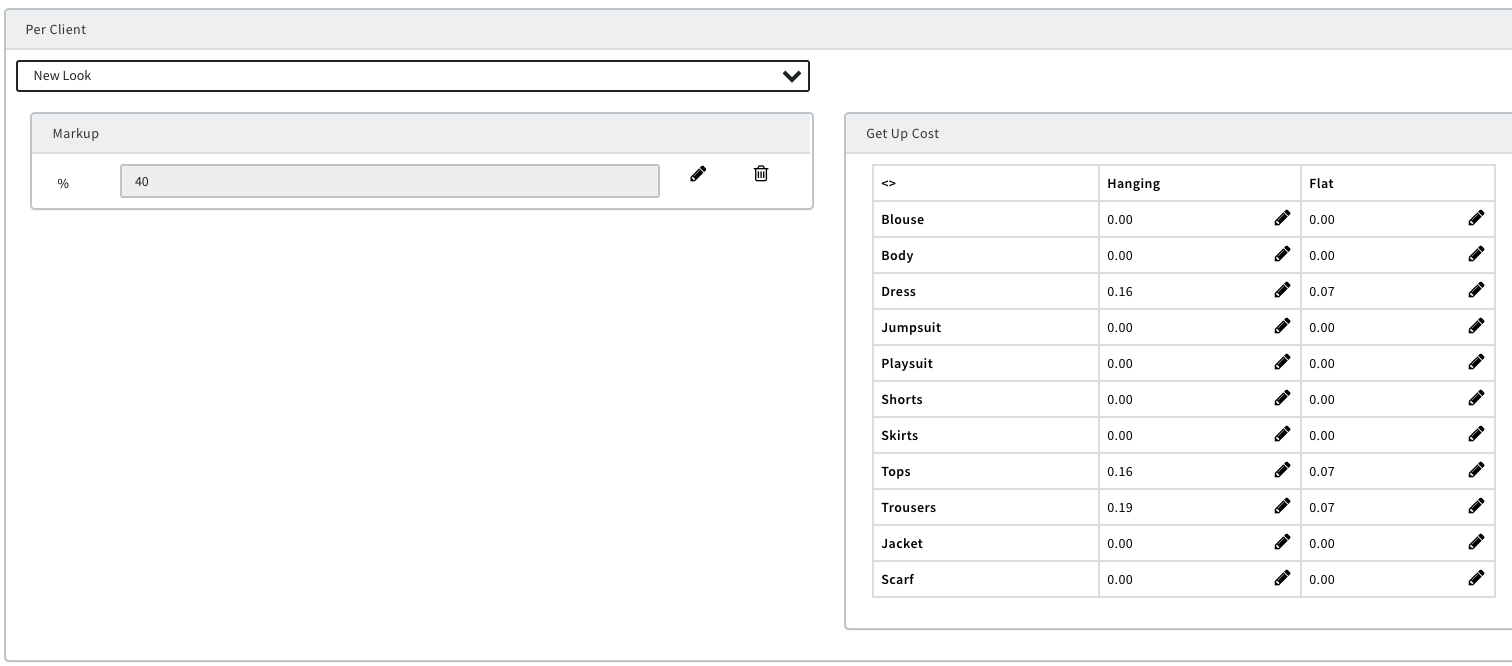
Markup The amount you want added to the cost of goods to allow for a profit margin to be achieved. This can be edited on the quote if required
Get Up Cost For each customer you will have set labels and packaging costs that you apply to certain garment types. These can be set in here and then will be automatically added to any quote by Client /Garment Type
Select

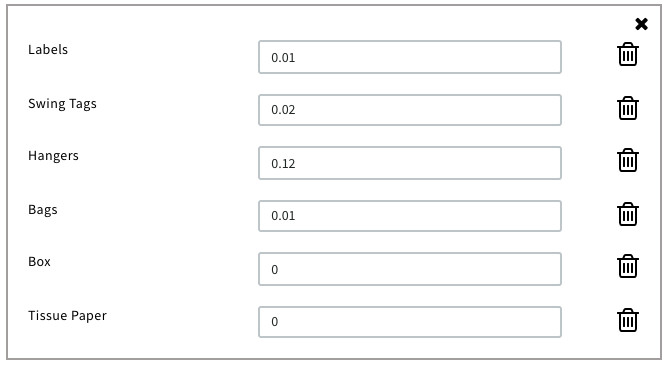
Pop up will display and costs can be added /edited
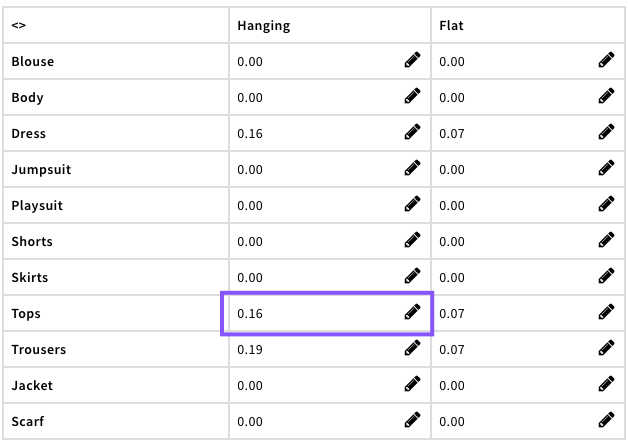
It will then display and be automatically added to quotes for that Client/Garment Type
0 Comments