This report can be used to plan production and help financial planning.
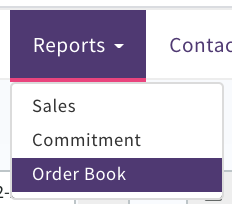
View your Sales and Production orders by a timeframe selected and filtered by; Garments (Sales and Production Orders)
- Client
- Group
- Department
- Factory
- Country of Origin
or by;
Components
- Component Type
- Client
- Department
- Supplier
- Deliver To (Location)
- Country of Origin
Select which type
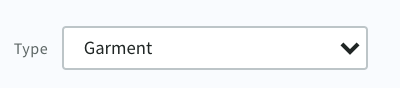
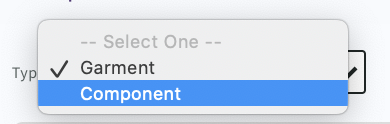
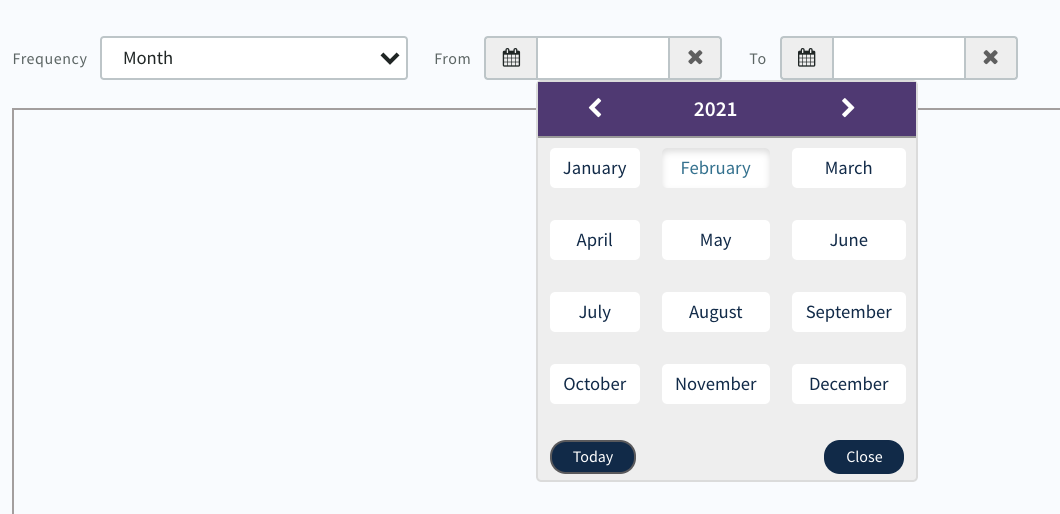
Select Frequency from drop down options
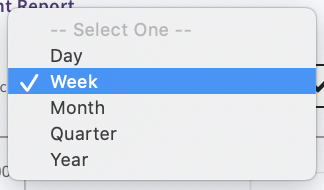
Note; A week starts on a Monday and ends on a Sunday (only these days can be selected)
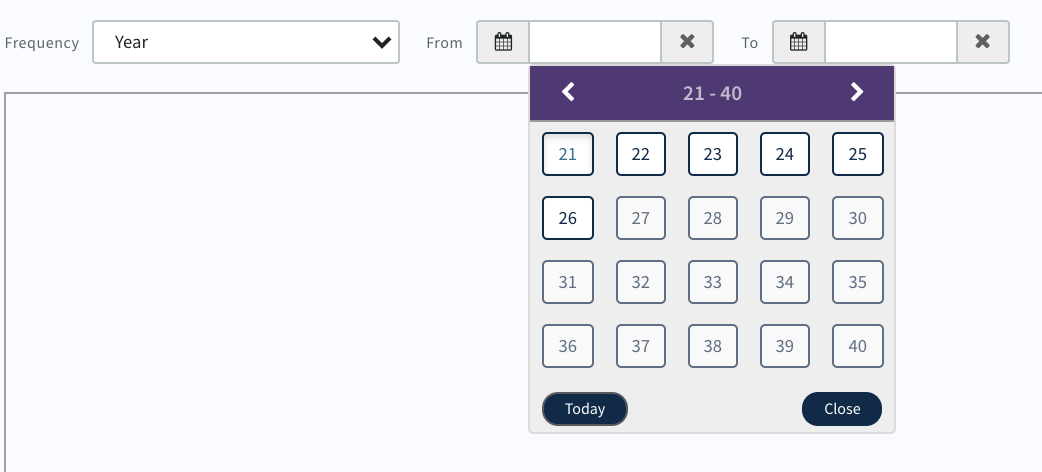
Use the 'From' and 'To' calendar to define timeframe
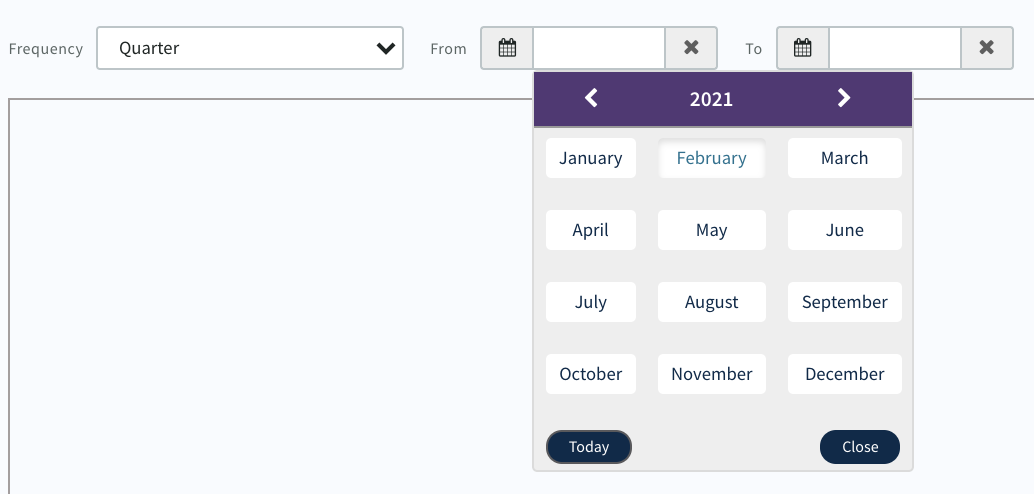
Select the start month and end month of the quarter e.g. January and March
Data will display in the Table
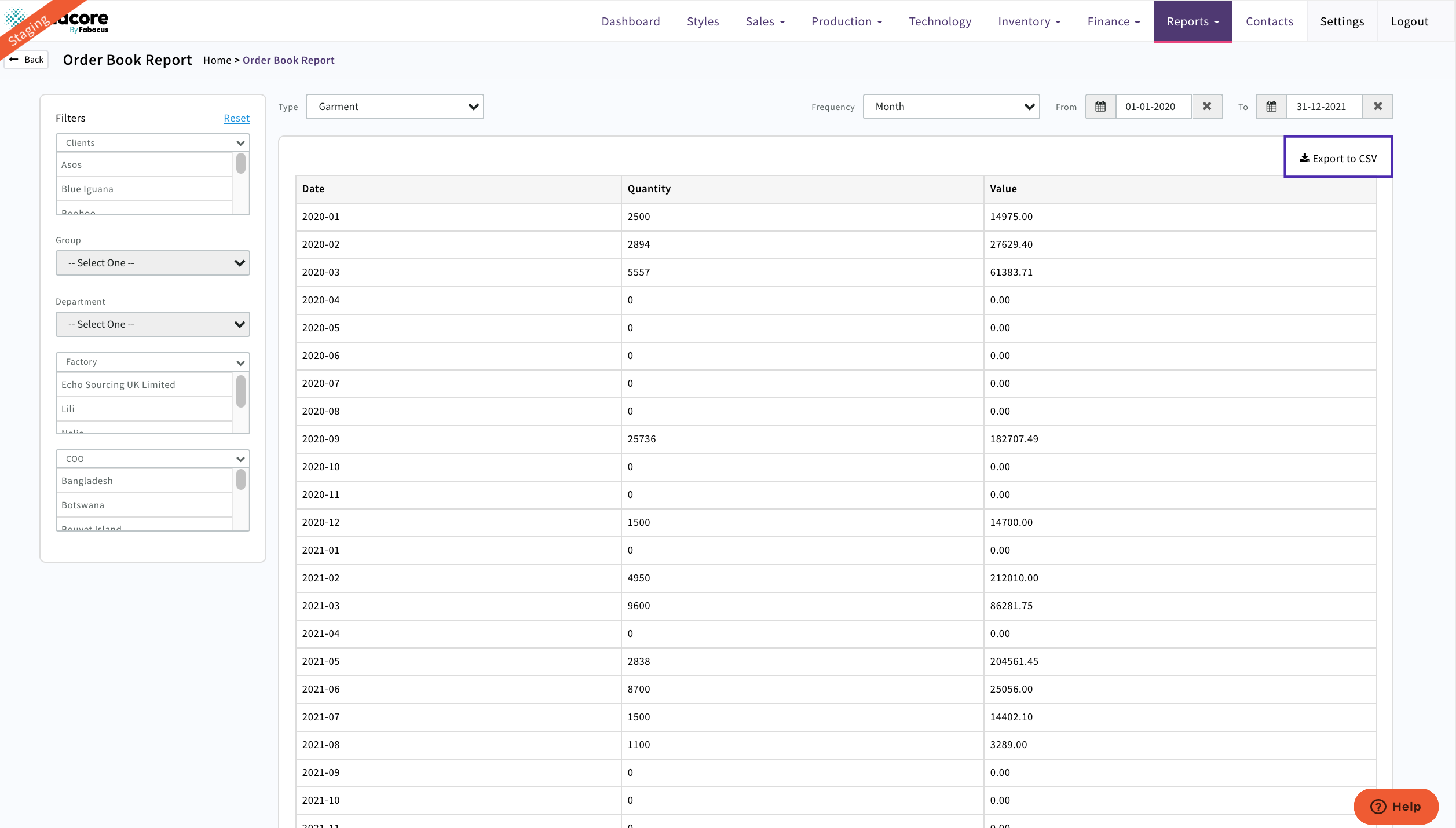
Export to CSV to download your excel report
0 Comments